
Template
AI Sticker Generator
Upload an image to start your template-based generation.
Upload Image
AI Sticker Generator
Turn the Photos You Love Into Stickers
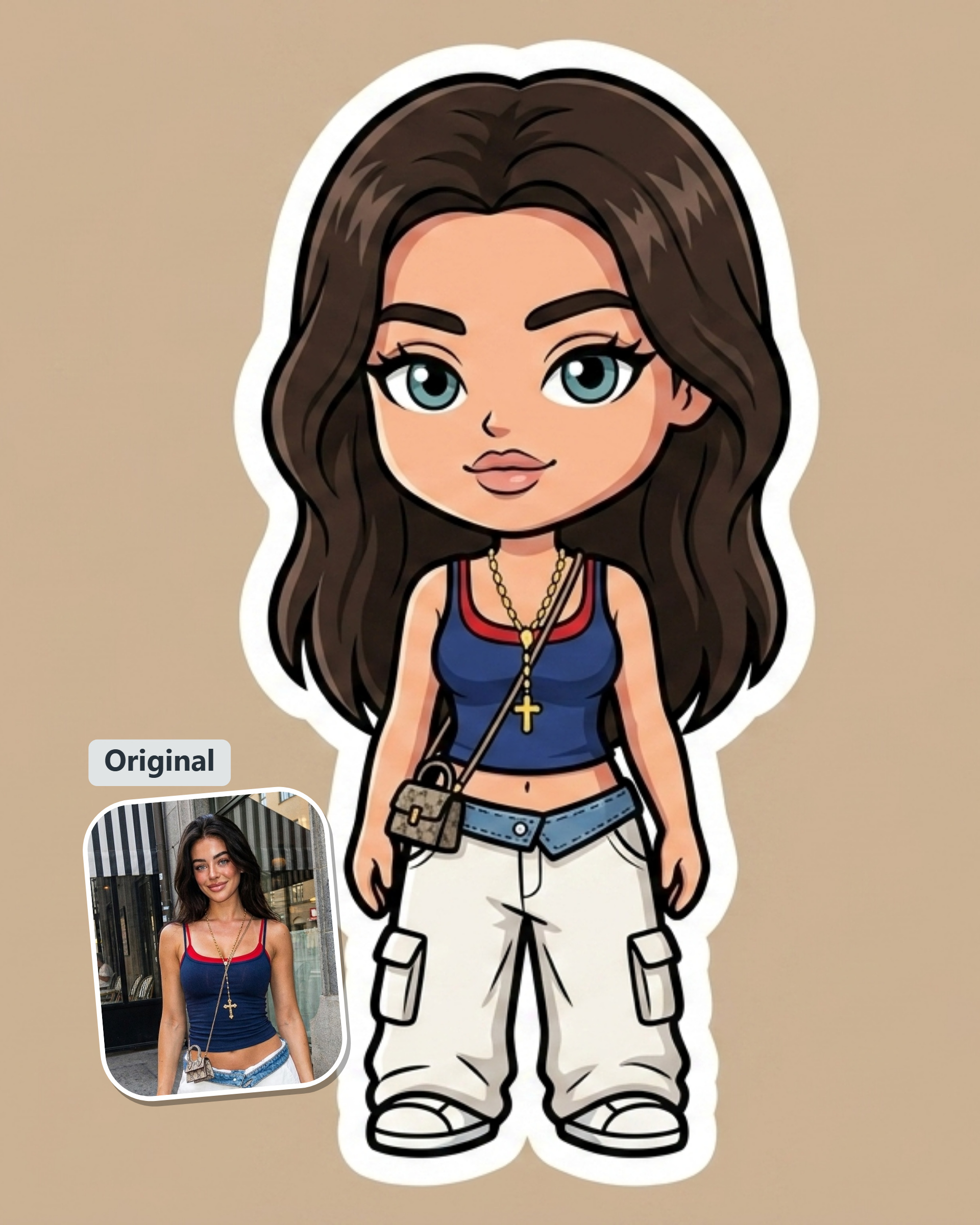
That photo of your dog, your best friend’s face, or the one everyone keeps sending in the group chat—it probably has sticker potential. Guma turns a photo into a sticker without asking you to open an editor or figure out a design tool first.
Give an Old Photo a Better Job
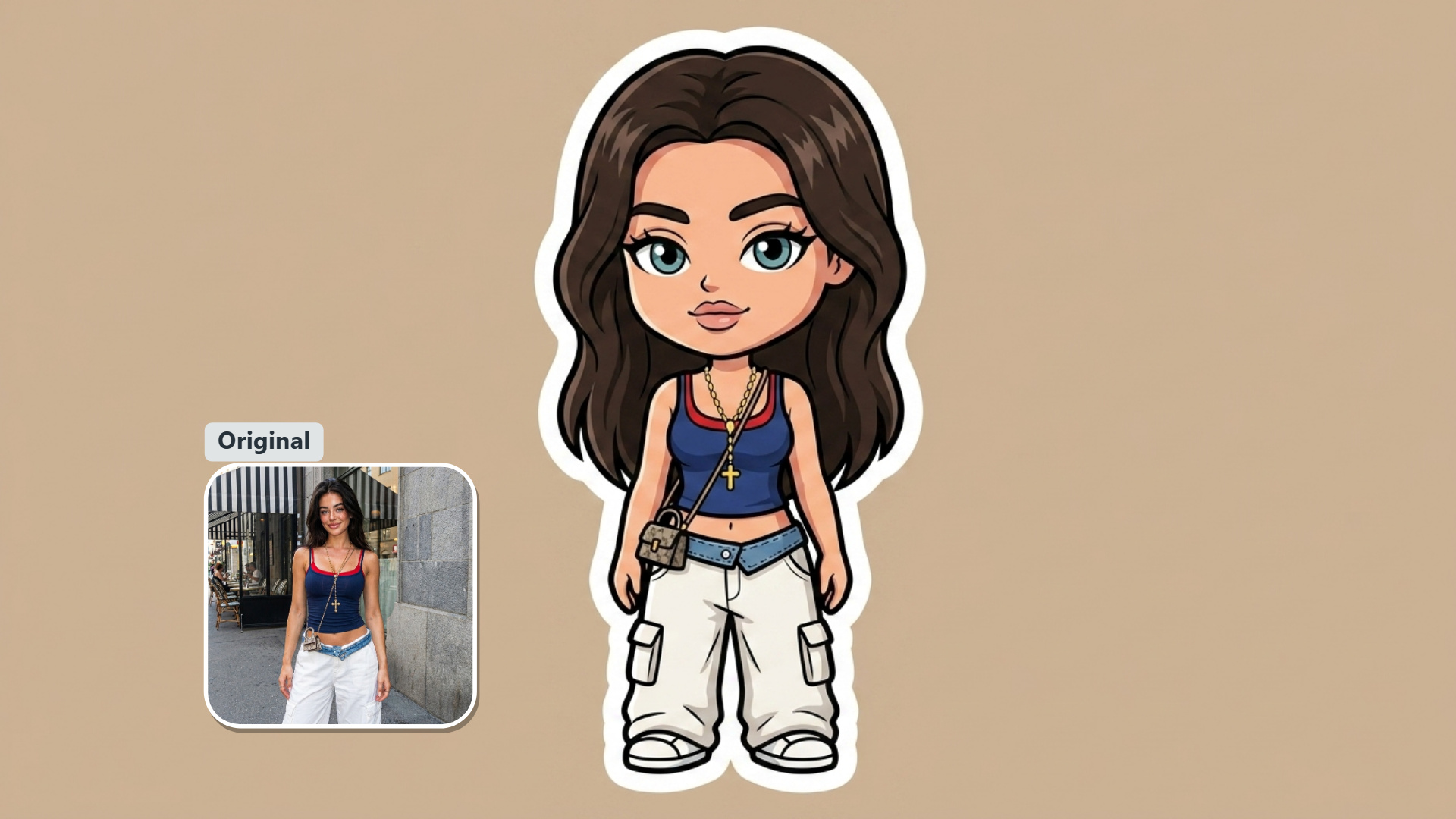
Most photos are taken once and forgotten. A sticker gives the good ones another life. Turn a favorite selfie, pet picture, or funny snapshot into something you can keep close, share in a chat, or save for the next time the moment comes up again.
Made for the Moments People Actually Send
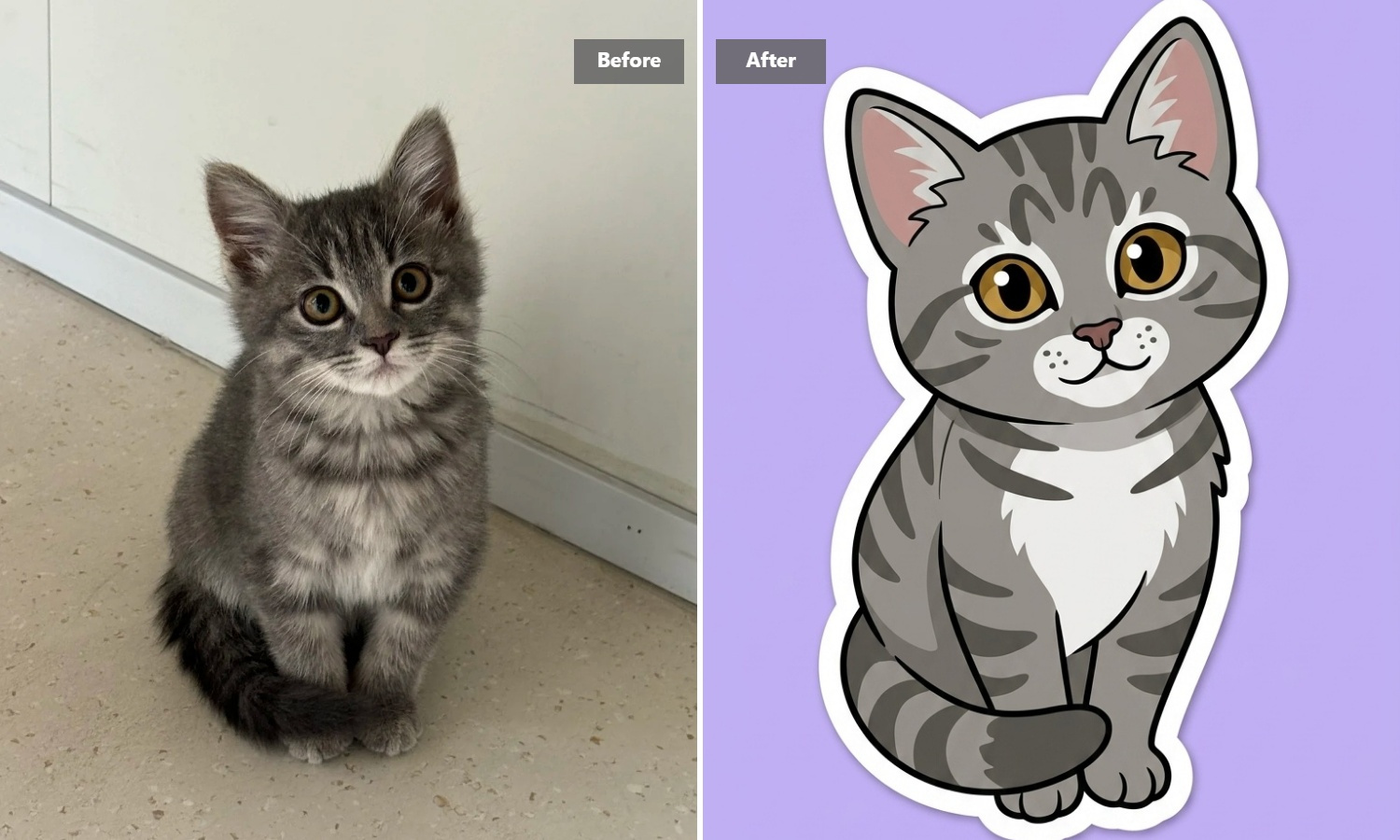
The best stickers are rarely planned. They come from a look, a joke, a pet, or a reaction that already says enough on its own. Guma helps you turn those familiar images into a sticker, so the next reply does not have to be another plain photo from your camera roll.
No Design Desk Required
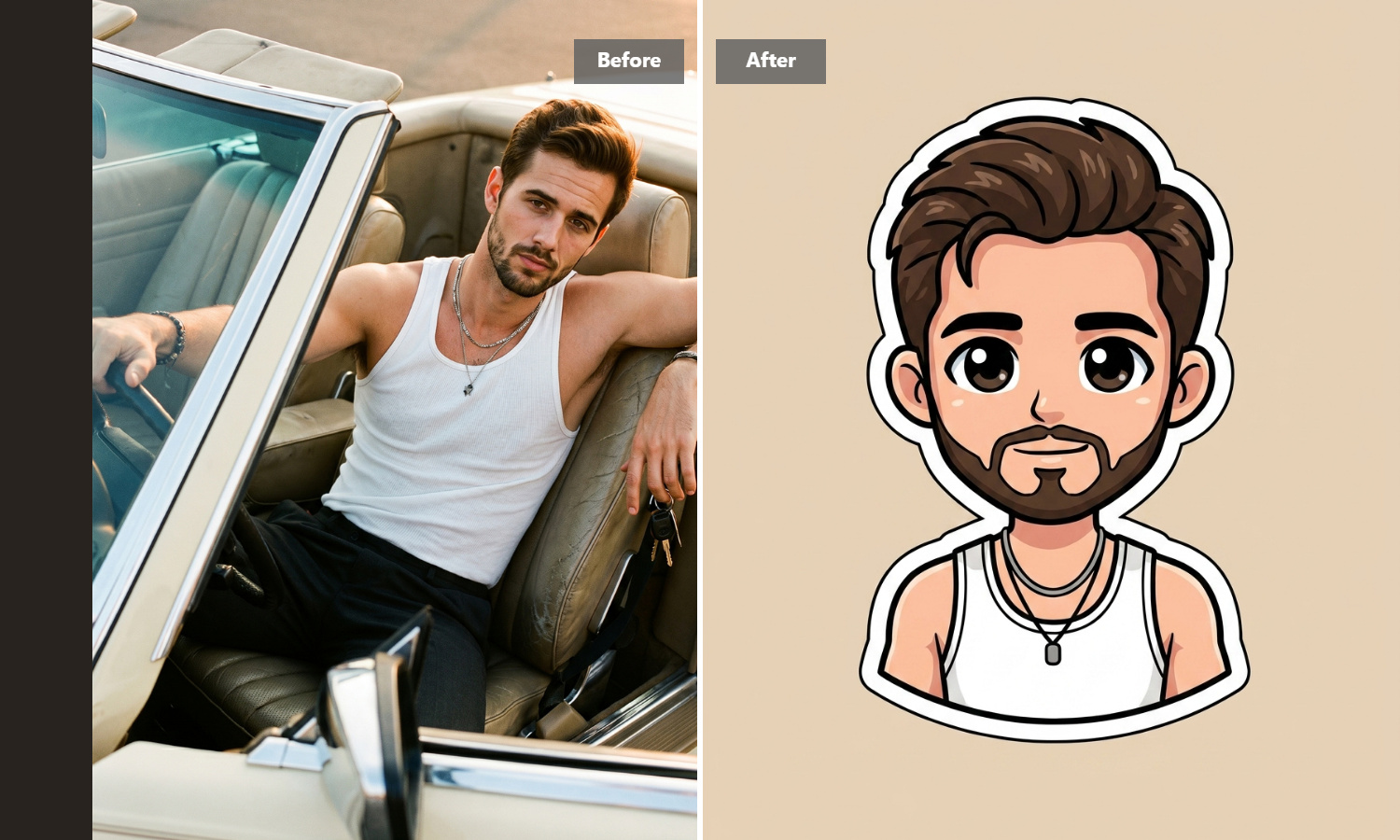
There is no need to sketch an idea, arrange layers, or learn a new creative app for a single sticker. Pick the image you want to use and let Guma take it from there. It is a useful little tool for anyone who wants a result without making a project out of it.
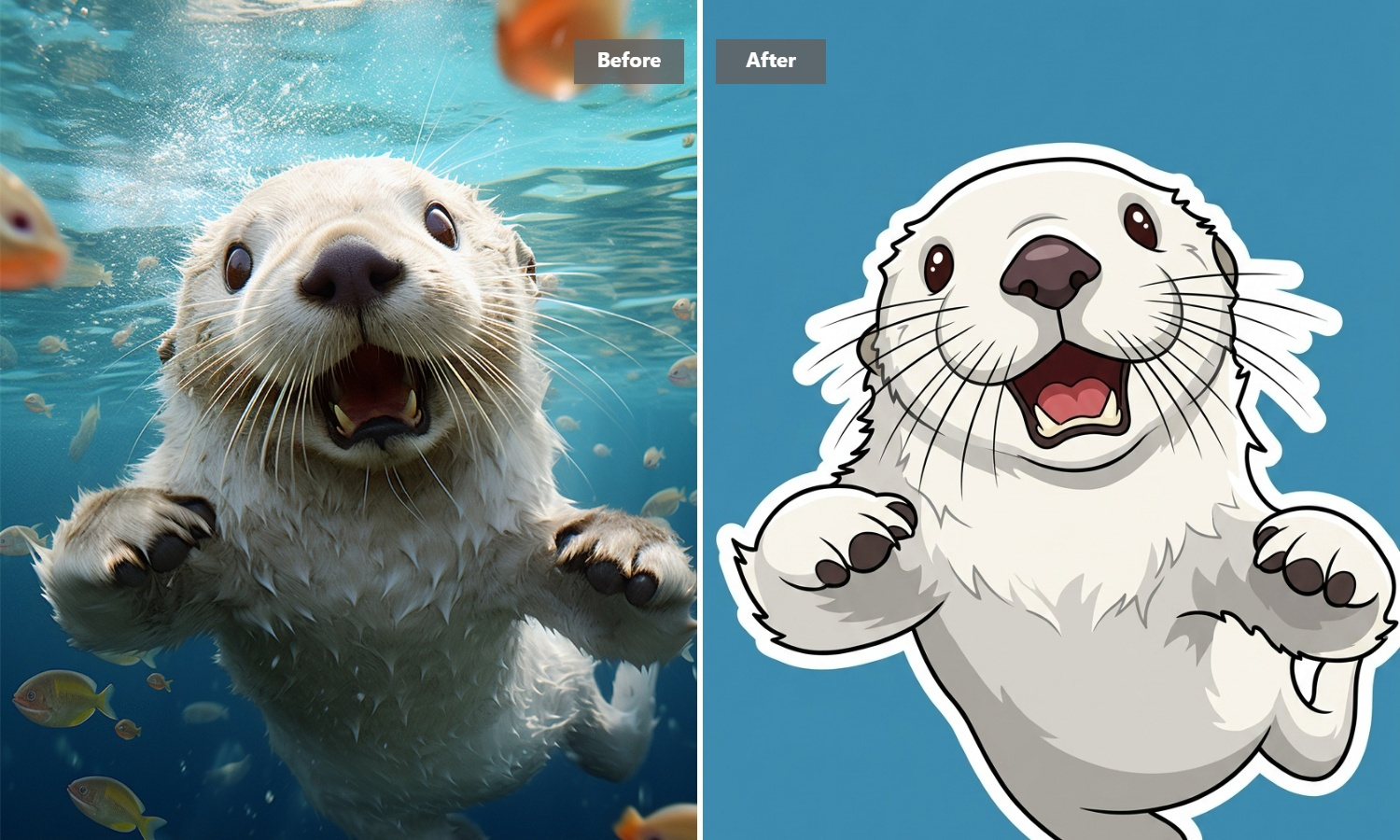
Keep the Process Out of the Way
Some tools make you choose settings before you can see anything useful. Guma does not. It is built around one job: making a sticker from your photo. Bring an image with a clear subject, run it through the tool, and see where it takes you.
From Photo to Sticker in Three Steps
Upload Your Photo
Choose the image you want to use.
Generate Your Sticker
Guma turns the uploaded photo into a sticker.
Download the Result
Save it when your sticker is ready.
Explore More AI Image Tools
AI Sticker Generator FAQ
What Does an AI Sticker Generator Do?
An AI sticker generator takes a photo and turns it into a sticker-style image. With Guma, you begin with a picture you already have rather than a blank canvas, which makes the tool a good fit for reactions, pets, portraits, and everyday snapshots. If you want to continue working with an existing image, explore our Image-to-Image Tool.
Can I Use Guma for Free?
Yes. Create an account to receive daily credits and try the sticker generator with your own photos. If you start making stickers more often and need a larger allowance, you can move to a subscription with more credits and additional tools.
What Kind of Photo Should I Use?
Choose a photo where the main subject is easy to spot. A face, pet, object, or single reaction usually gives the tool a clearer starting point than a busy group shot or a heavily detailed background.
Can I choose a style before generating?
No. Guma doesn’t ask you to select from a list of styles. The experience stays focused on turning the photo you upload into a sticker, without adding extra choices before you begin.
Do I Need to Know How to Edit Images?
No. You only need a photo to start. Guma is for people who want to make a sticker from a photo without opening design software or learning a new editing workflow.
Can I Make a Sticker From Text?
Guma currently works from uploaded photos. If you have an idea but no image yet, you can create the starting visual with our Text-to-Image Tool, then use Guma to turn it into a sticker.