
Template
AI Watercolor Generator
Upload an image to start your template-based generation.
Upload Image
AI Watercolor Generator
Elevate Any Photograph into Fine-Art Watercolor Paintings
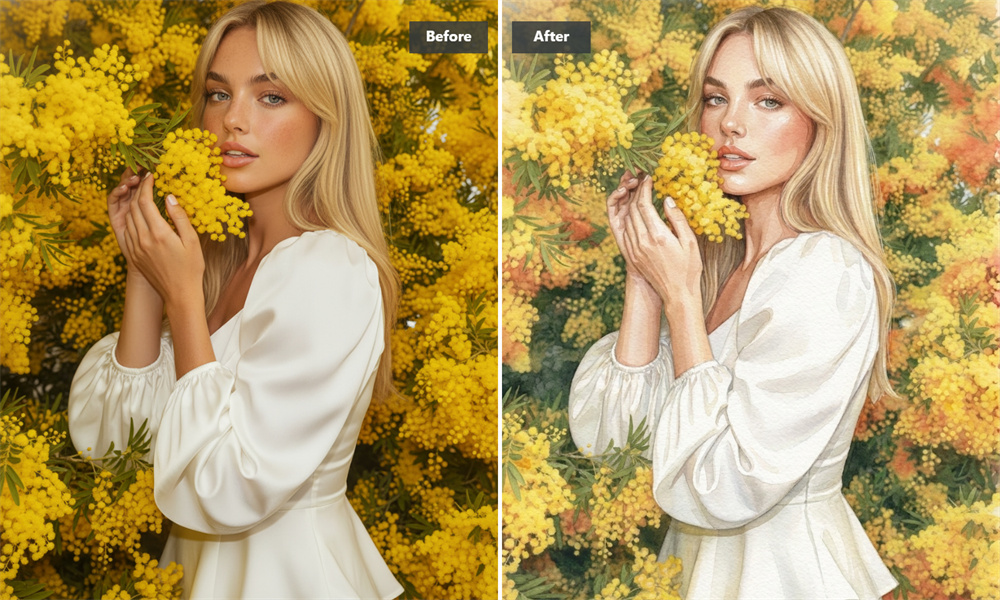
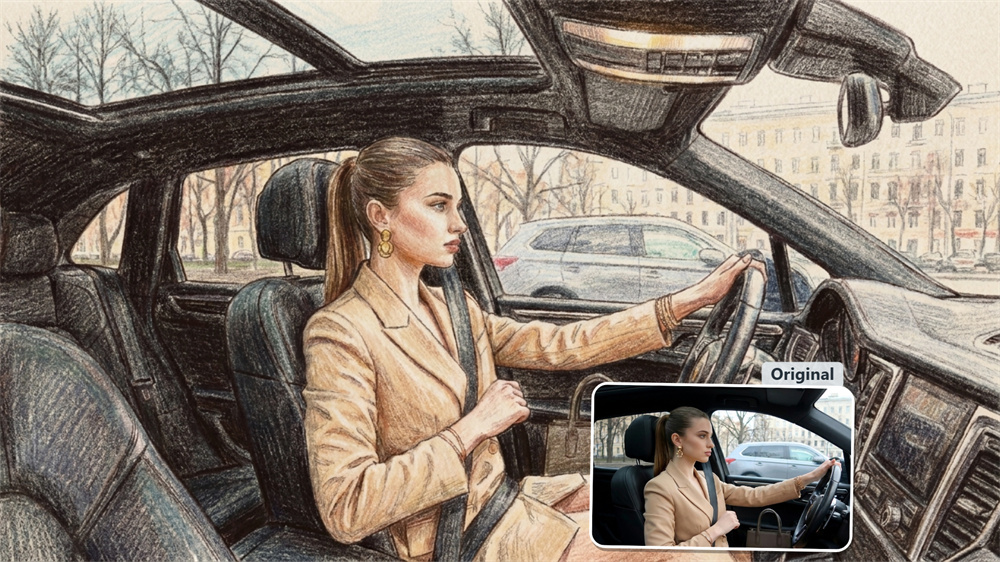
Transform your favorite photos into gallery-worthy watercolor artwork with a single click. Guma accurately reproduces fluid paint diffusion, delicate brush strokes, and natural paper grain—delivering a realistic, hand-painted aesthetic directly in your browser.
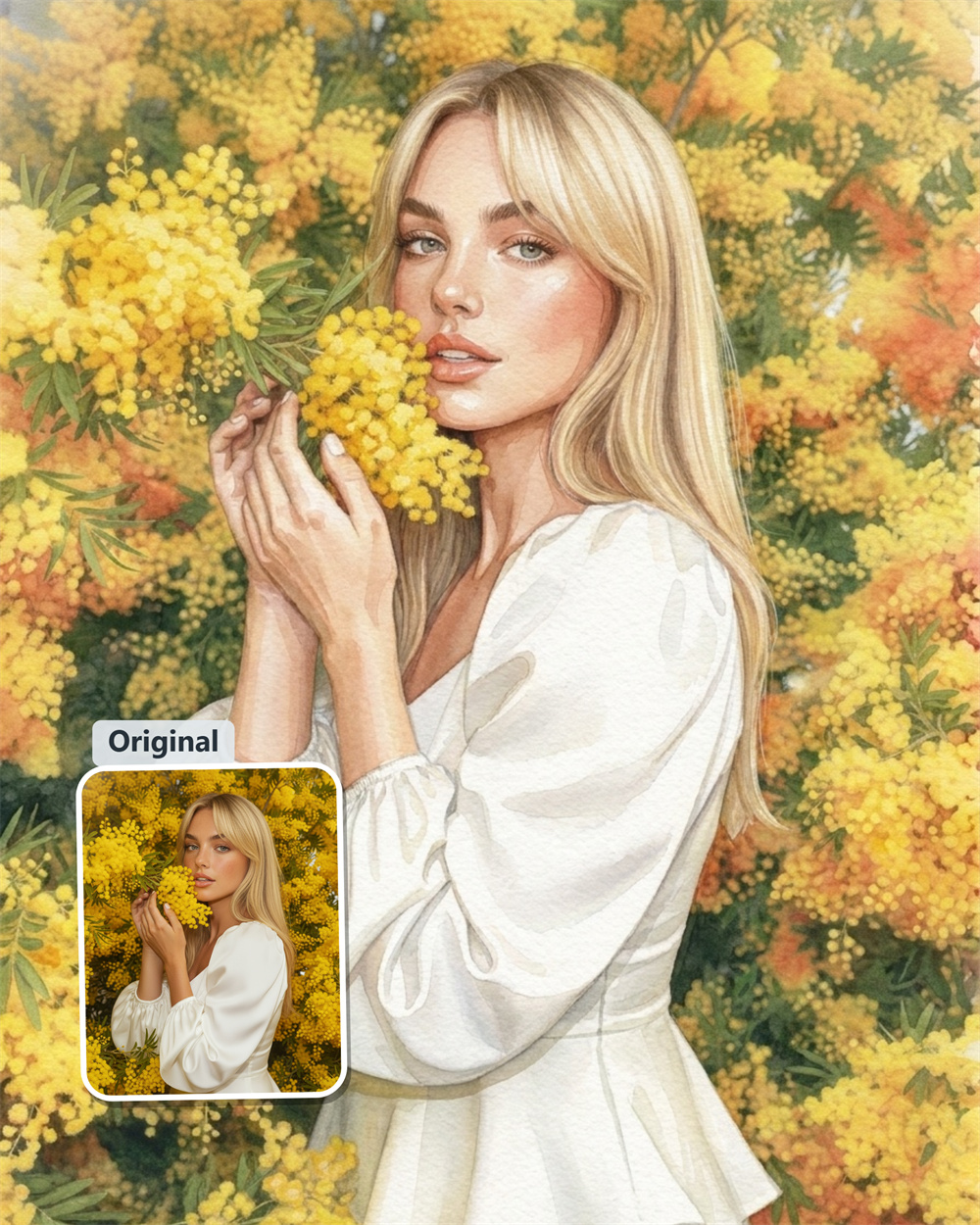
Organic Pigment Diffusion with Guma’s Signature Paper Grain
Standard image overlays often lose the subtle nuance of real paint. Guma calculates how water and pigment naturally absorb into heavy cotton paper. Shadows retain their depth, soft washes transition seamlessly, and tactile paper fiber textures shine through every layer of your photo.
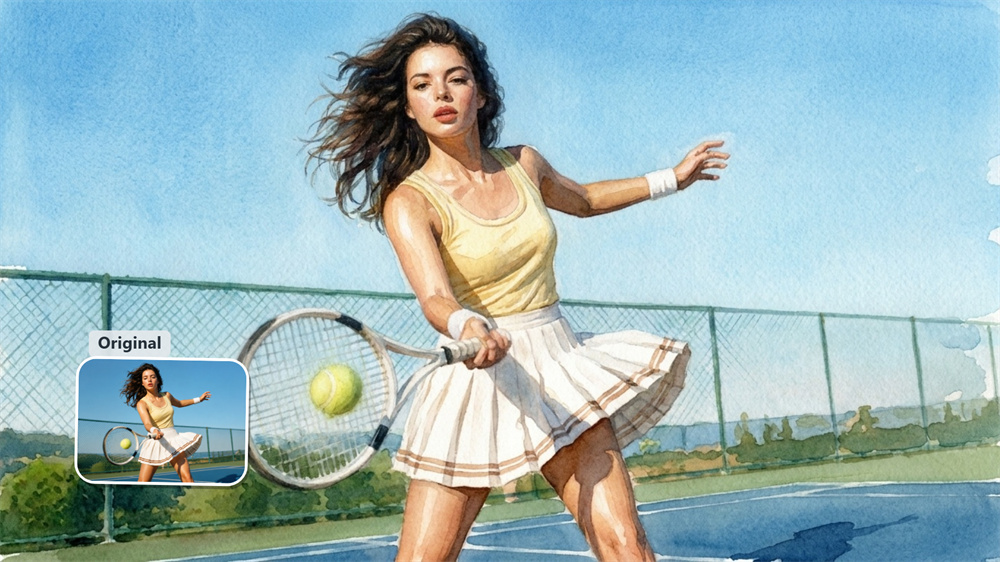
Subtle Brushwork That Preserves Your Photo's True Essence
Turn personal memories into painterly visual stories. Guma respects the lighting, focal points, and contours of your original photograph, applying soft washes while keeping key features clear. Backgrounds soften into dreamlike hues while your subject remains crisp and recognizable.
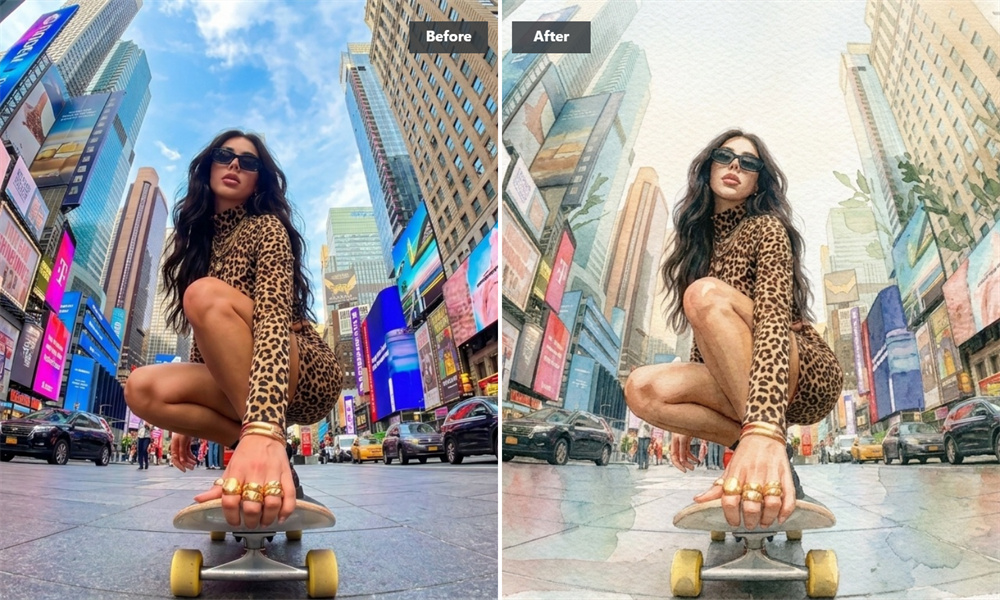
Studio-Grade Artistry Rendered in Seconds with Guma
Achieving convincing wet-on-wet watercolor techniques usually requires years of practice or complex studio software. With Guma, simply select and upload your image. Our processing automatically balances pigment weight, edge bleed, and canvas texture to render a polished Guma watercolor result.
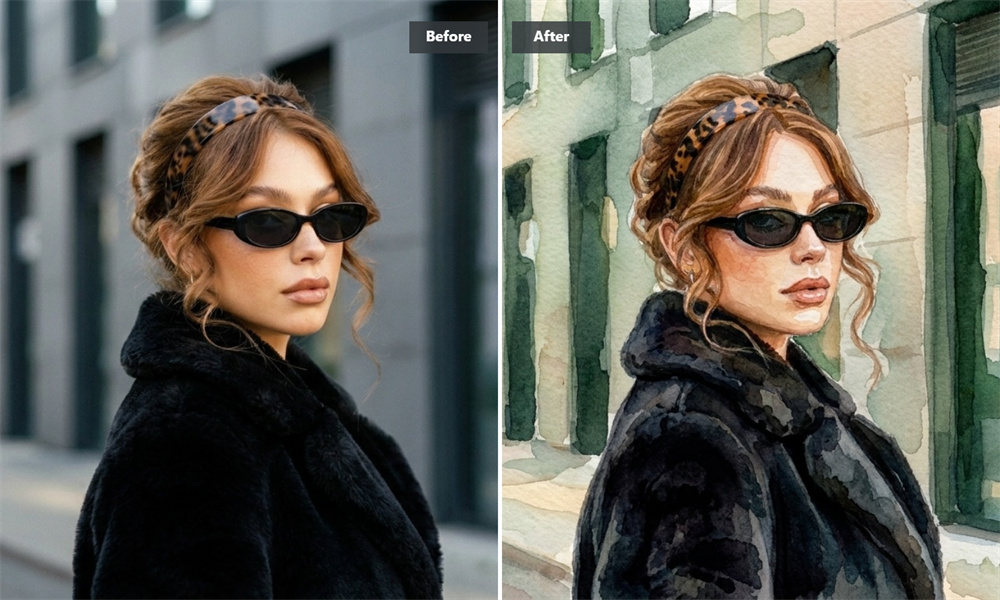
Designed for Digital Illustrators, Marketers, and Photo Enthusiasts
Whether you are crafting graphics for a campaign, developing visual concepts, or converting personal portraits into art pieces, Guma produces clean, vibrant watercolor visuals. Experience refined digital artwork that delivers Guma's signature handcrafted quality every single time.
How to Create AI Watercolor Art in 3 Easy Steps
Upload
Drop in a photo from your computer or mobile device.
Generate
Click generate and wait a few seconds while Guma processes your image.
Save
Save your high-resolution watercolor creation directly to your device.
Discover More AI Art Styles
Frequently Asked Questions
How does Guma recreate realistic watercolor paint effects?
Traditional processing applies static color changes, but Guma analyzes the depth, lighting, and edges of your original photo first. It then models how water diffuses and paint settles on paper fibers, ensuring every wash and brushstroke aligns naturally with your subject. If you want to create original artwork from text prompts instead of existing photos, feel free to explore our Image to Image.
Can I try Guma for free without adding a credit card?
When you register a new account, complimentary generation credits are added directly to your account so you can begin testing immediately. If your workflow requires higher daily output or priority generation speeds down the line, flexible premium plans are available anytime.
What types of photos produce the best watercolor results?
Photos with defined lighting, clear subjects, and vibrant tonal contrast tend to render exceptionally well. Travel landscapes, architectural photography, pet portraits, and floral studies translate smoothly into painterly compositions.
How does Guma differ from desktop photo editing plugins?
Instead of requiring manual brush painting, texture blending, or complicated layer masks in desktop software, Guma runs entirely online. It interprets your uploaded photo contextually to generate realistic fluid dynamics instantly without any manual editing required.