
Template
Crayon AI Drawing Generator
Upload an image to start your template-based generation.
Upload Image
Crayon AI Drawing Generator
Turn Photos into Crayon Art
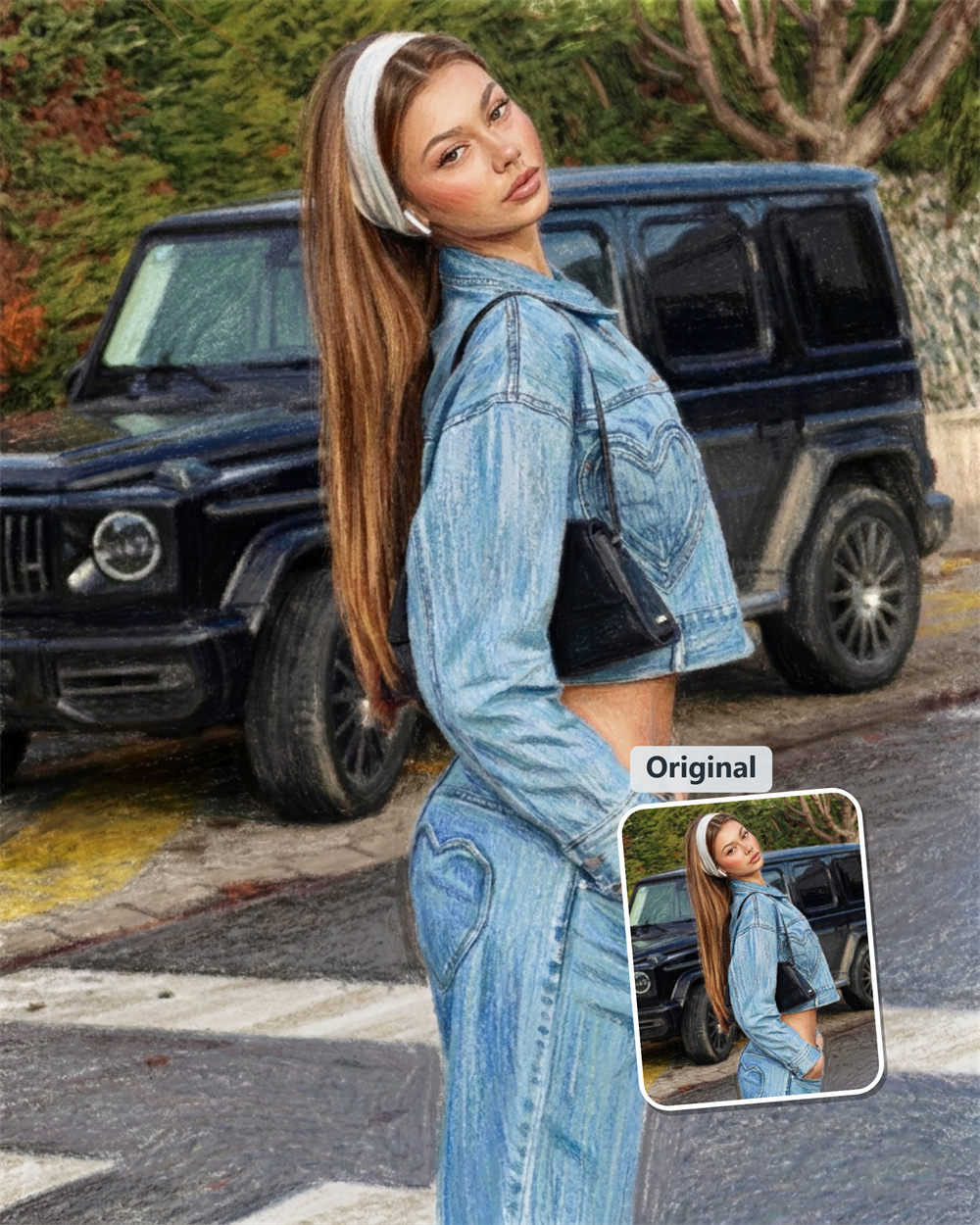
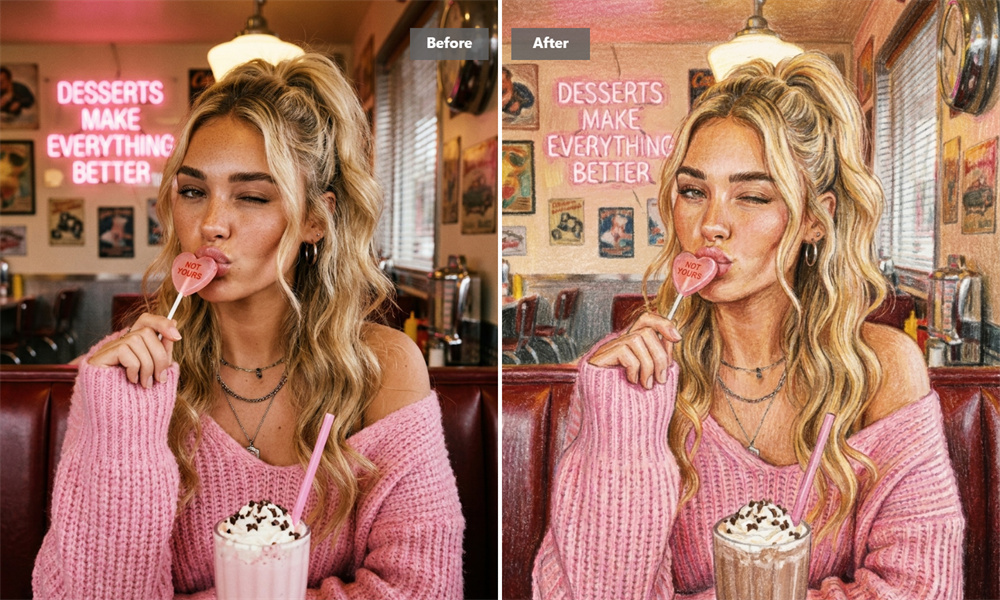
A good photo doesn’t need much to become interesting again. Guma transforms portraits, pets, family snapshots, and everyday scenes into crayon-style artwork characterized by rich colors, a waxy texture, and loose, hand-drawn lines. The result strikes a balance between a childhood sketchbook and a finished illustration—familiar enough to recognize, yet different enough to keep you coming back for more.
Waxy Color, Soft Edges, and a Paper-Like Finish
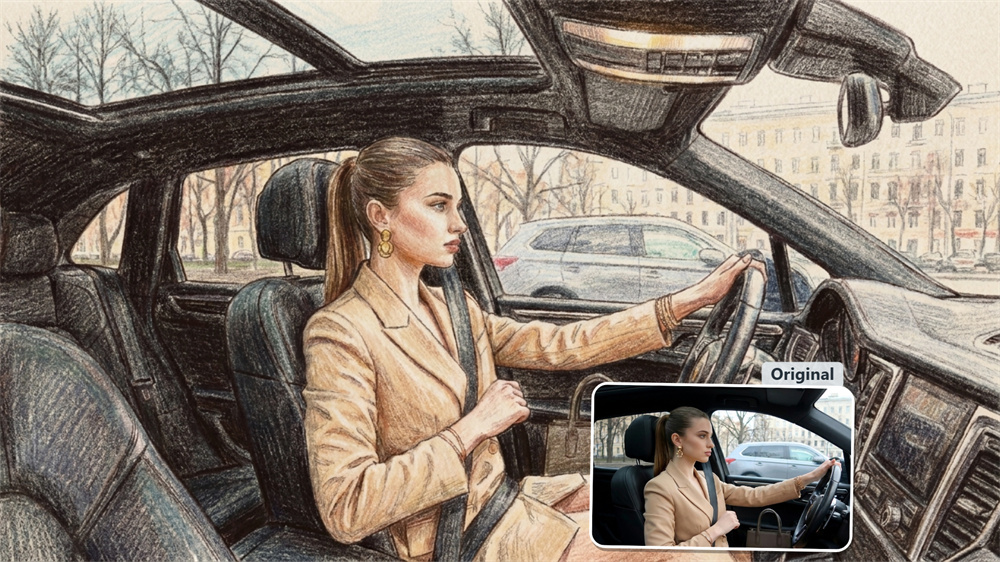
Crayon art has texture that polished digital effects usually miss. Colors do not fill every edge perfectly; they overlap, fade, and leave small irregular marks behind. Guma recreates that visual language with layered color, gentle shading, and sketchy outlines, giving photos a finish that feels drawn rather than merely filtered.
Let the Subject Stay in the Picture
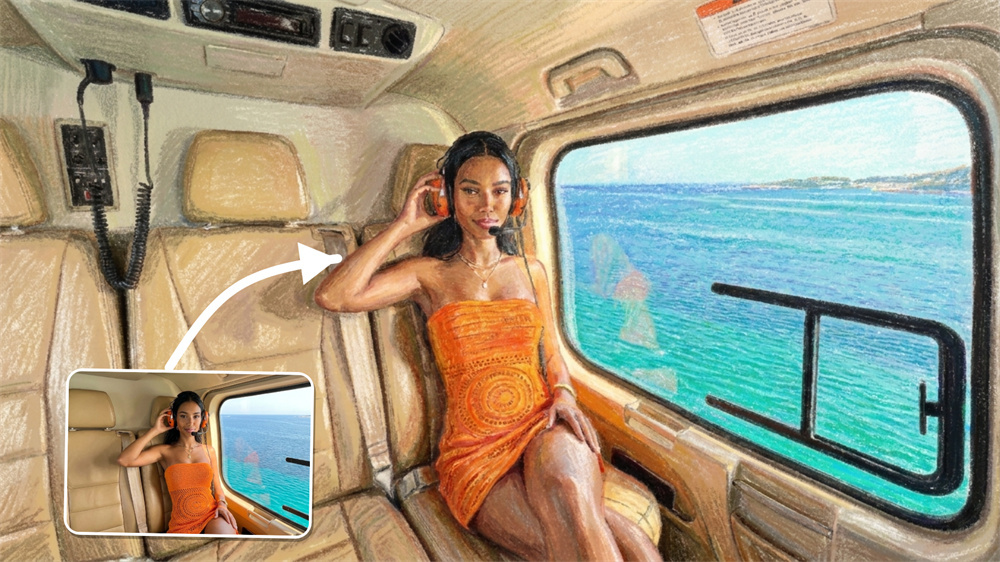
When someone turns a portrait into art, they still want to recognize the person in it. Guma keeps the main face, pose, expression, or pet’s features easy to read while changing the surface of the image. A child’s smile, a dog’s ears, or a familiar travel scene remains the focus instead of getting lost beneath the effect.
A Better Fit for Photos with a Story Behind Them
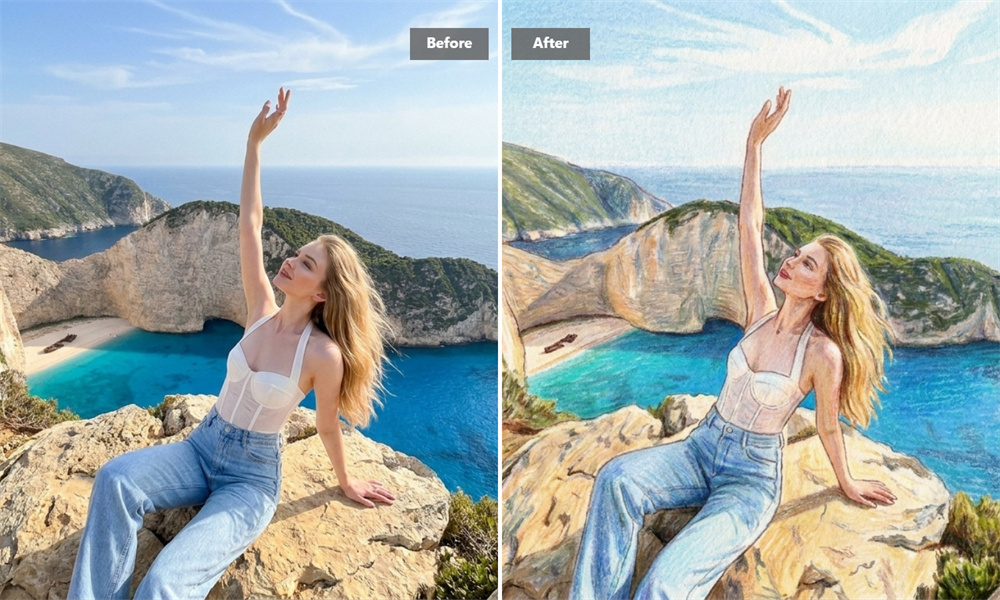
This effect is especially rewarding for images that already mean something: a family photo from a holiday, a pet portrait, a candid from a birthday, or a picture you saved but never posted. A crayon treatment gives those moments a lighter, more personal presentation without making them look overly designed.
From Camera Roll to Cards, Posts, and Prints
A crayon-style image can do more than replace a profile photo. Use one for a birthday card, a party invitation, a classroom activity, a framed pet picture, or a social post that needs a little personality. It also works well for simple objects and food photos when you want an everyday image to feel less ordinary.
Create a Crayon Drawing in Three Steps
Upload
Choose a photo with a clear person, pet, object, or scene.
Generate
Guma transforms the image into a colorful crayon-style illustration.
Download
Save the finished artwork to share, print, or keep.
Explore More Ways to Reimagine Your Photos
Frequently Asked Questions
What Is a Crayon AI Drawing Generator?
A crayon AI drawing generator turns a photo into an illustration inspired by real crayon artwork. It adds wax-like color, soft outlines, uneven strokes, and a lightly textured finish while keeping the central subject visible. To create an image from an idea rather than an uploaded photo, explore Guma’s Image to Image.
Which Photos Work Best for Crayon Art?
Photos with a clear focal point usually work best. Portraits, pet photos, family pictures, travel snapshots, food images, and simple objects all translate well. Good lighting helps the details come through, while a less crowded background makes the subject easier to read in the final image.
Will the Person or Pet Still Be Recognizable?
The visual treatment changes, but the image should still feel connected to the original. Guma keeps the main subject, pose, facial expression, pet markings, and overall composition legible, so the finished piece looks like a crayon interpretation of your photo rather than a completely different picture.
Do I Need to Edit My Photo Before Using It?
Usually, no. You can start with the original image as long as the subject is visible. There is no need to learn brushes, layers, masks, or retouching tools first. A clean, well-lit photo may give the effect more room to show its texture, but it does not require any special preparation.
Is the Crayon AI Drawing Generator Free to Use?
After creating a Guma account, you receive daily free credits to try the AI image tools. If you create images more often or need additional options, premium plans provide more generation credits and advanced features.
What Can I Use a Crayon-Style Image For?
Crayon artwork is a natural fit for profile pictures, social posts, greeting cards, family keepsakes, pet portraits, classroom materials, printable decorations, and casual gifts. It is particularly useful when a regular photo feels a little plain but you still want the original memory to come through.
Is This Tool Only for Portraits?
No. Portraits are popular because faces and expressions make the result feel personal, but they are only one use case. You can also transform pets, home scenes, travel photos, objects, food, and everyday snapshots into crayon-style artwork.