
Cleopatra Filter
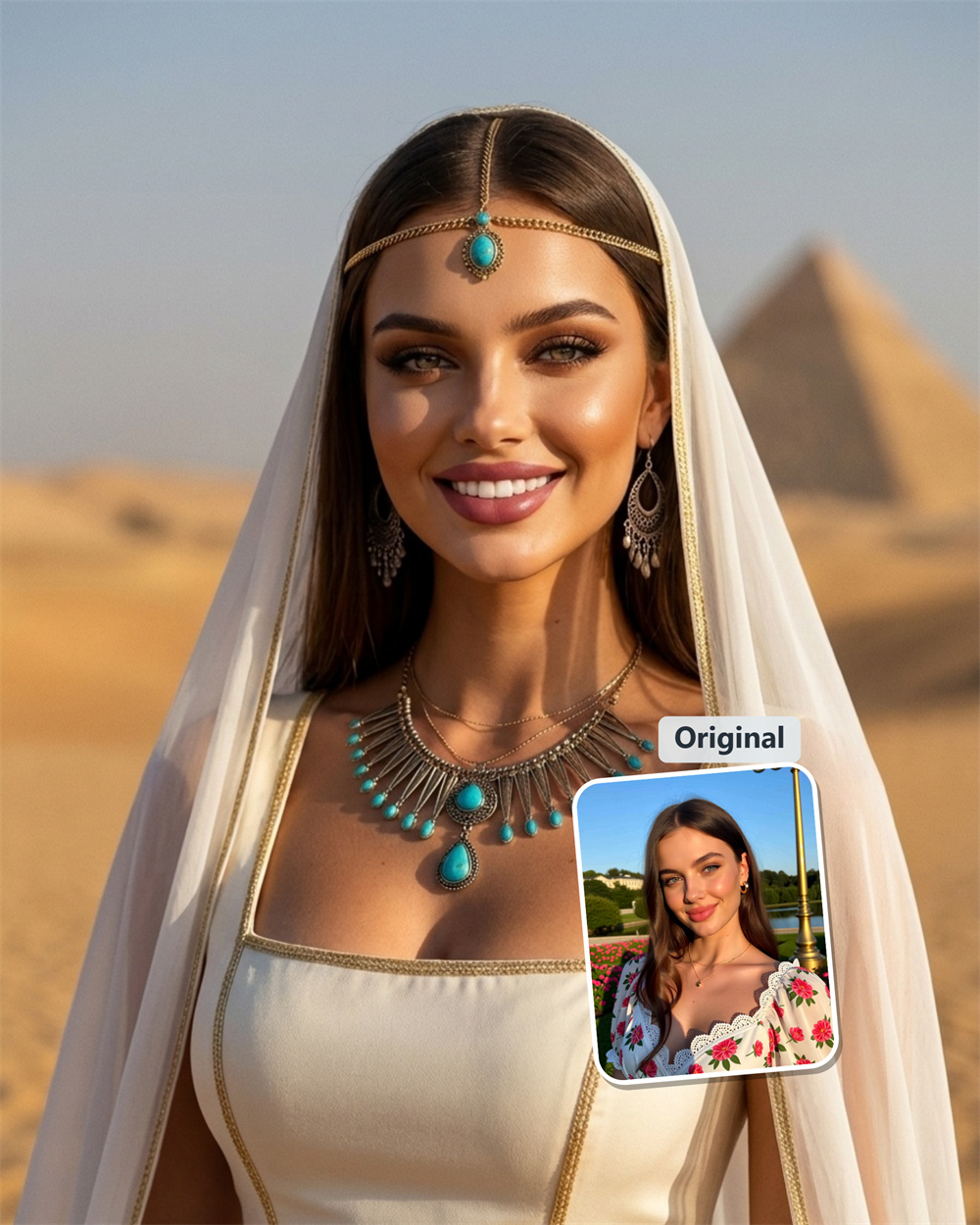
Turn Your Selfie Into an Egyptian Royal Portrait
Upload a clear photo to Guma and get a Cleopatra-inspired image with a finished, share-ready look. It is a simple choice for a themed profile picture, party invite, or social post when a plain selfie will not do.
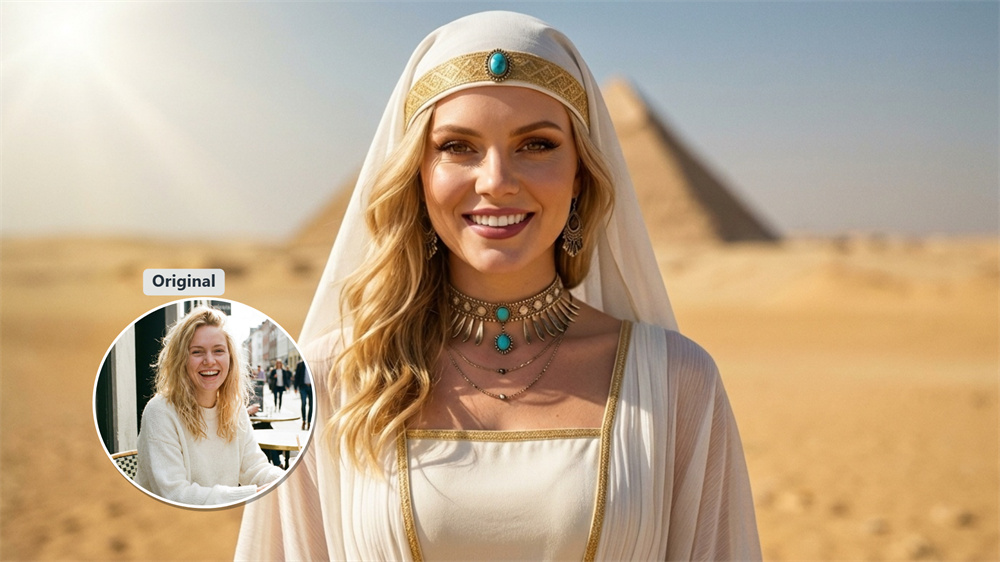
Recognizable Cleopatra Details
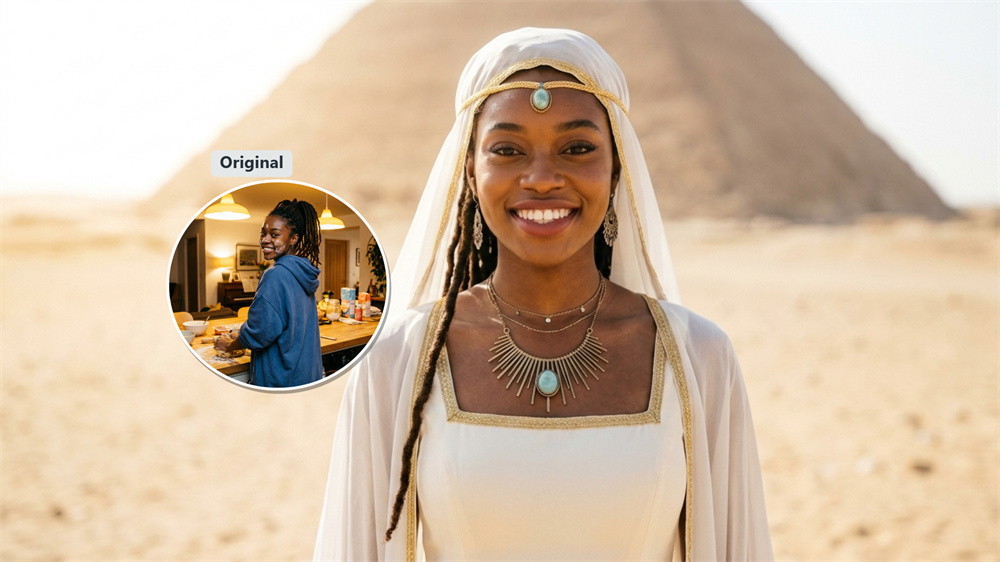
The filter brings together the details most people expect from a Cleopatra look: sharp eyeliner, gold jewelry, decorative headwear, and rich Egyptian color. Your face stays central, so the image feels like a styled portrait rather than a costume pasted over a photo.
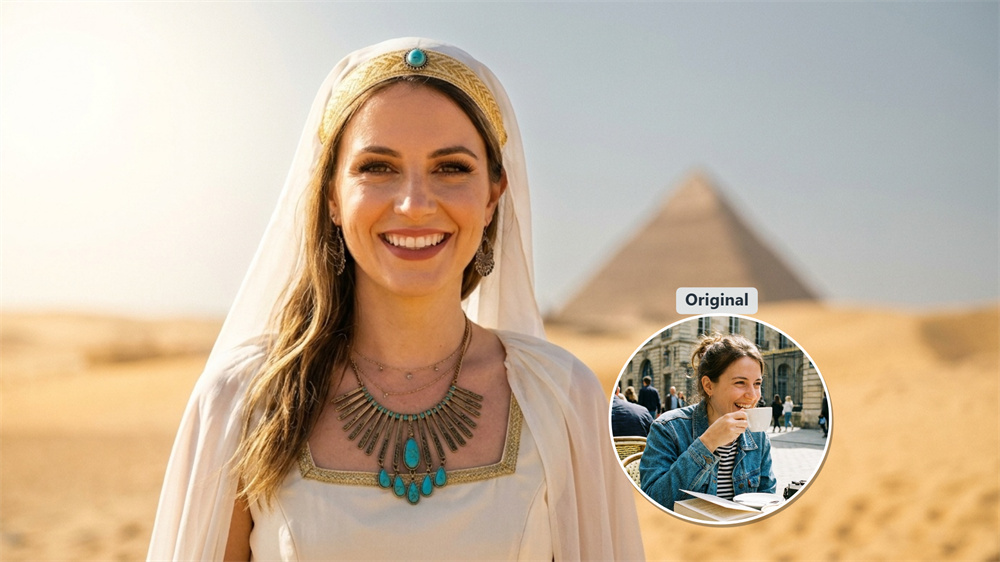
A Clear Portrait Makes the Difference
Use a photo with your face in focus and light falling evenly across it. Keep your eyes visible and avoid sunglasses, strong shadows, or hands near your face. The cleaner the original image, the more naturally the Egyptian details sit in the final portrait.
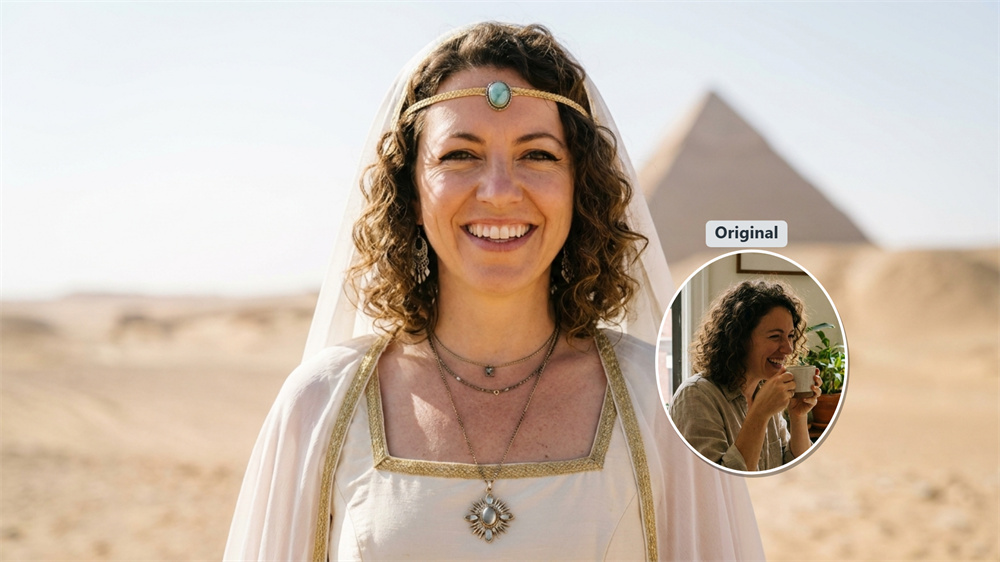
A Strong Visual for Themed Posts
This effect works when the image needs to explain the theme immediately. Add it to a birthday post, a costume-party invitation, a video cover, or a profile update. The royal Egyptian styling gives a single image enough character to stand on its own.
Skip the Manual Photo Work
Putting this look together by hand means searching for makeup references, accessories, and matching background elements. The filter handles those visual choices in one treatment, giving you a finished ancient Egyptian portrait without a complicated editing process.
How to Use the Cleopatra Filter
Upload Your Photo
Upload a clear, front-facing portrait to Guma.
Click Generate
Select the Cleopatra Filter and click Generate to apply the Egyptian style.
Download Your Image
Save your completed portrait when it is ready.
Explore More AI Photo Effects
FAQ
What Is the Cleopatra Filter?
The Cleopatra Filter is an AI photo effect that gives a portrait an ancient Egyptian royal look. It adds Cleopatra-inspired details such as defined eye makeup, gold accents, and decorative headwear. The result is a creative style treatment, not a historical reconstruction. To transform other photos with AI, explore our Image to Image feature.
How Do I Create a Cleopatra-Style Photo with Guma?
Upload a clear photo, select the Cleopatra Filter, and click Generate. Once the image is ready, download it from Guma.
Which Photo Should I Use?
Choose a sharp, front-facing portrait with even lighting. Your eyes and face should be visible, with no heavy shadows, blur, sunglasses, or hands covering them.
Is This the Same as a Pharaoh Photo Filter?
They are similar, but the focus differs. A Cleopatra filter leans into queen-inspired makeup and jewelry, while a pharaoh photo filter usually uses broader royal or ceremonial Egyptian details.
Will the Result Look Like the Historical Cleopatra?
No. It uses familiar visual references associated with Cleopatra in popular culture, including bold eyeliner, gold details, and royal Egyptian styling.
Can I Use the Image on Social Media?
Yes. The portrait is suitable for profile pictures, posts, video covers, themed invitations, and personal creative projects.
Is the Cleopatra Filter Free to Try?
After registering, you receive daily free credits to try AI image generation. More generations and advanced features are available with a premium plan.
How Can I Get a Cleaner Result?
Start with the original photo instead of a screenshot or an already-filtered image. Natural light and an unobstructed face usually produce a cleaner result.