
Gender Swap Filter
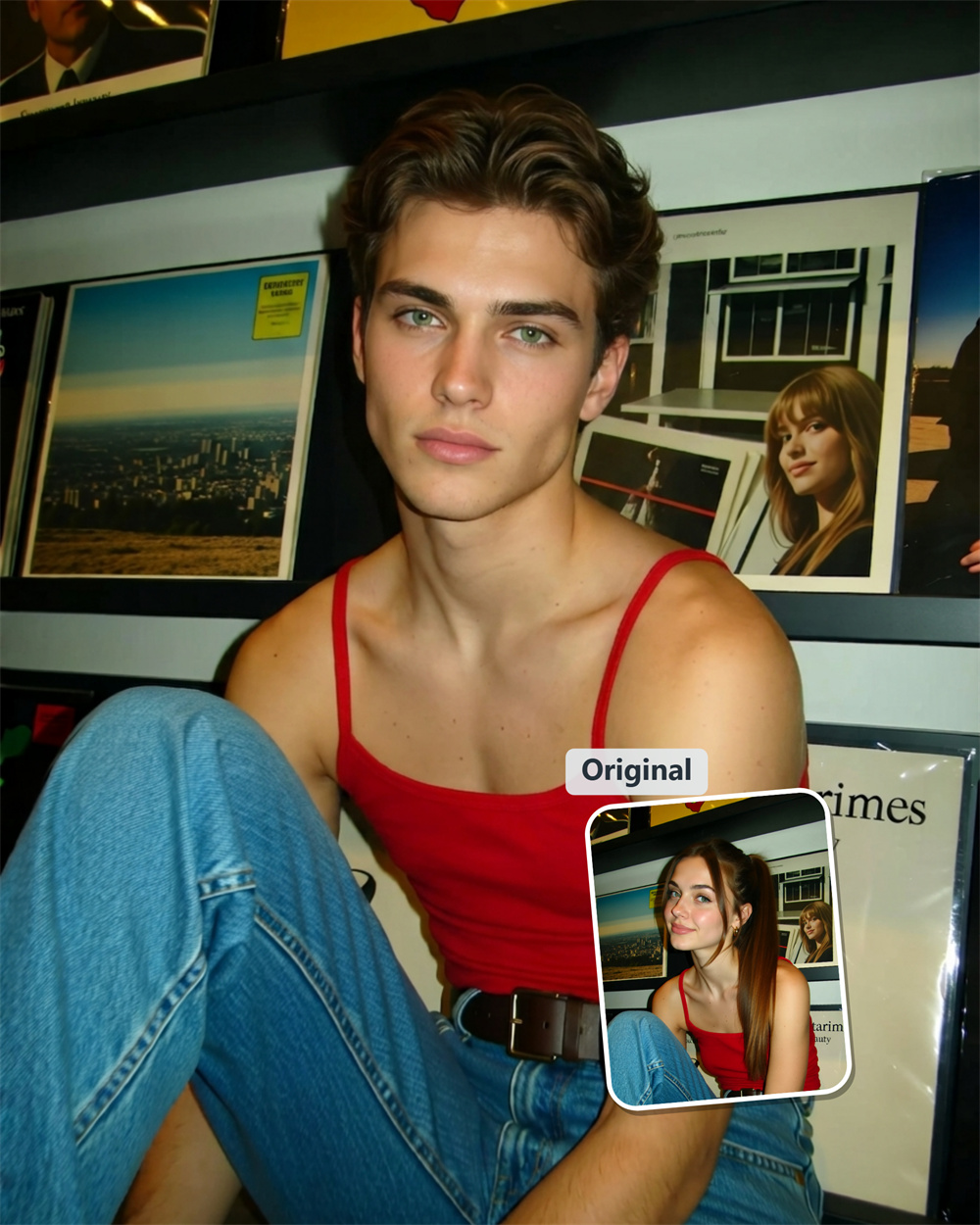
Discover a Different Side of Yourself
Upload a portrait and let Guma create a natural male-to-female or female-to-male version of your look. The AI studies the face, hair, lighting, and other visible details in the image, then reworks them into a fresh gender presentation while keeping the original expression and character recognizable. It is an easy way to satisfy your curiosity, explore a character idea, or see how one familiar photo could look in an entirely different direction.
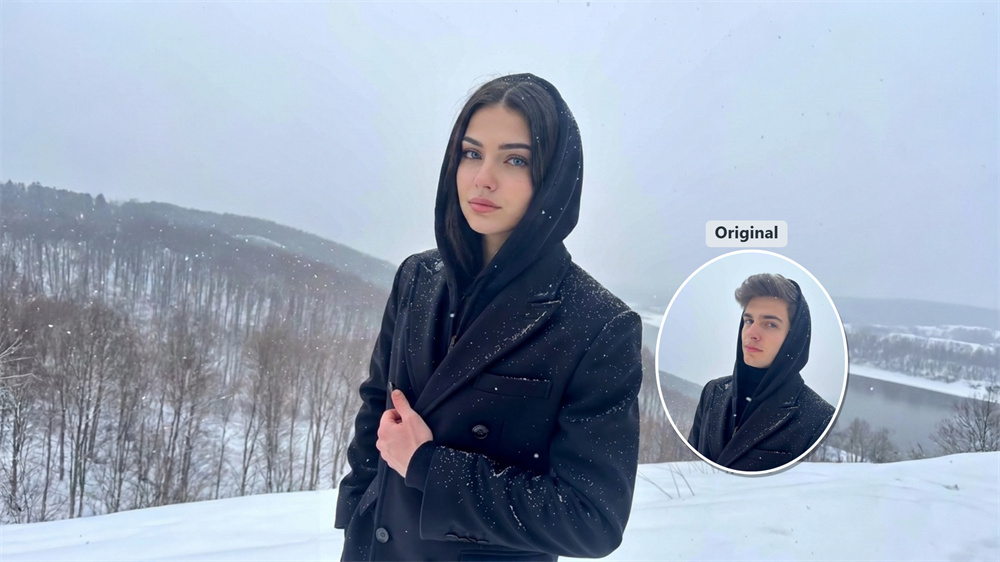
A realistic result starts with your original photo.
Guma works from the details already present in your image instead of placing a generic effect over it. Facial proportions, hair texture, skin tone, and lighting all influence the final portrait, which helps the transformation feel more believable. A clear, well-lit photo gives the AI a stronger reference and usually produces a cleaner result.
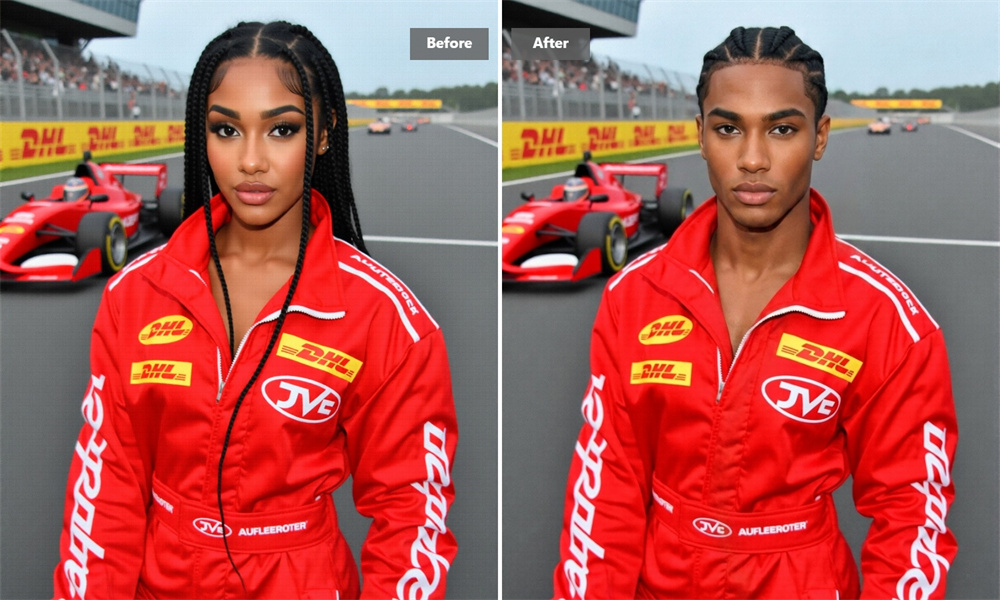
Keep the Expression That Makes the Photo Yours
The goal is not to replace your face with a stranger’s. Your gaze, smile, pose, and camera angle remain part of the composition while the appearance changes around them. That balance makes the final image feel like a new version of the same moment rather than a completely unrelated portrait.
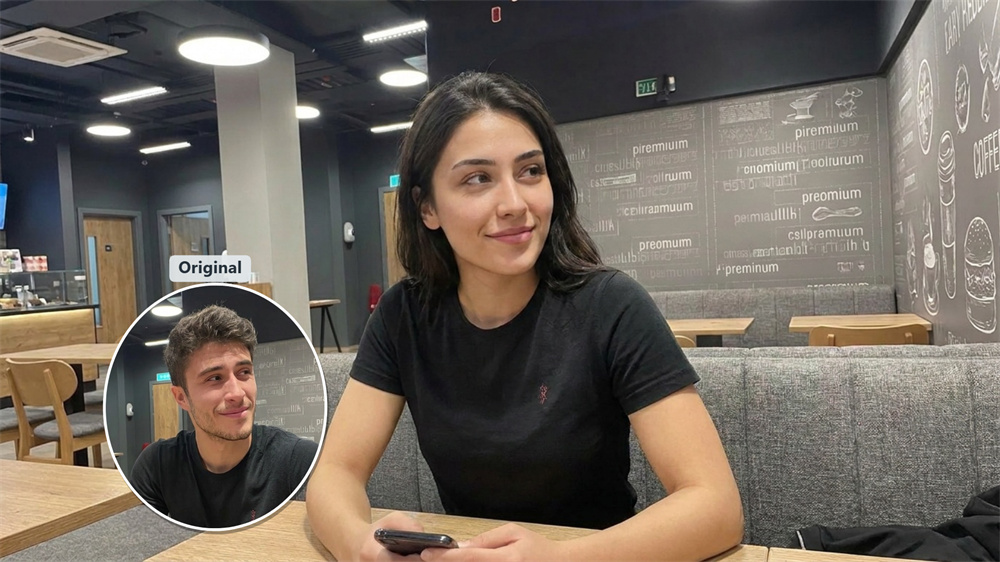
Explore Character and Style Ideas
A male-to-female or female-to-male portrait can help you test an avatar concept, develop a character, prepare a cosplay reference, or experiment with a new visual style. Start with a photo you know well, compare the result with the original, and use the differences as inspiration for your next idea.

A Straightforward AI Photo Experience
There is no editing timeline to learn and no need to adjust a long list of facial controls. Upload your image, let Guma process it, and review the generated result. If the first version is not quite what you imagined, try another suitable portrait for a different interpretation.
How to Use the Gender Swap Filter
Upload
Add a clear portrait with the face visible.
Generate
Guma processes the image and creates a new gender presentation.
Download
Review the result and save the version you want to keep.
Explore More AI Photo Effects
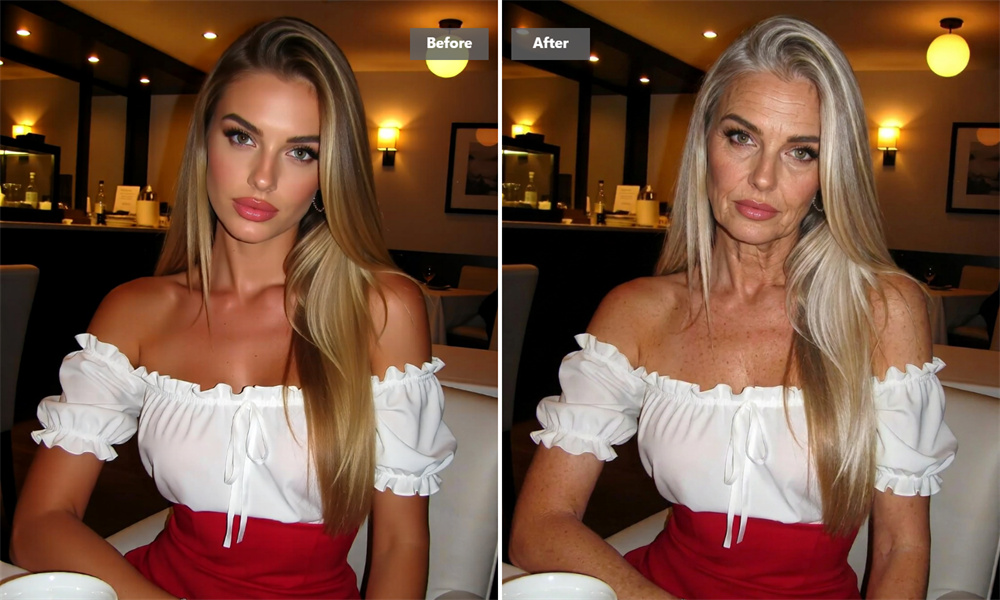
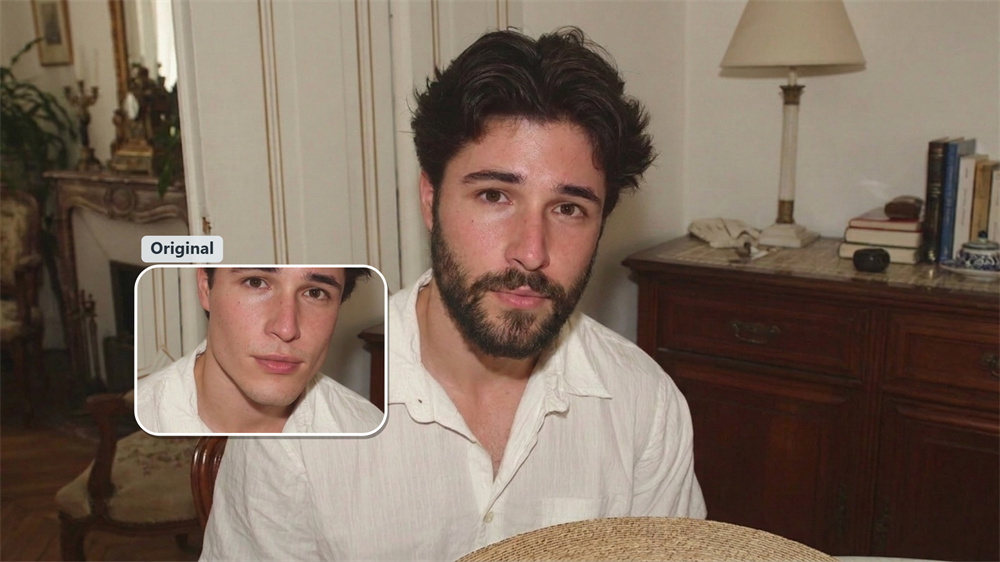
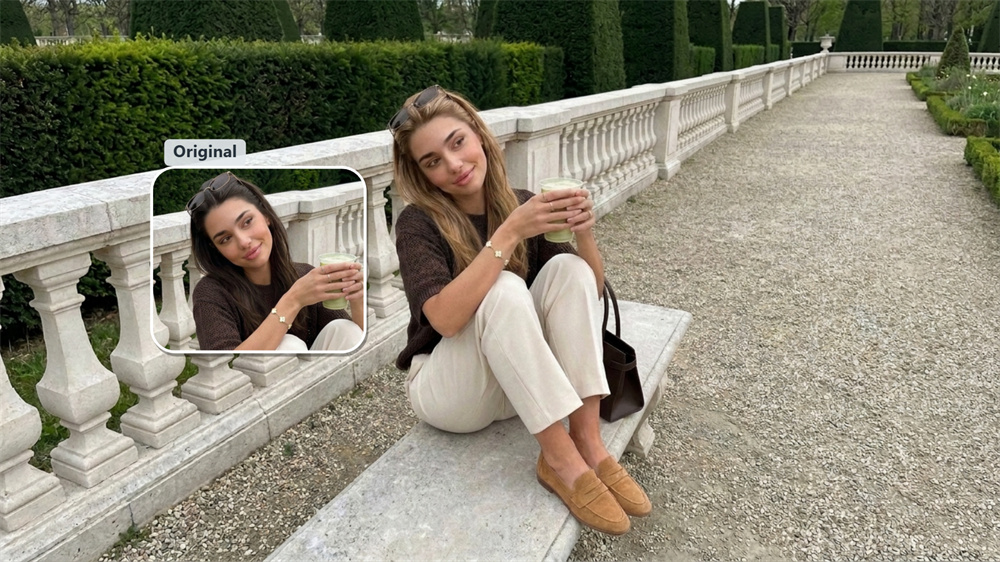
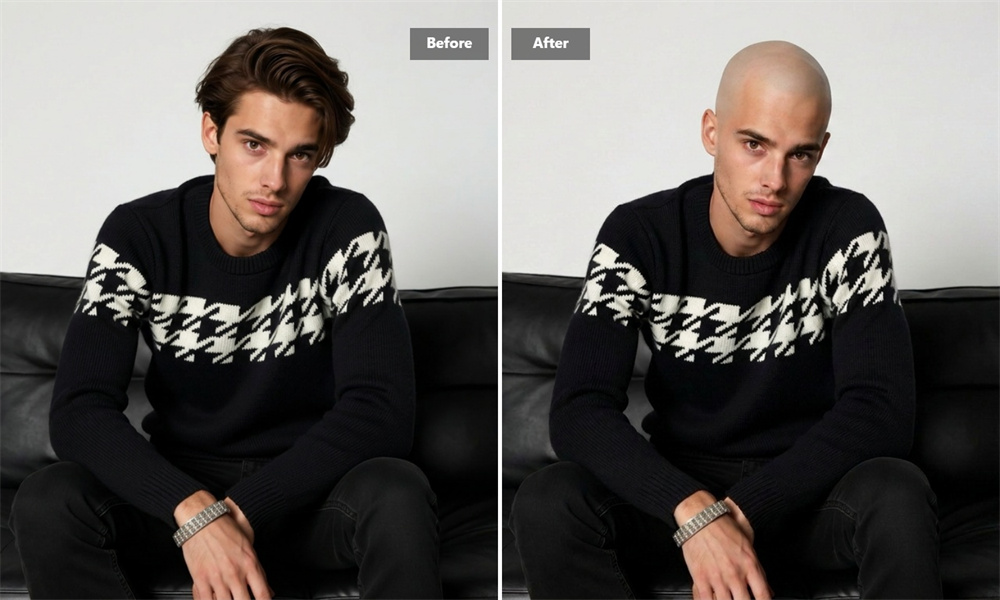
Gender Swap Filter FAQ
What Is an AI Gender Swap Filter?
An AI gender swap filter creates a different gender presentation from an existing portrait by adjusting visible elements such as facial contours, hairstyle, skin texture, and styling. It can create either a male-to-female or female-to-male transformation from the same uploaded portrait. Guma uses the image as its reference, so the result is designed to remain connected to the original person and photo. For further image transformations, explore our Image to Image feature.
Can I try Guma’s online gender swap tool for free?
You can start with daily free credits after registering an account. This lets you try the generator before deciding whether you need additional credits or premium features.
What Type of Photo Works Best?
Use a single-person portrait with a clearly visible face, even lighting, and moderate image quality. Strong blur, heavy shadows, extreme angles, and face coverings can make the transformation less consistent.
Will the Result Still Look Like Me?
Guma aims to preserve recognizable details such as your expression, pose, and overall facial character. Because each result is generated from the specific source image, the level of resemblance may vary.
Do I Need to Choose a Transformation Direction?
No. You don’t need to choose between male-to-female and female-to-male before generating. Simply upload your image, and Guma’s AI determines the appropriate transformation based on the visible features in that portrait.
How Long Does the Process Take?
The image is usually ready shortly after upload. Processing time can vary depending on image complexity and current system demand.
What Can I Use the Generated Image For?
You can use it for personal experiments, avatar ideas, character development, and creative references. Only upload images you have the right to edit, and avoid using generated portraits to misrepresent another person.