
No Beard Filter
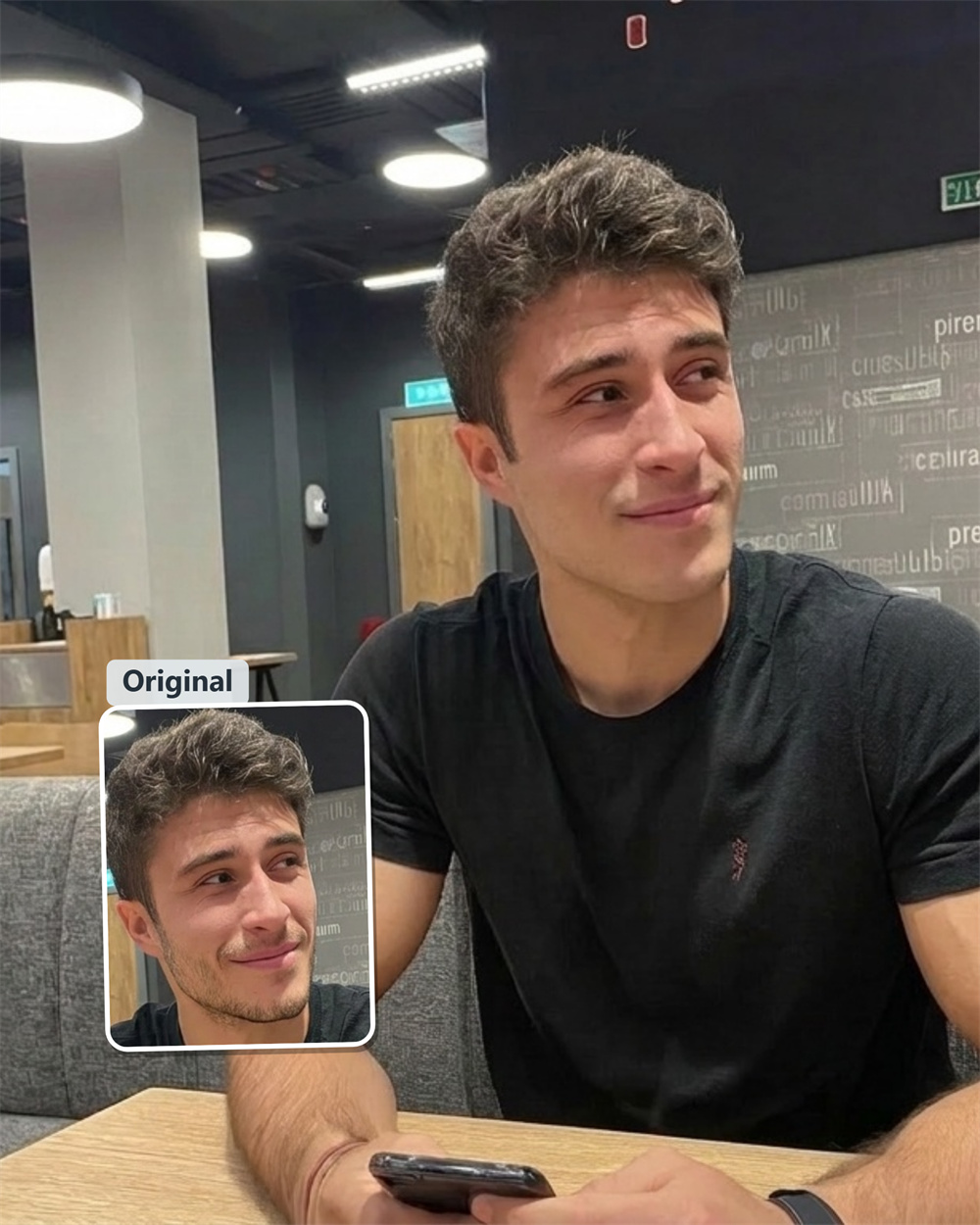
See how you look clean-shaven before you ever pick up a razor
Thinking about shaving that heavy beard or mustache, but worried you might regret it? Testing your style before reaching for the razor is the easiest way to be sure. Just upload your portrait into Guma's AI beardless filter to get a realistic preview of your smooth, clean-shaven look.
AI Prompt
Reference the original image’s character identity and facial features: 1.8}, {Character consistency: 1.8}. Only remove the beard from the person in the image, including mustaches, goatees, handlebar mustaches, facial hair above the lips, and stubble on the face. Maintain the character’s identity traits, facial shape, facial features, hairstyle, expression, skin tone, skin texture, and sense of age completely unchanged. Also, keep the character’s clothing, movements, posture, body proportions, lighting, shadows, background, composition, and overall image style entirely intact. Perform only a natural restoration of the beard area, ensuring that the skin after beard removal blends seamlessly with the original skin tone and texture, resulting in a realistic effect with no visible traces left behind. {Refer to the main facial features and gender of the protagonist in the original image}, {Realism: 1.6}
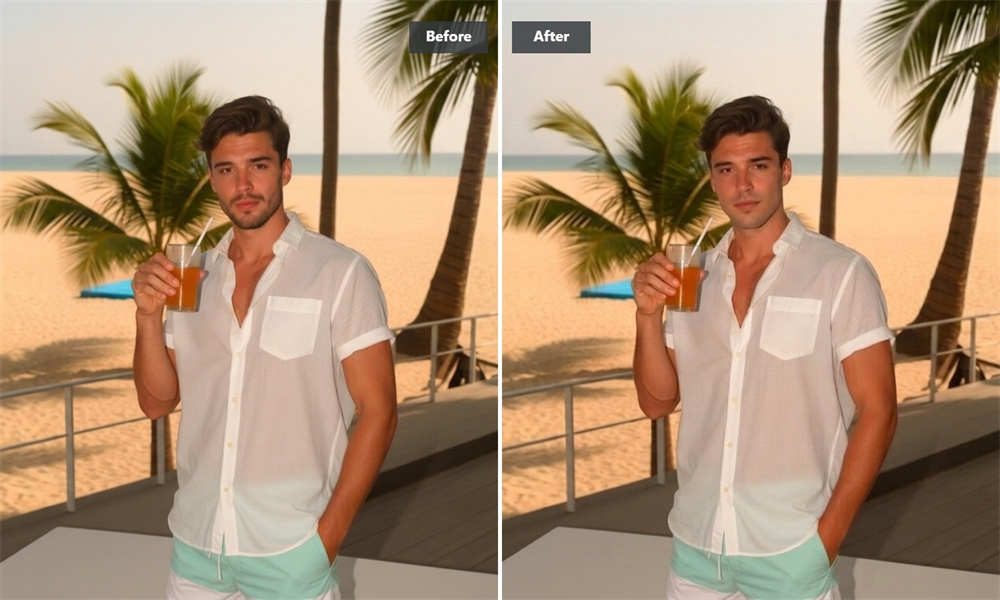
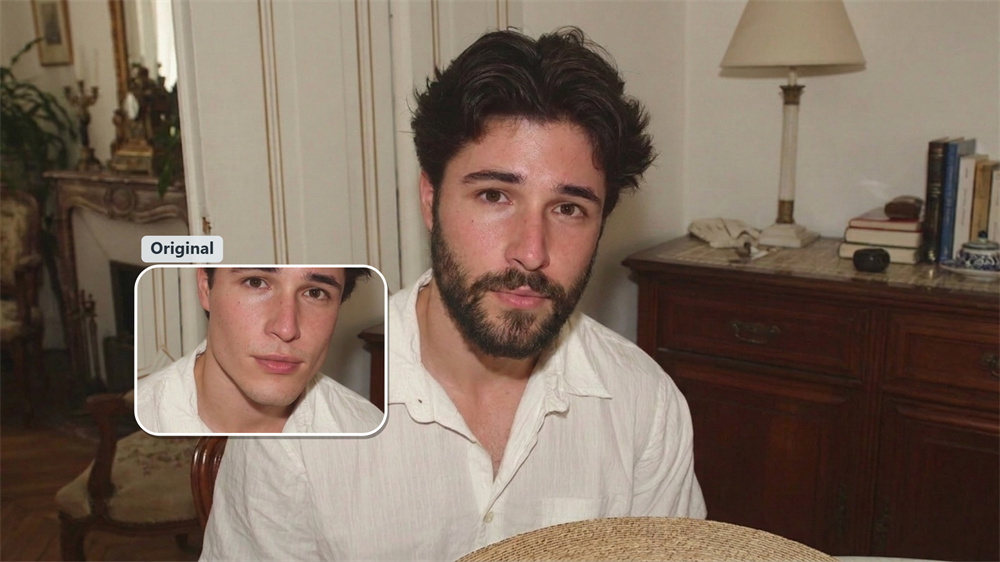
Natural jawline recovery without weird distortion
Basic touch-up apps usually turn your chin into a plastic, unnatural smudge. Guma’s AI reads your unique facial bone structure to predict what actually lies beneath heavy scruff, goatees, or sideburns.
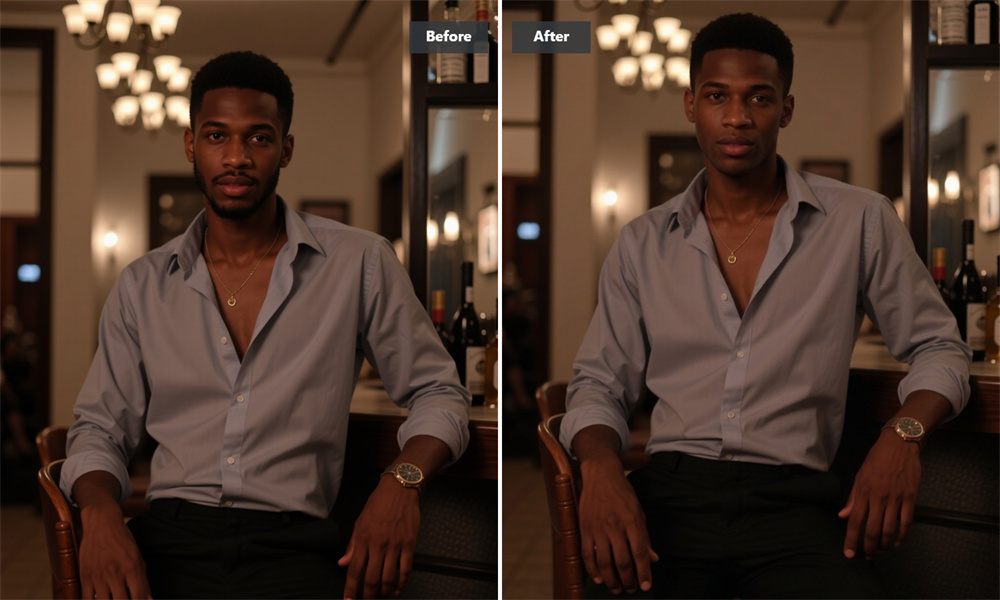
Real skin texture that matches your tone
Nothing ruins an edit faster than an artificially smooth complexion. Guma’s AI evaluates ambient lighting, pores, and natural undertones across your cheeks to generate believable skin grain. Whether you have subtle freckles or uneven coloring, the processed chin area merges seamlessly into your neck—giving you a photo that looks genuinely unedited.
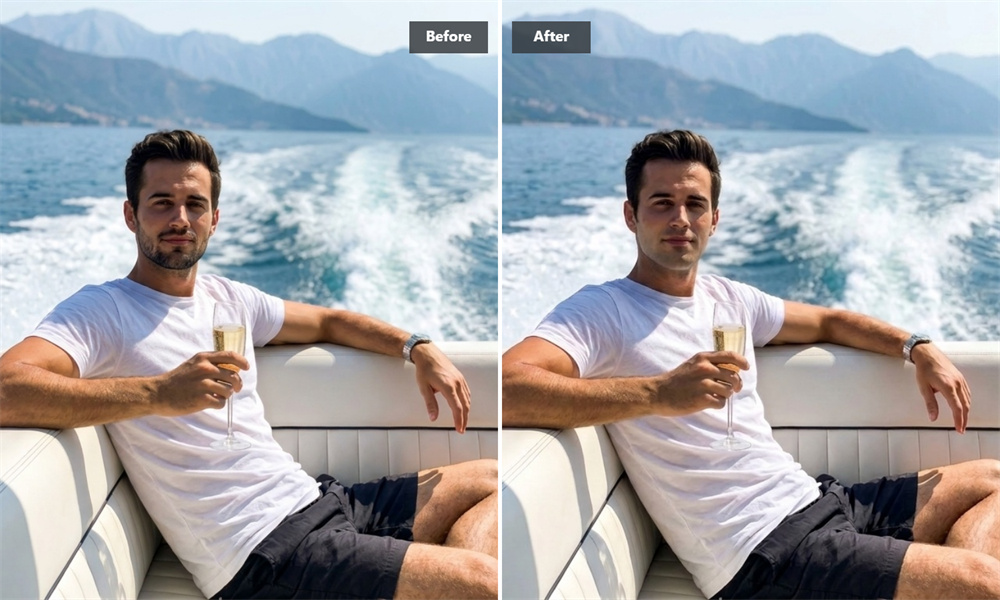
Complete facial hair removal in seconds
No manual editing. No confusing settings. Just instant, single-click beard wipeout. Guma automatically detects hair boundaries across your jaw and neck, clearing away stubble in seconds so you can spend less time editing and more time choosing your next style.
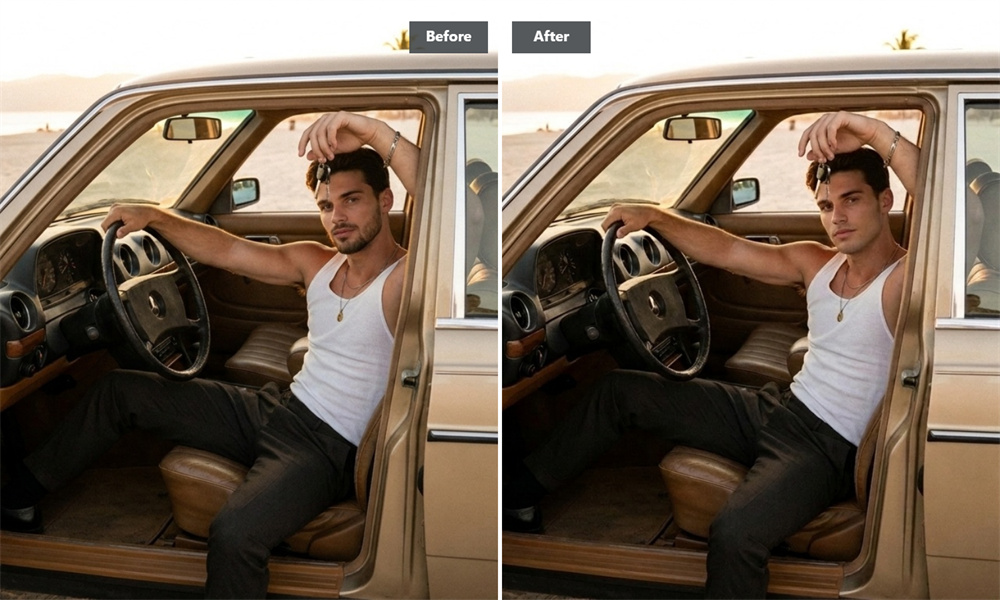
Ready for professional profiles and social polls
Need a fresh, clean-cut headshot for LinkedIn, or want to run an Instagram story poll before your next barbershop visit? Guma delivers studio-quality clarity designed for real-world decisions.
How to remove facial hair from photos in 3 simple steps
Pick and upload your photo
Upload any front-facing picture to Guma showing a clear view of your face, stubble, or beard.
Watch the AI wipe away your stubble.
Sit back as Guma's AI isolates your facial hair, erases scruff, and reveals your natural jawline in seconds.
Preview and download your new look
Check out your clean-shaven portrait, toggle the before/after, and save the sharp image straight to your device.
Explore more facial and portrait editing tools
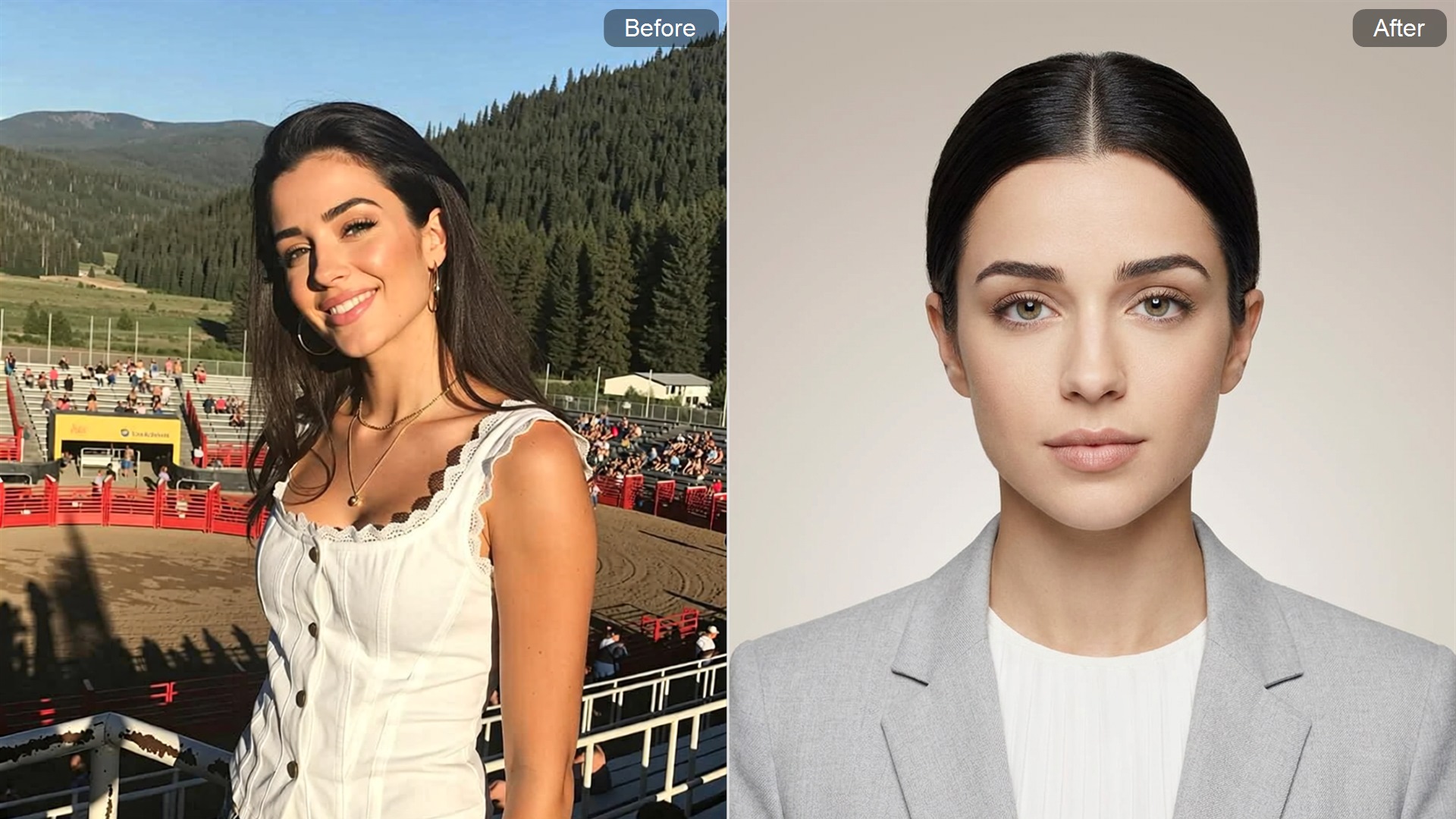
Frequently asked questions about our beardless filter
How does Guma remove my beard without making my face look fake?
Rather than applying a flat color mask over your cheeks, Guma's AI evaluates your facial structure, skin tone, and lighting to generate realistic skin grain and your genuine chin contour underneath.
Will erasing my beard change my mouth or smile?
No. Guma’s AI precisely maps key facial features. Your lip shape, smile lines, nose, and cheek structure remain untouched, ensuring your face stays fully recognizable.
How accurate is the reconstructed chin underneath the hair?
Guma's AI predicts underlying facial structure based on surrounding jaw proportions and cheekbones, delivering an accurate preview that closely mirrors your actual clean-shaven face.
What kind of photo works best for a realistic shave preview?
A well-lit, front-facing selfie works best. Try to avoid pictures where hands, clothing, or harsh shadows block your chin or neck area.