
Smile Filter
Add a Smile to Any Photo with AI
Turn a serious selfie into a warmer, more approachable photo. Guma’s smile filter adds a realistic smile to portraits, profile pictures, and everyday snapshots—right in your browser.

AI Prompt
Generate a hyperrealistic 5-second video with 4K HD cinematic-quality realism, featuring camera shooting pixel parameters of 1.6, natural image noise level of 3.0, and a realism parameter of 1.6. The lighting and shadow transitions are seamless and natural, and the human body proportions are perfectly accurate. The protagonist’s facial features, gender, demeanor, hair color, hairstyle, and makeup remain 100% consistent with those in the reference image @image. [First Frame] The first frame is based on the user-uploaded image. Make the person in the video smile without showing their teeth, while other minor movements are subtle.

Fix the Expression Without Retaking the Photo
The photo is sharp, the lighting is good, and someone still looks a little too serious. Guma lets you adjust the expression without setting up another shoot. It’s useful for headshots, family photos, school pictures, and group shots where one small change can make the whole image feel better.

Make Profile Pictures Feel More Approachable
A friendly expression can make a profile photo work harder. Use Guma for social accounts, creator pages, team directories, and professional introductions. The smile filter keeps the edit focused on the face, so the background, clothing, and overall style of the photo stay intact.

Choose a Subtle Smile or a Brighter Look
Not every photo needs a wide grin. Guma gives you a quick way to test a softer smile or a more cheerful expression, depending on the mood you want. Try the effect on different portraits and keep the result that suits the person, the occasion, and the way you plan to use the image.

Save a Share-Ready Photo in Seconds
Once the expression looks right, download the finished image and use it wherever you need it. There’s no complicated retouching workflow to learn. Guma is made for quick edits when you want to improve a photo now—not spend an hour rebuilding it in a desktop editor.
How to Add a Smile to a Photo
Upload
Choose a portrait, selfie, or group photo.
Generate
Download
Save the finished image.
More AI Tools for Better Photos
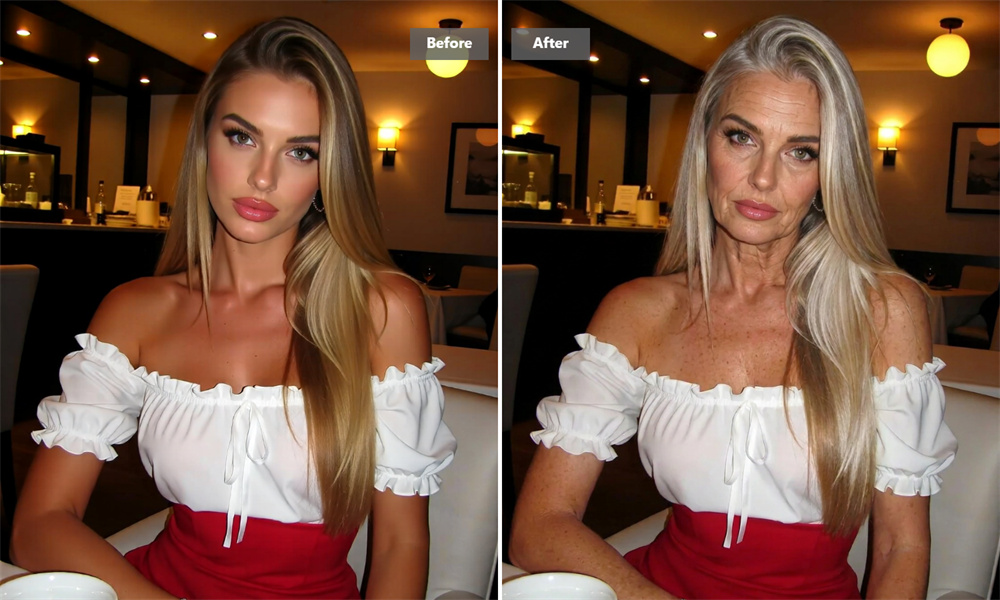
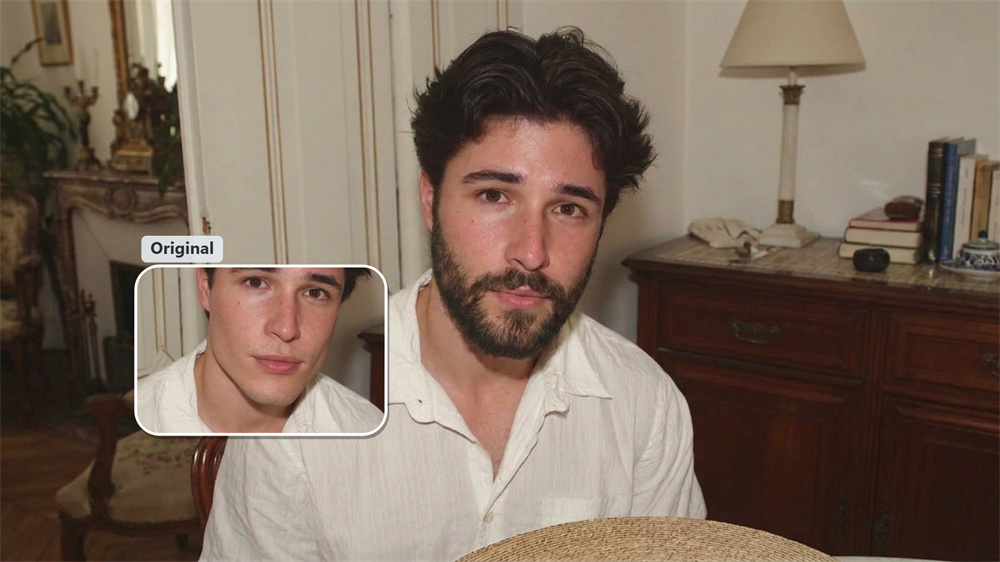
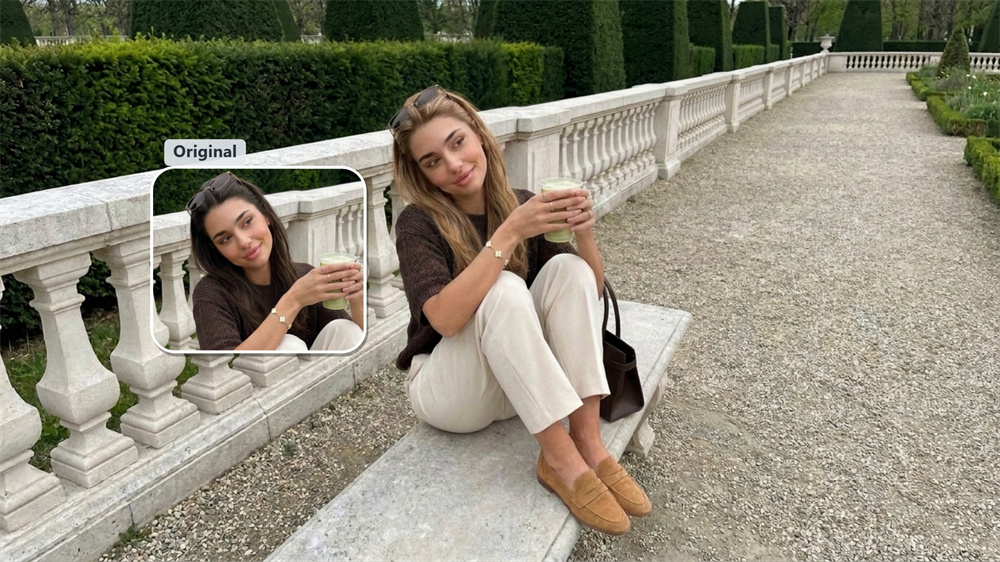
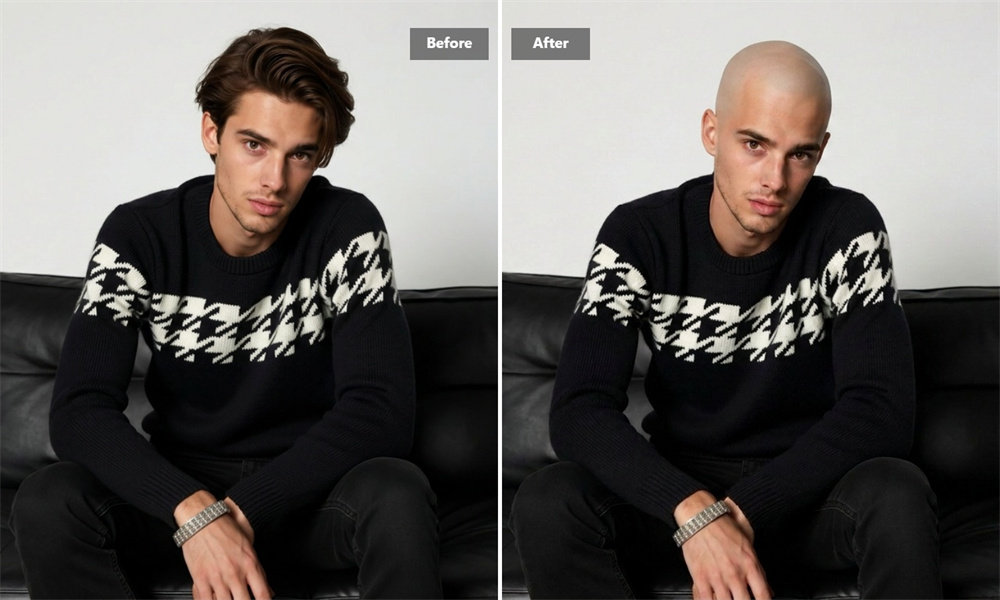
Smile Filter FAQs
What Can I Do With Guma’s Smile Filter?
Guma adds a smile to a face in an existing photo, making it useful when the original image is well composed but the expression feels too serious, distracted, or neutral. For more image adjustments, explore our Image to Image.
Is the Smile Filter Free?
Registered Guma users receive daily free credits to try the tool. A paid plan is available if you want more generations or access to additional editing tools.
Which Photos Work Best?
Use a clear image with a visible face and reasonable lighting. Front-facing portraits usually produce the most reliable results; very small, blurry, or heavily covered faces may be harder to edit.
Can I Use It for a Business Headshot?
Yes. You can use it for a profile photo, team page, résumé, or creator account. Choose a restrained expression when the image needs to remain professional.
Does It Work on Group Photos?
It can work when the faces are large enough and clearly visible. For the most predictable result, a single-person portrait is usually the better starting point.