
AI 360° Microwave Effect
Turn Any Photo into a 360-Degree Rotating Video
Simply upload a regular photo, and AI will automatically predict and complete the side and back views, making your product or character rotate smoothly as if placed on a turntable. Whether you’re showcasing e-commerce products, previewing 3D character figures, or creating dynamic short videos, you can get a high-definition video in just a few seconds—without adjusting complicated 3D parameters.

AI Prompt
The video shows that the subject in the picture remains stationary, like a doll in a music box spinning in place
Generate Your 360-Degree Rotating Video in 3 Easy Steps
Upload a Photo of Your Subject
Select and upload a photo with a clearly defined subject and a clean background, such as a new pair of shoes, a handbag, a portrait, a collectible figure, or a 3D character design.
Generate the 360-Degree Microwave-Style Rotation Effect
Click the generate button. AI will automatically identify the foreground subject and infer and complete smooth 360-degree surrounding views and a natural rotation path.
Export and Share a Smooth Video
Once rendering is complete, directly download a high-definition MP4 video or looping GIF for use on your product pages or social media platforms.
Why Choose Guma AI to Create 360-Degree Rotating Videos
There’s no need to spend hours struggling with complex software. Guma AI handles complicated spatial calculations in the background and gives creators an intuitive, effortless experience, allowing you to focus your time on the creative process itself.
No 3D Modeling Required
Skip the processes of modeling, texturing, and adjusting lighting. A single flat photo can be transformed into a three-dimensional spatial rotation effect.
Fast Cloud Rendering
With real-time cloud computing power working in the background, you don’t need to sit in front of your computer waiting. Get satisfying dynamic previews in just a few seconds.
Smooth and Natural Visuals
The algorithm automatically handles edge smoothness and frame rates during rotation, creating smooth motion without distortion or lag.
Built for Everyday Creators
Whether you’re an e-commerce seller, a design professional, or simply someone who wants to create a dynamic video to share on social media, you can get started right away.
Explore More AI Visual Generation Tools
In addition to smooth rotation effects, you can unlock even more possibilities for visual creation here. Whether you want to turn the images in your mind directly into high-definition pictures or bring static photos to life as exciting videos, you can freely experiment with different creative options and easily turn your ideas into eye-catching work.


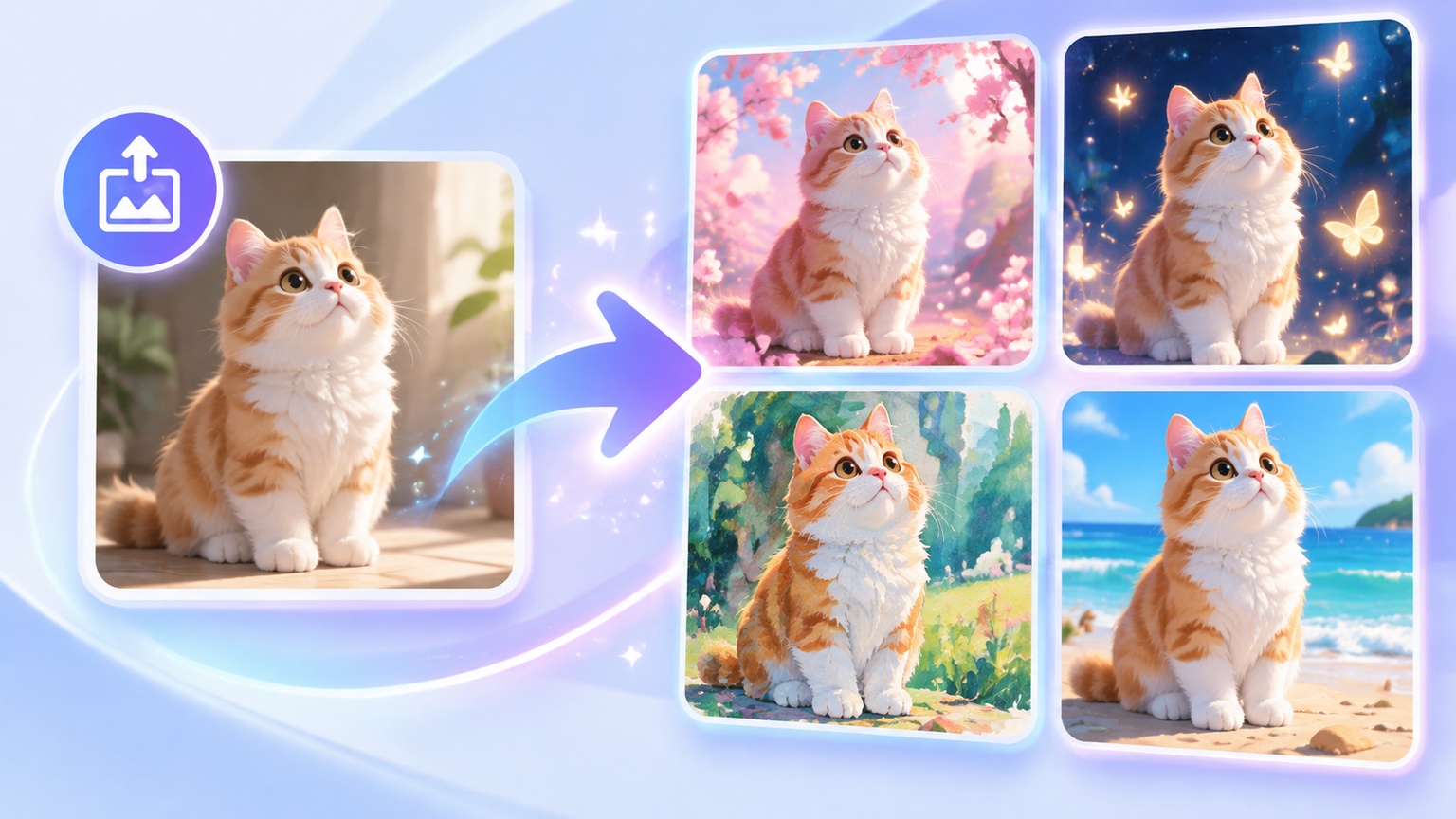
Explore More Popular AI Visual Effects
Frequently Asked Questions About the AI 360° Microwave-Style Rotation Effect
What Is the AI 360° Microwave-Style Rotation Effect?
This effect is also known as a 360-degree photo rotation or 3D rotation showcase effect. Visually, it looks as if an object is rotating smoothly through 360 degrees on a photography turntable or inside a microwave. The algorithm automatically predicts the angles that cannot be seen in the original photo, completes the spatial views, and generates a seamless looping rotation video.
What Kind of Photos Produce the Best Rotation Effects?
Photos with a clearly defined subject and unobstructed edges produce the best results. Examples include shoe or handbag product images with clean backgrounds, full-body portraits, or collectible figure images with clear lighting and shadows. These types of photos allow AI to reconstruct details more accurately and generate smoother rotation effects.
Where Can 360-Degree Rotating Videos Be Used?
There are many possible applications. E-commerce sellers can use them to showcase the full appearance and details of products. Game designers and 3D creators can use them to quickly preview character concepts. Short-form video creators can also use them to make eye-catching animated openings or transition shots.
How Long Does It Usually Take to Generate a Video After Uploading a Photo?
The entire process is usually completed within a few seconds to one or two minutes. After uploading your photo and clicking generate, simply wait a moment to receive the rendered high-definition video.