
AI Bangs Filter Prompts
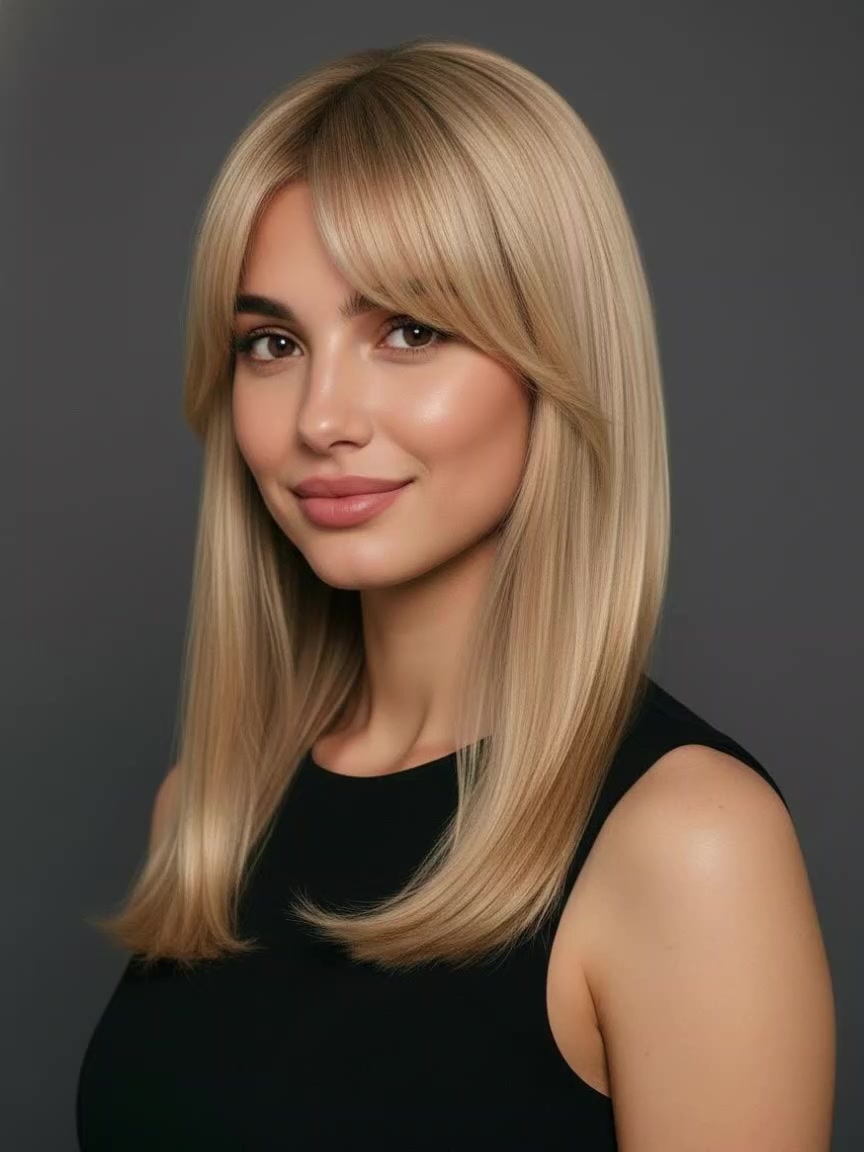
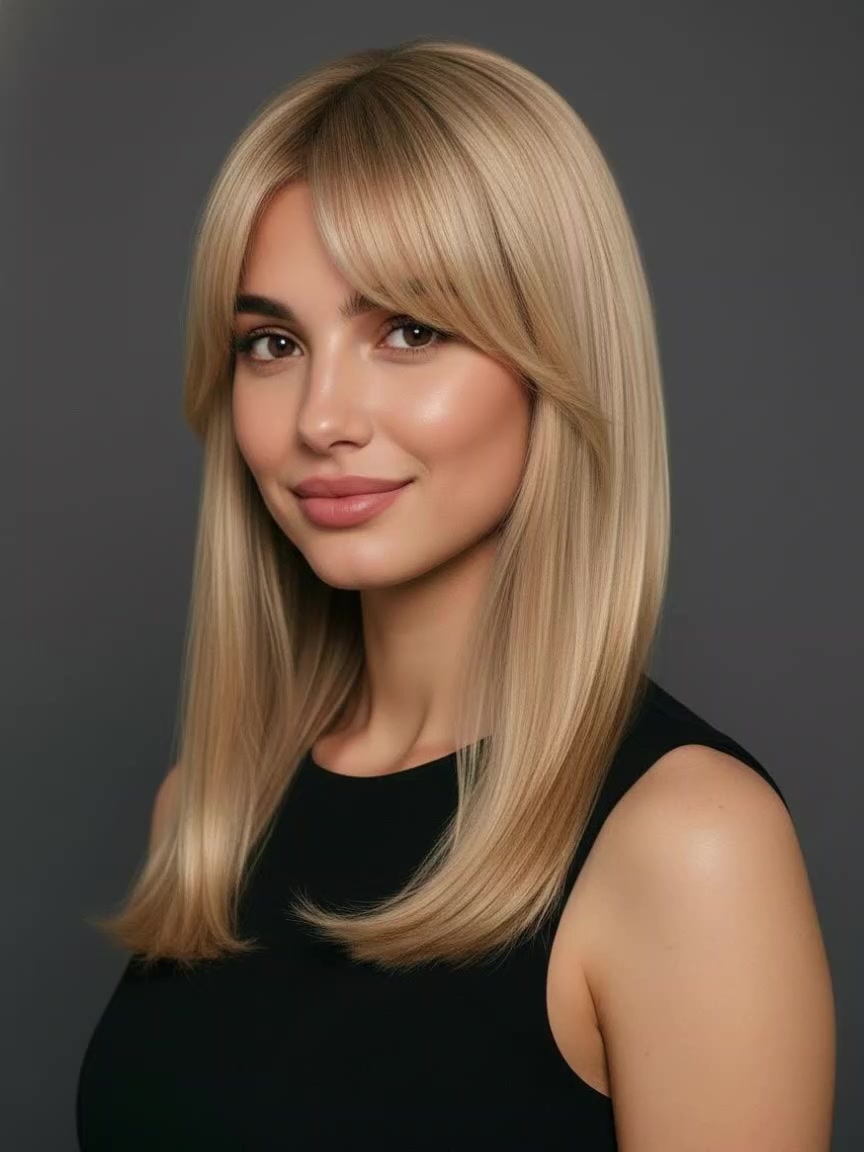
Preview natural-looking bangs styles with ready-to-use AI prompt templates. Transform any portrait into curtain bangs, wispy fringe, or bold blunt cut looks—all in seconds.
Thinking About Getting Bangs? See Them on Your Real Face First
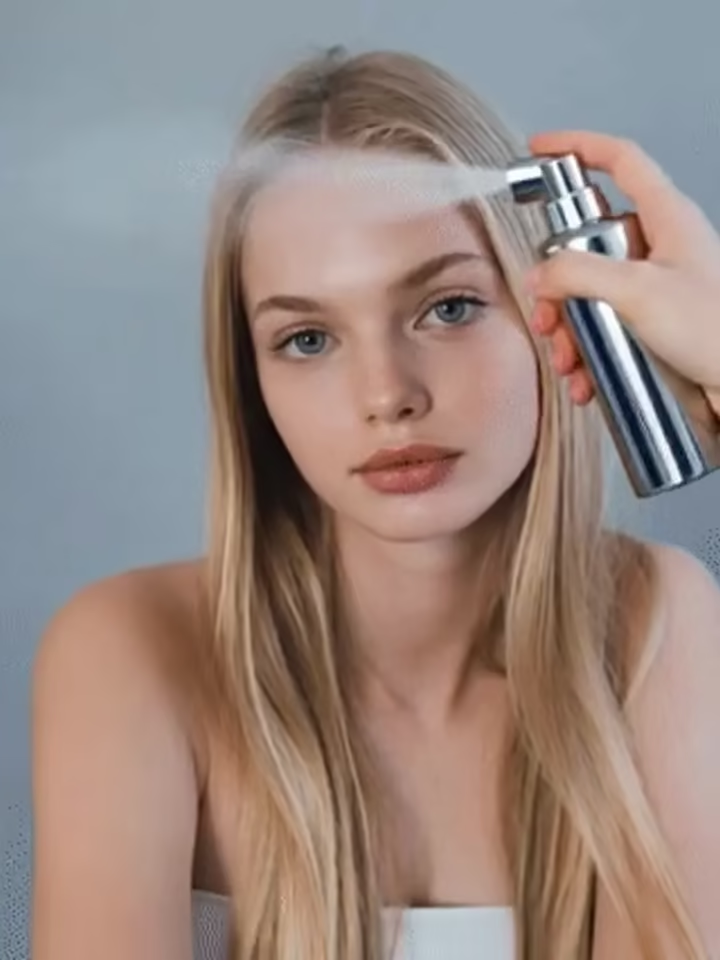
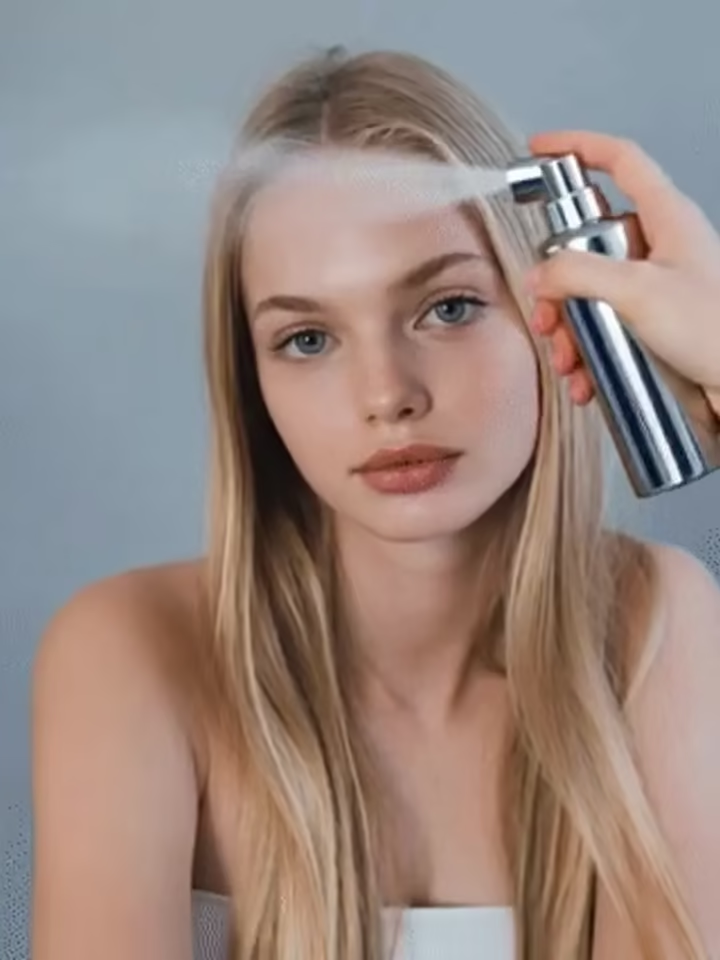
Wondering if curtain fringe or wispy air bangs will actually suit you? With Guma, you can test any fringe style on your own photo in seconds. Our smart hair engine adds natural hair layers while keeping your eyes, skin texture, and makeup fully unchanged, allowing you to find your ideal look with zero haircut regret.

Why Guma.top Delivers the Most Natural Hairstyle Previews
Finding the right fringe style is about how hair drapes over your brow line, blends into your natural hairline, and matches your hair texture. Guma gives you total hands on creative control, turning simple descriptions into realistic visual previews tailored specifically to your facial proportions.
Your Natural Features Stay Intact
The system focuses strictly on adding hair layers while keeping your eyes, skin texture, makeup, and background unchanged.
Seamless Lighting and Color Match
The generator automatically senses your current hair shade and ambient room lighting so your new bangs look freshly cut and naturally attached.
Flexible Prompt Driven Adjustments
Easily modify length, density, and parting width by typing simple style ideas or adjusting your text descriptions.
Clear References for Your Stylist
Bring a high definition preview to your hair appointment so your hairdresser knows the exact length and shape you want.
How to Test Virtual Bangs in Three Easy Steps
1
Upload a Clear Front Facing Selfie
Select a direct portrait photo where your forehead and eyebrows are visible so the hairline maps accurately.
2
Type Your Style Idea or Choose a Look
Pick popular styles like curtain fringe, Korean air bangs, or blunt cuts, or type custom details such as brow length wispy bangs.
3
Preview, Compare, and Save Your High Definition Assets
Get instant high definition results in seconds, compare different lengths, and save your favorite preview to show your hairdresser.
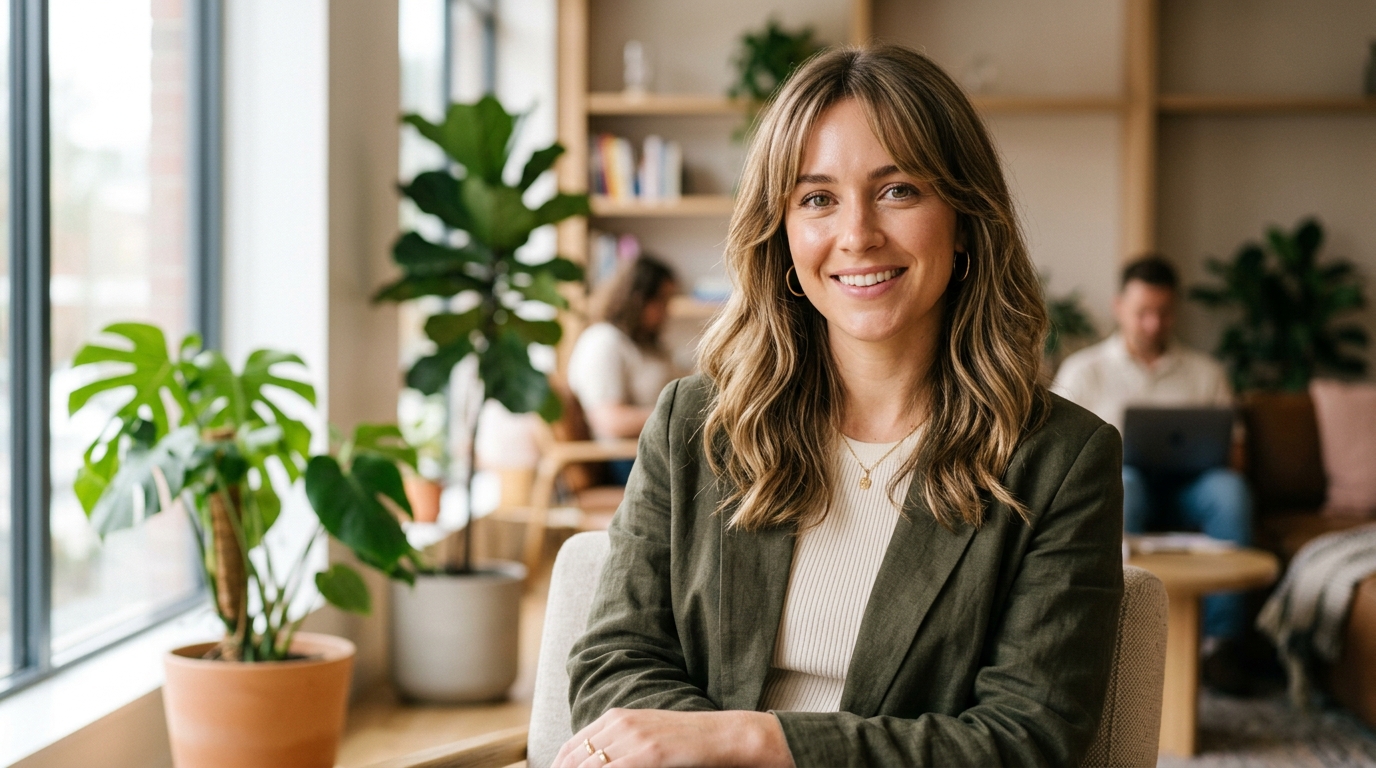
Soft Curtain Fringe for Balanced, Face Framing Layers
Curtain bangs add a soft, elegant touch that balances almost every face shape. Test eyebrow length or cheekbone sweeping layers on your own portrait to see how cascading hair frames your features before making a commitment at the salon.
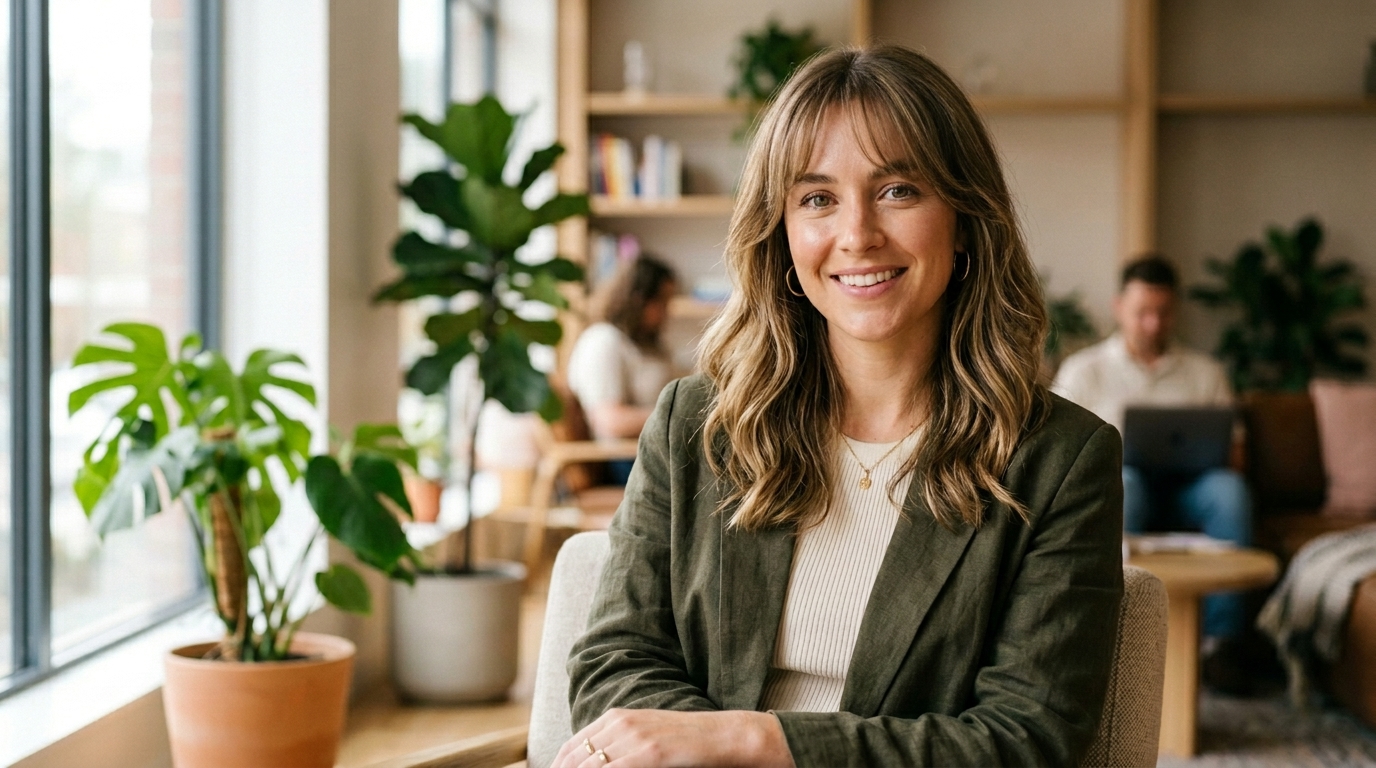
Light Korean Air Bangs for a Soft, Subtle Refresh
Airy Korean style bangs give you a fresh, youthful vibe that lets your forehead skin peek through naturally. Easily adjust strand spacing and density in your description so your generated fringe looks light, bouncy, and effortless.

Bold Blunt Cuts for High Contrast, Brow Skimming Style
Blunt bangs make a chic, high fashion statement, but if you dislike the result, growing them out takes time. Test brow level cuts or edgy micro bangs with realistic texture and light reflection to decide if a bold front piece fits your daily look.
Explore the Complete AI Prompt Library
Looking for more creative inspiration or want to experiment with different themes? Visit the main Prompt Library to browse a vast collection of ready to copy text prompts for digital art, photography filters, marketing visuals, and creative design ideas across all categories.
Powered by High Precision Hair Segmentation Engines
Under the hood, Guma uses specialized image rendering models designed specifically for hair transformations. The tool reads your forehead height, lighting, and hair direction together, rendering natural strand details that match your original photo.
Frequently Asked Questions About AI Bangs Filter Prompts
Will the AI bangs filter accurately show how bangs look on my specific face shape?
Yes. Guma maps your forehead height and hairline first, then naturally drapes hair strands over your brow line to match your real face structure.
What should I type in the prompt box to keep my face looking like me?
Keep your description focused purely on the hair attributes. Use this simple prompt formula:
Style and Length + Match Natural Hair Color + Keep face, skin texture, and makeup unchanged
Example: "Soft brow length curtain bangs in my current hair color. Keep my face, eyes, and makeup strictly unchanged."
What kind of photo works best for trying on virtual bangs?
A well lit, direct selfie with your full forehead visible and hair pulled slightly back gives the cleanest, most realistic transformation.
Can I change my hair color or overall length while adding a fringe?
Yes, you can combine requests in a single prompt, such as asking for wispy curtain bangs while changing long straight hair to shoulder length wavy brown layers.
Are my uploaded selfie photos kept private and safe?
Your privacy comes first. Uploaded photos are processed securely to generate your preview and are deleted shortly after. They are never saved publicly or used to train public models.