
AI Pose Generator

Turn Stiff Photos into Naturally Dynamic Fashion Shots
Are your photo poses too stiff or the angles too rigid? There’s no need to retake the photo. The pose generator can replace an awkward standing pose with a natural, flattering one in just seconds. Simply upload a photo, and the system will automatically adjust the body angles, match the lighting and shadows, and preserve your facial features perfectly.
AI Prompt
(Shot with a film camera), (highlighting the key features of the subject in the photo: 1.6) Transformed into a Victoria's Secret model, reclining gracefully on a white rectangular base with irregular textures—a sleek, rectangular stone. The image captures a woman adorned with magnificent golden wings, clad in golden high heels and a delicate light-pink, form-fitting, sleeveless top featuring a V-neck and halter-style design, paired with a fitted fishtail skirt that flows elegantly to reveal her long, slender legs. Her attire subtly shimmers under the soft glow of the lighting. The photograph exudes youthful vitality, perfectly accentuating her radiant beauty and alluringly sexy figure. Notably, the subject’s signature attributes remain unchanged—her flawless body curves and the intricate fishtail corset detail of her outfit. She completes the look with golden high heels and a matching golden headband, set against a rich, dark yet airy European-inspired interior backdrop illuminated by a film camera flash.
Reshape Photo Poses Easily in Three Simple Steps
Upload Your Original Photo
Upload a clear portrait or full-body photo, and let the system automatically identify the person’s body position and facial details.
Let the System Intelligently Match a Pose
Once the photo is uploaded, the system automatically generates a brand-new body movement or standing pose, delivering an unexpected visual surprise.
Generate and Save Your New Photo
Wait a moment to preview the photo with its reshaped pose. Once you’re satisfied, you can save the high-resolution image directly to your device.
Why Everyone Loves Using Guma to Generate Photos
Guma was created to make visual creation simple and intuitive. You don’t need to open complicated professional software, manually paint masks, or adjust tedious settings. With just a few clicks in your browser, you can easily produce fresh and creative visual effects, transforming ordinary photos into distinctive fashion shots anytime, anywhere.
Your Face Remains Unchanged
While your body pose is adjusted, your facial features, expression, and skin texture are fully preserved, producing natural results without distortion.
Fast Cloud Processing
All calculations are completed in the cloud, generating images in just seconds without lag or consuming your computer’s or phone’s processing power.
Privacy and Security
Your uploaded photos and generated results are carefully protected. Temporary cloud data is automatically deleted on a regular basis to safeguard your personal information.
Easy One-Click Creation
The interface is clean and intuitive, with no complicated learning curve. You can quickly create satisfying results without any prior experience.
Unlock More Creative Ways to Bring Your Photos and Ideas to Life
In addition to changing the poses and movements in your photos, you can explore a wide variety of visual creation experiences here. Turn the images in your imagination directly into polished pictures, use an existing photo to create an entirely new style, or transform a static portrait into a vivid video. Explore different creative possibilities anytime and give every photo a new purpose.
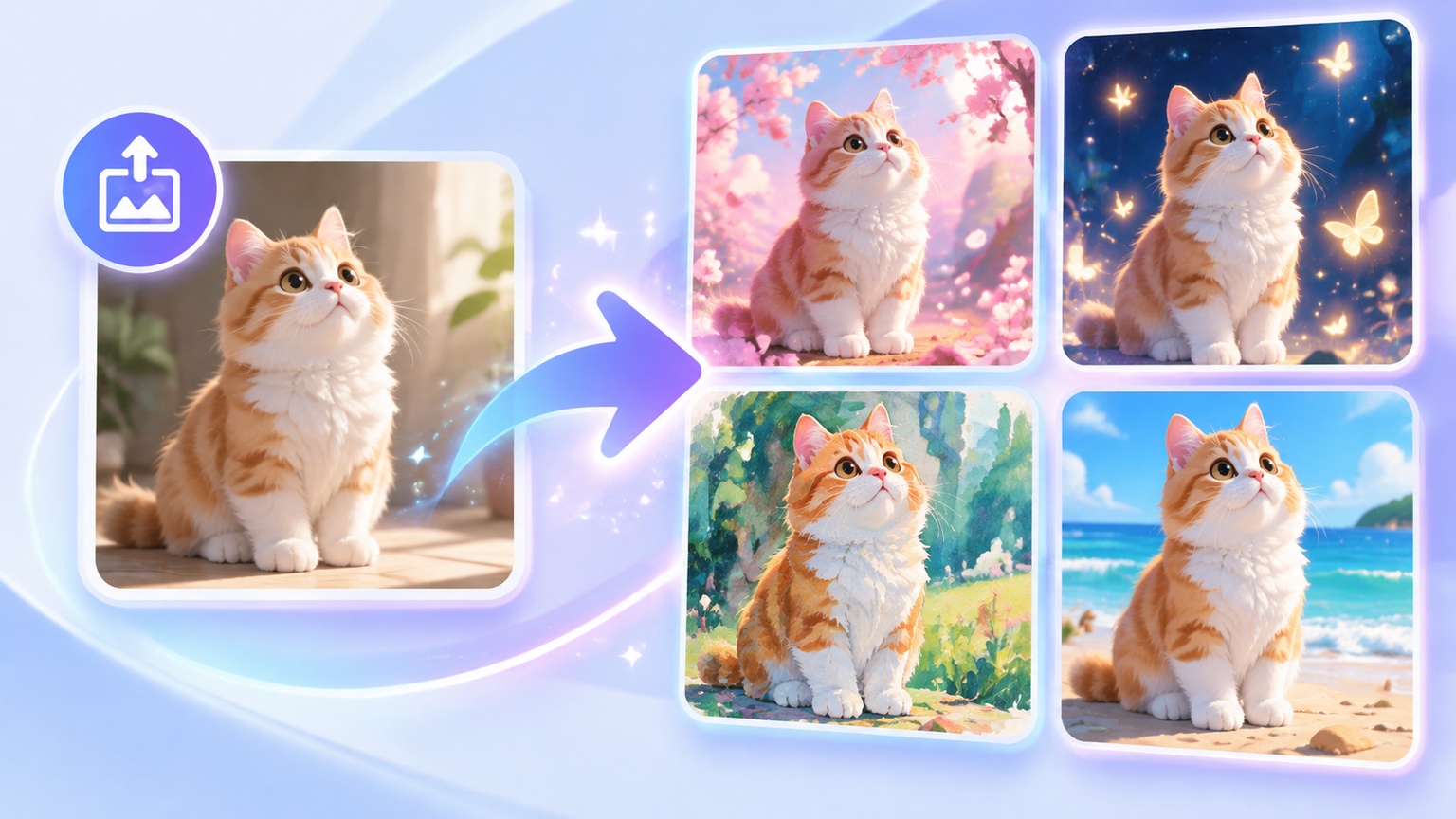


Explore More Fun AI Photo Editing Tools
Frequently Asked Questions About AI Pose Generator
How Does the AI Pose Generator Change a Pose Without Damaging the Background?
The system automatically identifies the positions of the person’s joints in the photo. While recalculating body movements, clothing folds, and changes in light and shadow, it also protects the background in separate layers. This allows the system to create a new pose without stretching or distorting the background. You can use our AI pose generator anytime to experience this process.
Will Changing the Body Pose in a Photo Alter My Face?
Not at all. Before reshaping the pose, the system locks your facial features. The shape of your eyes, the curve of your smile, and the contours of your face all remain unchanged. Only the positions and angles of your shoulders, arms, and legs are adjusted.
What Types of Photos Produce the Best Pose Transformation Results?
Well-lit full-body or half-body photos in which the person is not heavily obscured produce the best results. If the arms and legs are clearly visible, the system can identify the joints more accurately and generate more natural movements.
Can I Share the Generated Pose Photos on Social Media or Use Them for Presentations?
Of course. You are free to use any photos you generate and save, whether you want to share them on social media, update your profile picture, create a fashion lookbook, or use them as product display images. There are no restrictions.