
Skinny Filter
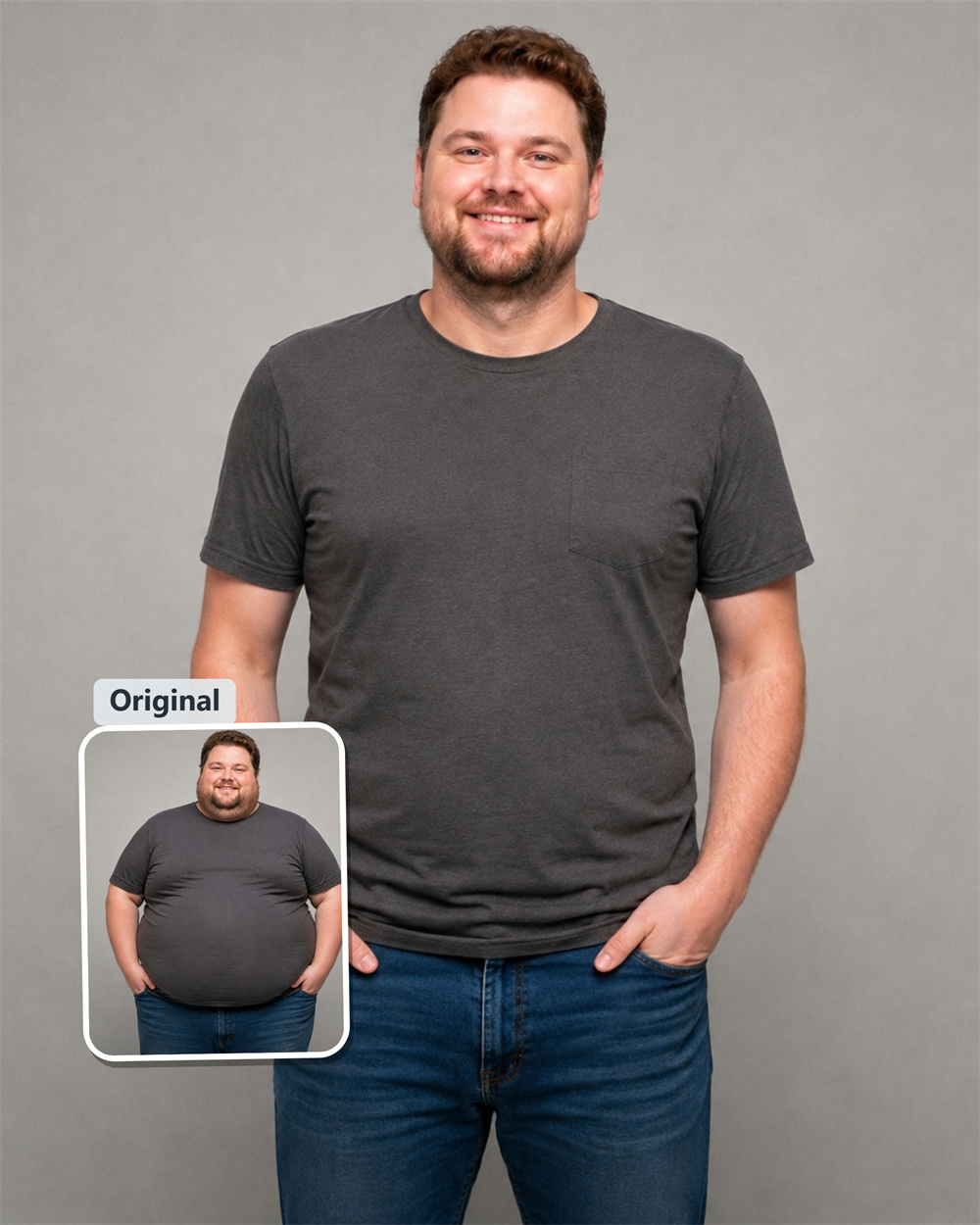
Get the Slimmer Look You Want From One Photo
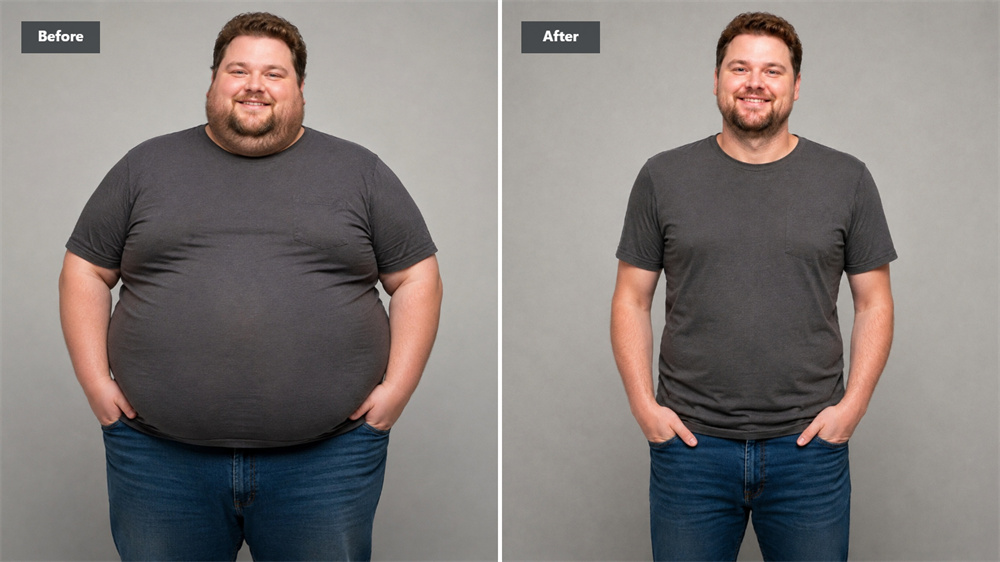
Marketing Description A photo can catch you at the wrong angle, flatten an outfit, or make your body look broader than it does in real life. Guma’s AI skinny filter helps you create a slimmer-looking version while keeping the image recognisable. Upload a selfie or full-body shot, then see a cleaner silhouette without opening a complicated editor.
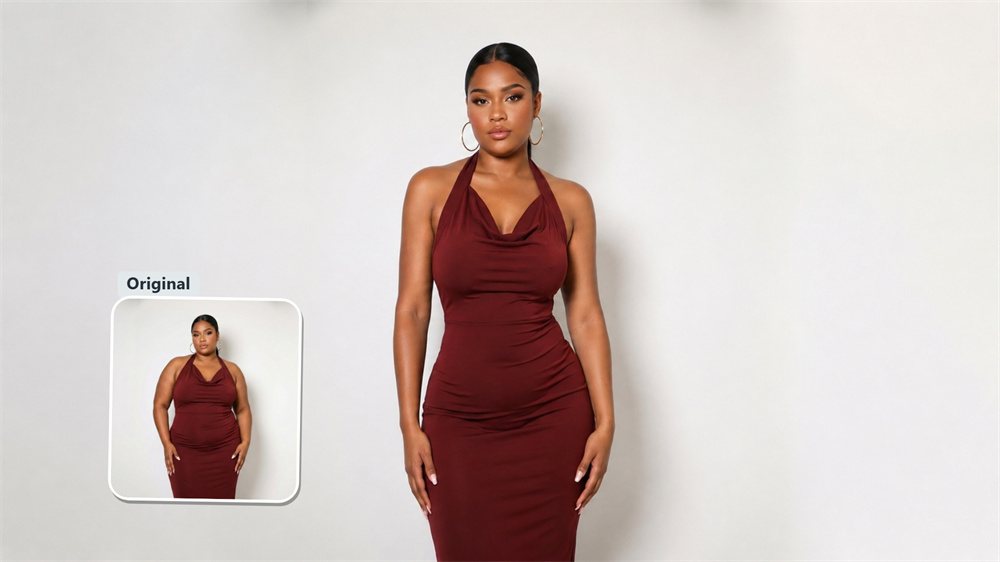
Make Your Waistline and Silhouette Look More Balanced
This isn’t about changing every part of the image. It’s about the small details that affect how a photo looks: a waist that appears wider due to the lens, arms pressed tightly against the body, or a full-length shot that feels heavier than expected. Guma helps restore balance to the shape, making the photo look lighter without sacrificing its character.
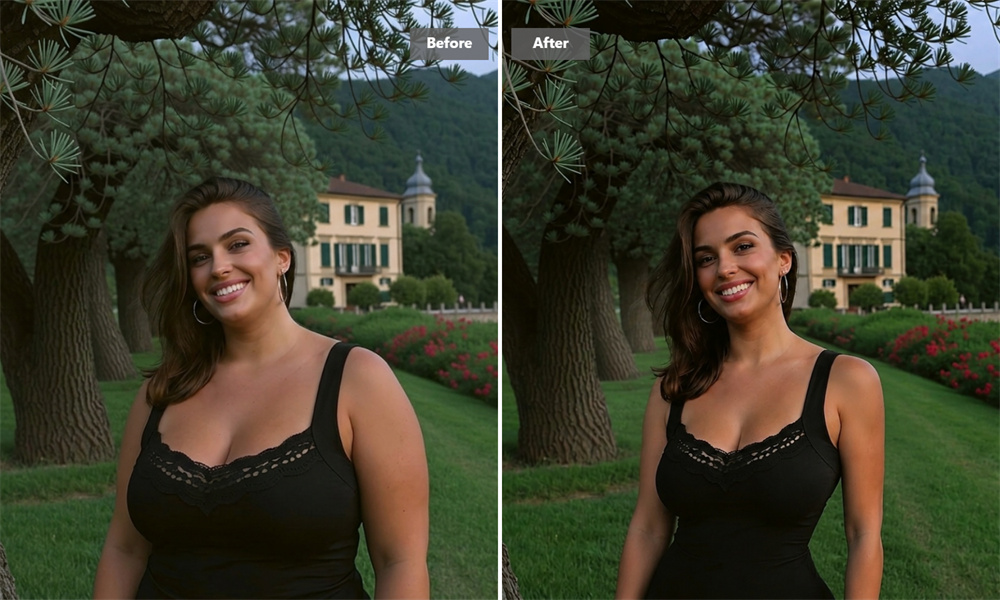
Let the Rest of the Photo Stay in Place
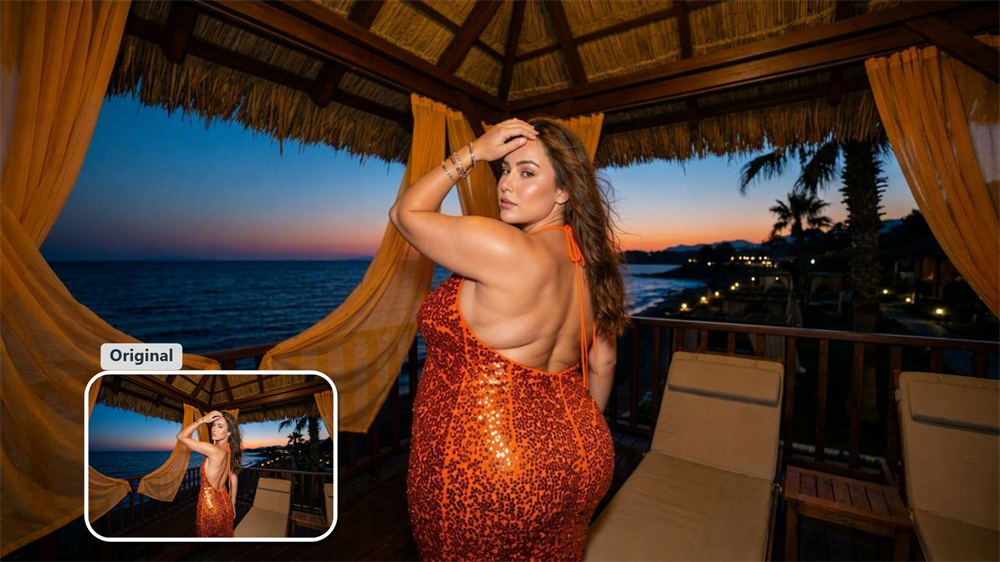
People notice a poor edit before they notice the body change. A warped mirror edge, a stretched sleeve, or a bent doorway can give the game away immediately. Guma keeps the attention on the slimming effect instead of distracting details around it, which is especially useful for outfit photos, indoor selfies, and pictures with a visible background.
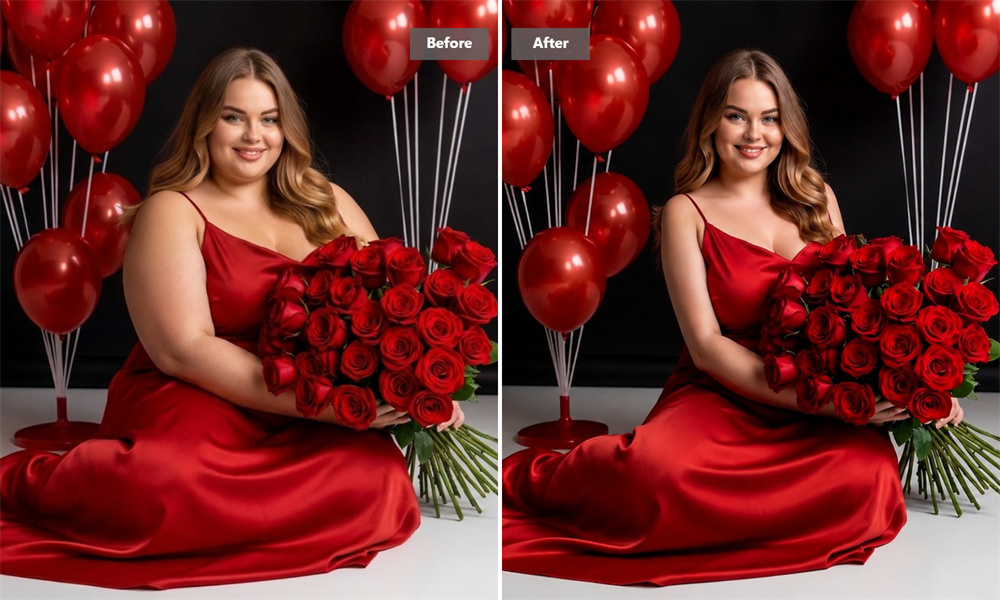
Give Your Face and Body a More Defined Look
Use the skinny face filter when you want a softer cheek area or a more defined jawline. For full-body photos, it can bring a little more shape to the waist, legs, and arms. The best-looking edits tend to be the ones that do not announce themselves. You still look like you—just closer to the way you hoped the camera would capture you.
Useful Before You Share, Post, or Print
A slim photo editor can be handy when a photo matters: a new profile picture, a holiday post, a gym update, a dress you want to show off, or a group of event photos you plan to keep. Start with a clear image and let Guma handle the visual adjustment. It is a quick way to see whether a slightly leaner look suits the moment.
How to Use the AI Skinny Filter
Upload Your Photo
Choose a clear photo where your face or body is easy to see.
Create a Slimmer Look
Guma turns your upload into a leaner-looking image in a few simple clicks.
Download Your Result
Save the generated photo when you are happy with how it looks.
Discover More AI Photo Tools

Questions About the Skinny Filter
What Does an AI Skinny Filter Do?
An AI skinny filter creates a new version of a photo in which a person appears slimmer. It is useful when you want to adjust the visual impression of a face or body without manually reshaping the image yourself. To make further changes to a photo, explore our Image to Image feature.
Is Guma Free to Try?
Yes. Create an account to receive daily free credits and try AI image generation with your own photos. If you use the tool regularly or need a larger credit allowance, you can choose a paid subscription.
Can I Use It on a Full-Body Photo?
Yes. Full-body images can work particularly well when the subject is visible from head to toe and the photo is not heavily blurred. Outfit pictures, mirror selfies, and standing portraits are all suitable choices.
Can It Make My Face Look Slimmer?
Yes. The tool can create a slimmer-looking facial outline and a more defined jawline. A clear, front-facing image usually gives the AI the best starting point.
What Makes a Good Source Photo?
Use a sharp image with decent lighting and a visible person. Avoid photos where the body is hidden behind objects, where several people overlap, or where the image has already been heavily filtered.
Does Guma Replace My Original Photo?
No. Your original photo remains separate. Guma generates a new image for you to review and download.
Is This a Weight Loss Photo Simulator?
It is a visual editing tool, not a health measurement tool. It can show how a slimmer appearance might look in a photo, but it does not predict body changes or weight loss results.