
AI New Year Fireworks Video Generator
Turn Your Photo into a Video with Fireworks Blooming Across the Night Sky
Simply upload a portrait photo, and AI will automatically transform an ordinary background into dazzling New Year fireworks. Guma AI automatically identifies the person in the image, preserving clear facial features and natural-looking hair while rendering realistic night-sky fireworks and festive lighting in the background. In just a few seconds, you can create a stunning festive video perfect for sharing on social media or sending New Year greetings to friends.
AI Prompt
The video shows a scene of fireworks behind a person, with colorful and dazzling fireworks
Create Your Dynamic Fireworks Video in 3 Easy Steps
Upload a Clear Portrait Photo
Select a personal portrait or a close-up full-body photo from your computer or phone to begin the video composition process.
AI Automatically Renders Background Fireworks and Lighting
AI automatically separates the person from the background and creates atmospheric dynamic fireworks and soft lighting effects in the background in real time.
Preview the Video and Save It Locally with One Click
Preview the dynamic effect in real time, choose an aspect ratio suitable for your publishing platform, and download the HD video directly to your device.
Why People Love Creating Visual Content with Guma AI
We want everyone to experience the joy of AI creation without any barriers. There is no need for complicated video-editing experience or large professional software downloads. Simply open the webpage and effortlessly create high-quality dynamic effects.
Use It Directly in Your Browser
Complete the entire creation and composition process in your browser without taking up storage space on your computer or phone, and start creating anytime, anywhere.
Natural and Clearly Defined Subject Edges
Intelligent recognition technology automatically protects the foreground subject, preventing blurring or distortion around the face and hair while generating spectacular background fireworks.
Optimized for Major Social Media Platforms
Easily export videos in formats suitable for vertical mobile viewing or horizontal desktop display, making them convenient to share directly on social media.
Simple Operation with No Experience Required
Skip complicated keyframe adjustments and complex color-grading steps. The automated composition process lets you create a finished video in just seconds.
Explore More Possibilities for Intelligent Visual Creation
Want to try more creative visual effects? In addition to generating festive fireworks videos, we also offer a rich AI creative toolkit. Whether you want to turn written ideas into images, bring static pictures to life, or explore entirely new artistic styles, you can create freely right in your browser and transform the ideas in your mind into stunning visual works at any time.


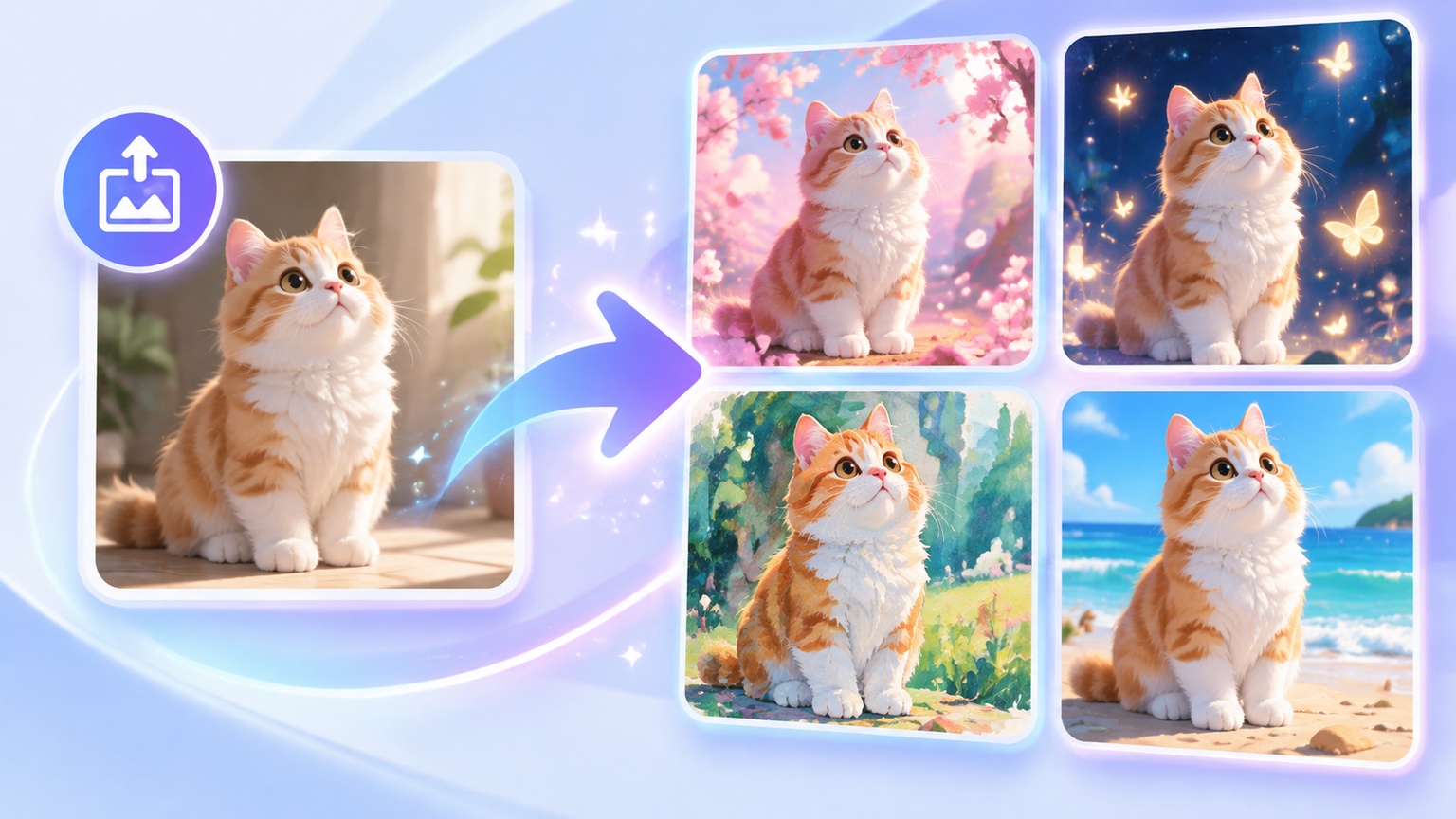
Explore Related AI Video & Photo FX
AI New Year Fireworks Video Generator Frequently Asked Questions
How Does the AI New Year Fireworks Video Generator Turn a Photo into a Video?
This tool identifies the person and background in a photo, then replaces the original static background with dynamic fireworks blooming across the night sky. While generating particle-based fireworks and colorful lighting effects, it fully preserves the person’s original facial expression and details.
Will My Face Become Blurry When the Fireworks Video Is Generated?
No. During processing, the system separates the person in the foreground from the background. The fireworks effects and dynamic lighting are rendered only on the background layer, so your facial features, hair strands, and skin texture remain clear and natural.
Do the Generated Fireworks and Lighting Effects Blend Naturally with the Original Photo?
Yes, very naturally. Based on the position and brightness of the fireworks exploding in the background, the system automatically adds subtle festive lighting to the person’s shoulders and the edges of their hair, making the foreground subject and the night-sky fireworks appear as though they were captured together at the same location.
What Video Formats Are Supported, and Are the Videos Easy to Share?
The exported videos use a standard HD format that plays smoothly on various phones and computers. You can generate either a vertical video suitable for short-form video platforms or a traditional horizontal format suitable for media players.
Can I Use an Ordinary Phone Selfie?
Absolutely. You can upload a selfie taken with your phone, and AI will automatically identify the portrait subject and transform the ordinary background into a lively fireworks night scene. If you want to fine-tune the photo’s composition or lighting before generating the video, you can also use our AI Photo Editor to edit the original image first.