
Template
Retro Game AI Filter
MoreUpload an image to start your template-based generation.
Upload Image
Retro Game AI Filter
Become the Star of a Retro Game
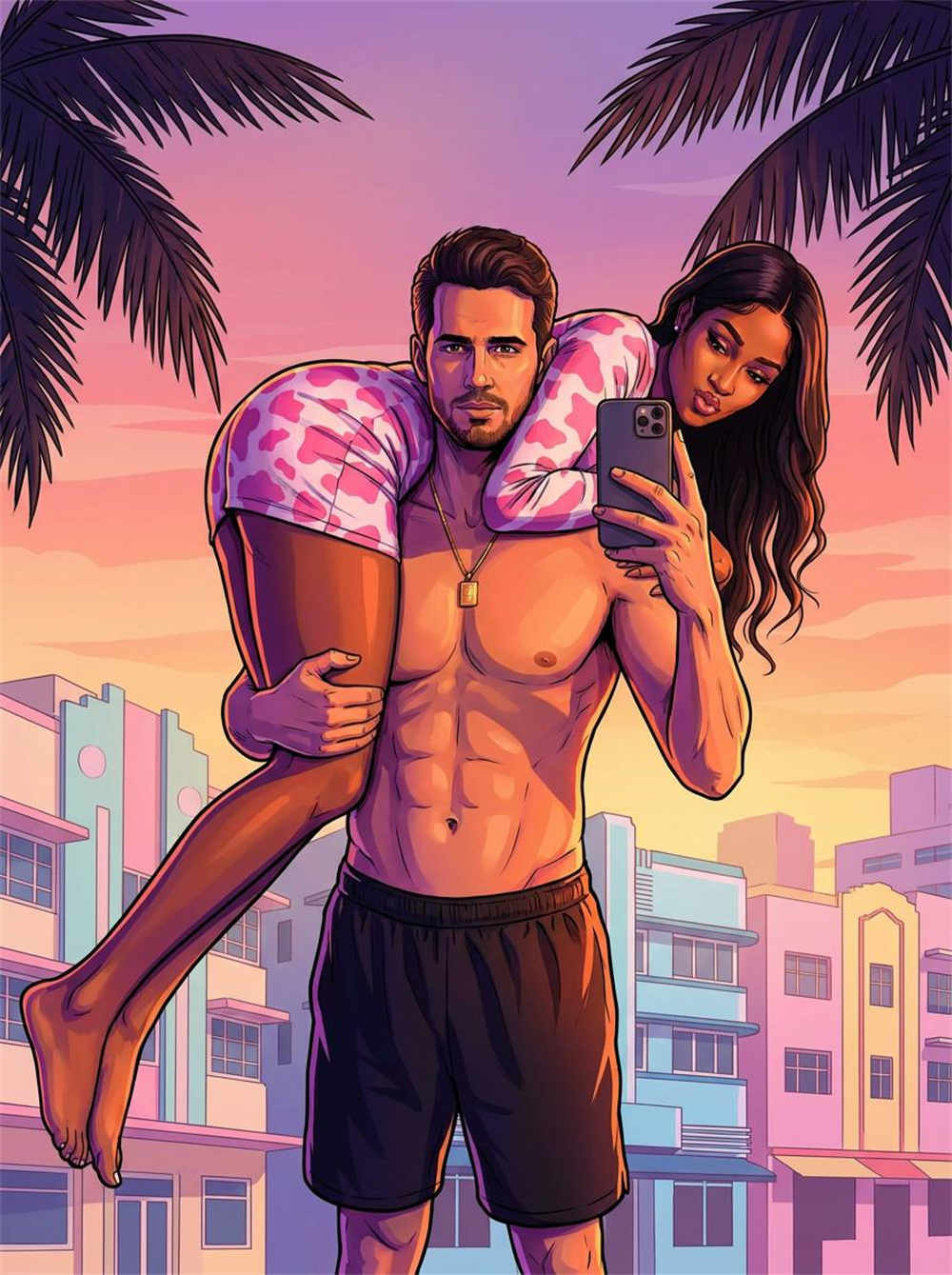
Upload a selfie, portrait, or pet photo and see the subject reimagined as a retro game character. Guma uses nostalgic color grading and early 2000s 3D game visuals to create the feel of a classic character screen or cutscene. No prompt or style selection is needed.
AI Prompt
{Noise: 3.0}{Reference to the protagonist’s main facial features in the original image: 1.6}, generating a realistic, overall high-saturation, semi-realistic digital painting style. Both the character and the environment feature crisp outlines and strong chiaroscuro blocks, evoking the texture of a game cover art illustration. The image is neither a real photograph nor a 3D plastic rendering; rather, it’s a game illustration imbued with comic-style lines, cinematic lighting effects, and an authentic urban atmosphere. The setting is a tropical city at dusk in the style of Vice City. The sky features a gradient of pink-purple, orange, peach, and light blue, transitioning smoothly from warm oranges and pinks near the horizon to violet-blue hues higher up. The sunset ambiance is intense, capturing the feel of a Miami beachside city, tropical nightlife, and a game promotional poster. In the distance, there are silhouettes of light-colored urban buildings and skyscrapers, their facades rendered in soft beige, pale pink, light purple, and pale blue shades. The shapes are simplified yet still convey the layered structure of urban neighborhoods. Architectural details are not overly complex, focusing mainly on geometric blocks and soft edges. On the upper left and right sides of the image, there are silhouettes of palm leaves or dark tropical foliage, extending inward from the edges to create a natural framing effect. The palm leaves are colored in deep purples, dark browns, or dark reddish-purple, creating a striking contrast against the pink-orange sky. In the distant sky, a few bird silhouettes can be seen, positioned toward the upper-middle left side—these serve as subtle atmospheric elements. The overall background is uncluttered, devoid of busy streets filled with crowds or heavy traffic; instead, it emphasizes the tropical cityscape, palm trees, the setting sun, and distant buildings. Color is the heart of the entire composition. The dominant hues include pink-purple, peach-orange, warm yellow, pale blue, deep purple shadows, and tropical green. The character is influenced by the warm colors of the setting sun and the purple-pink ambient light, resulting in bright areas leaning toward orange-pink and darker areas shifting toward blue-purple. The background buildings are bathed in soft pink-orange and pale purple tones from the sunset, while the sky’s gradient remains vivid yet clean and non-muddy. Overall, the color palette is highly saturated and contrasts sharply. The lighting combines the glow of the twilight sunset with the purple-pink ambient light. The main light source comes from the upper-right or slightly front-left side of the image, producing distinct warm highlights; shadowed areas carry a bluish-purple tint. The character’s edges are outlined with sharp, defined light, making the subject stand out clearly against the background. The background buildings and palm leaves exhibit layered chiaroscuro effects, while the sky itself serves as one of the brightest, most prominent color blocks. The overall lighting is clear and deliberate—not soft, hazy photographic lighting, nor natural light found in realistic photography—but rather an artistically enhanced game illustration style. The visual texture is that of a semi-realistic character illustration, where skin, clothing, urban environments, and vehicles have been simplified yet accentuated. The character’s face and body structures feature well-defined shadow blocks, with clearly delineated edge lines. Dark areas show a gradual transition into purple, while bright areas highlight with orange accents. The overall image is clean, sharp, and has a strong commercial poster aesthetic, yet it still retains the hand-drawn, illustrative feel. {The protagonist’s attire and pose remain unchanged}{The protagonist’s key facial features, gender, hair color, hairstyle, and biological characteristics from the original image are preserved}{Realism: 1.6}, with accurate human proportions.
Create a Retro Game Character in Three Steps
Upload a Clear Photo
Choose a selfie, portrait, or pet photo with a clearly visible subject, natural lighting, and a simple background.
Generate the Retro Game Look
Start generating and let AI reimagine the subject, clothing, colors, and surroundings with nostalgic color grading and early 3D game visuals.
Download Your Character Image
Review the facial features, outfit, and background, then download the finished image to use as a profile picture, character portrait, or social post.
Why Create Your Retro Game Character With Guma?
Guma keeps the creative process focused from the moment you upload a photo to the moment you download the result. Clear instructions and practical photo guidance help you start creating without advanced editing experience.
A Clear Path From Photo to Result
The preview, upload area, instructions, and common questions are organized on one page, so you always know what to do next.
No Prompt Writing Required
The visual direction is already set. Upload your photo and start generating without describing the character, lighting, colors, or game era.
Create From Photos You Already Have
Use a selfie, portrait, pet photo, or everyday image as your starting point without preparing a layered design file.
Know What Works Before You Upload
Photo tips and result guidance help you choose a clear subject, balanced lighting, and a background that will not distract from the character.
Explore More Ways to Create With AI
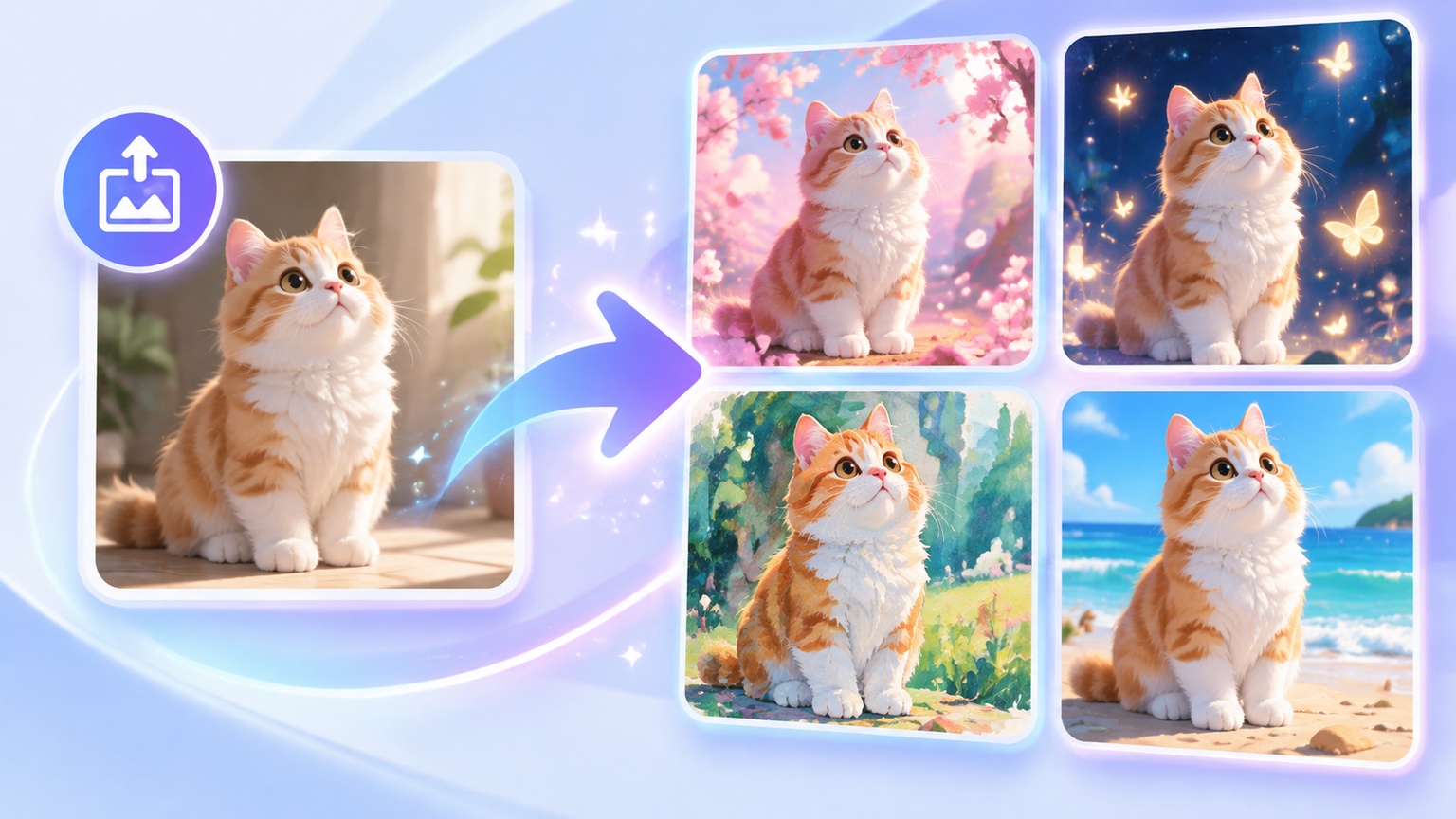
Start with a photo, a written idea, or a scene you want to bring to life. Choose the creative path that fits your project and continue building images or videos with the tools below.



More AI Effects You Might Like
Retro Game AI Filter FAQs
What Is a Retro Game AI Filter?
A retro game AI filter reimagines a person, pet, or everyday subject as a character from an older 3D game. The result combines nostalgic color grading, simplified visual details, and the atmosphere of an early 2000s game scene.
How Do I Turn a Photo Into a Retro Game Character?
Upload a clear photo, start the generation process, review the finished result, and download the image. No manual photo editing is required.
Do I Need to Write a Prompt?
No. The retro game look is already set, so you do not need to describe the character, choose a game era, or enter visual instructions.
Can I Choose a Different Game Style?
No additional style selection is available on this page. The same retro game direction is applied to each upload, while the original subject, outfit, pose, and background help shape the final result.
What Does the Finished Image Look Like?
The finished image features nostalgic colors, retro lighting, and the visual feel of an early 3D game character. It is designed to resemble a classic character screen or game cutscene rather than pixel art or a mosaic effect.
What Types of Photos Work Best?
Photos with one clearly visible subject, natural lighting, and a simple background usually work best. A recognizable hairstyle, clear clothing, and an unobstructed face can also help preserve the character’s appearance.
What Can Affect the Generated Result?
Group photos, distant subjects, dark lighting, and busy backgrounds can make the main subject harder to recognize. Small accessories, detailed patterns, and subtle facial features may also be simplified.
Will the Retro Game Character Still Look Like Me?
The generated character will reference the face shape, hairstyle, skin tone, clothing, and pose in the original photo. Some details may change because the image is being reimagined as a game character rather than copied exactly.
Why Can the Same Photo Produce Different Results?
Each generation may interpret facial details, lighting, colors, and clothing differently. If the first result does not preserve the features you care about, try a closer photo with clearer lighting and a less distracting background.
Can I Use the Image as a Game Style Profile Picture?
Yes. The finished image can work as a profile picture, channel image, social media post, retro character portrait, or visual reference.
Can I Use the Generated Image Directly in a Game?
The image is better suited for character concepts and visual references. A production ready game character usually requires a transparent background, consistent dimensions, separate poses, and multiple animation frames.
What Should I Avoid Uploading?
Avoid uploading identification documents, account screenshots, financial information, or photos containing sensitive personal details. Choose an image you are comfortable using for AI image generation.