
Template
AI Fireworks Generator
MoreUpload an image to start your template-based generation.
Upload Image
AI Fireworks Generator
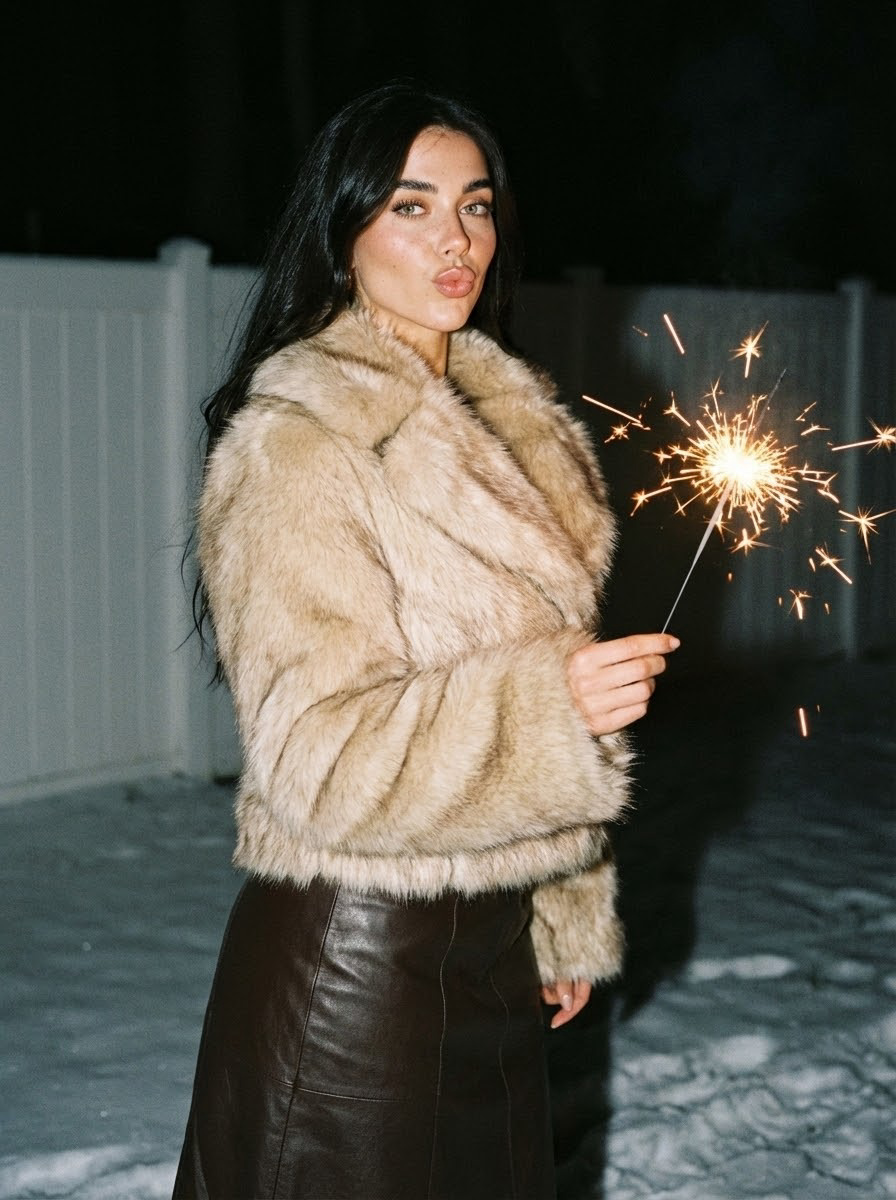
Turn an Everyday Photo Into a Glowing Fireworks Moment
Upload a clear photo and let Guma add glowing fireworks, warm light, and natural highlights around the subject. Your photo does not need to be taken at night. Guma adjusts the atmosphere and lighting automatically, with no prompt, style selection, or manual placement required.
AI Prompt
Close-up, motion blur (film tone: 1.6), blurry, noise, reference (referencing the main facial features of the person in the original image: 1.6) to generate the protagonist, presented in a standing pose, holding a burning handheld firework (sparks flying), warm light and sparks, pouting lips in a relaxed and agile stance, with a sweet and cool expression; the clothing consists of a beige gradient fur-trimmed wide-collar coat (fluffy and full-textured) paired with a dark-brown leather long skirt—this contrast between fur and leather materials perfectly complements the warm and distinctive style of a winter night; the background is a dark outdoor scene, featuring a blurred white fence and snow-covered ground—the dark environment accentuates the bright highlights of the fireworks, enhancing the winter-night atmosphere; the makeup is light and sweet: full lips + natural base makeup (retaining a translucent texture) + subtle eye makeup that perfectly complements the sweet and relaxed look; accessories are minimal, allowing the clothing and fireworks to take center stage; the shot is a half-body composition (up to the thighs), fully showcasing the figure’s posture, the plush texture of the clothing, the dynamic effects of the fireworks, and the intricate details of the winter-night setting, highlighting the sweet and cool ambiance of holding fireworks on a winter night. (Main facial features and hair color remain consistent with the original image: 1.6), with precise proportions.
Why Create Your Fireworks Photo With Guma
Guma brings AI photo and video creation into one straightforward website. The workflow stays clear from upload to download, so you can focus on how the result looks instead of learning complicated editing controls.
Find the Right Creative Experience
Guma organizes its tools around familiar creative goals, making it easier to move from a quick photo idea to a finished image or video.
Follow a Clear Creative Flow
The main actions stay easy to find, so you can upload your media, review the result, and continue without navigating a complex editor.
Review the Details Before Downloading
Preview the finished result to check the lighting, subject details, and overall composition before saving the image to your device.
Keep Creating With the Same Photo
Reuse the same photo across other Guma tools when you want to explore another visual direction without preparing a new image each time.
How to Add Fireworks to a Photo in 3 Steps
Upload a Clear Photo
Choose a clear photo from your device. The image does not need to be taken at night because Guma adjusts the atmosphere automatically.
Generate the Fireworks Effect
Start the generator and let Guma add glowing fireworks and warm light around the subject without a prompt or manual placement.
Preview and Download Your Photo
Review the finished image, check the subject and lighting details, then download the result when it looks right.
Explore More Ways to Create With Guma
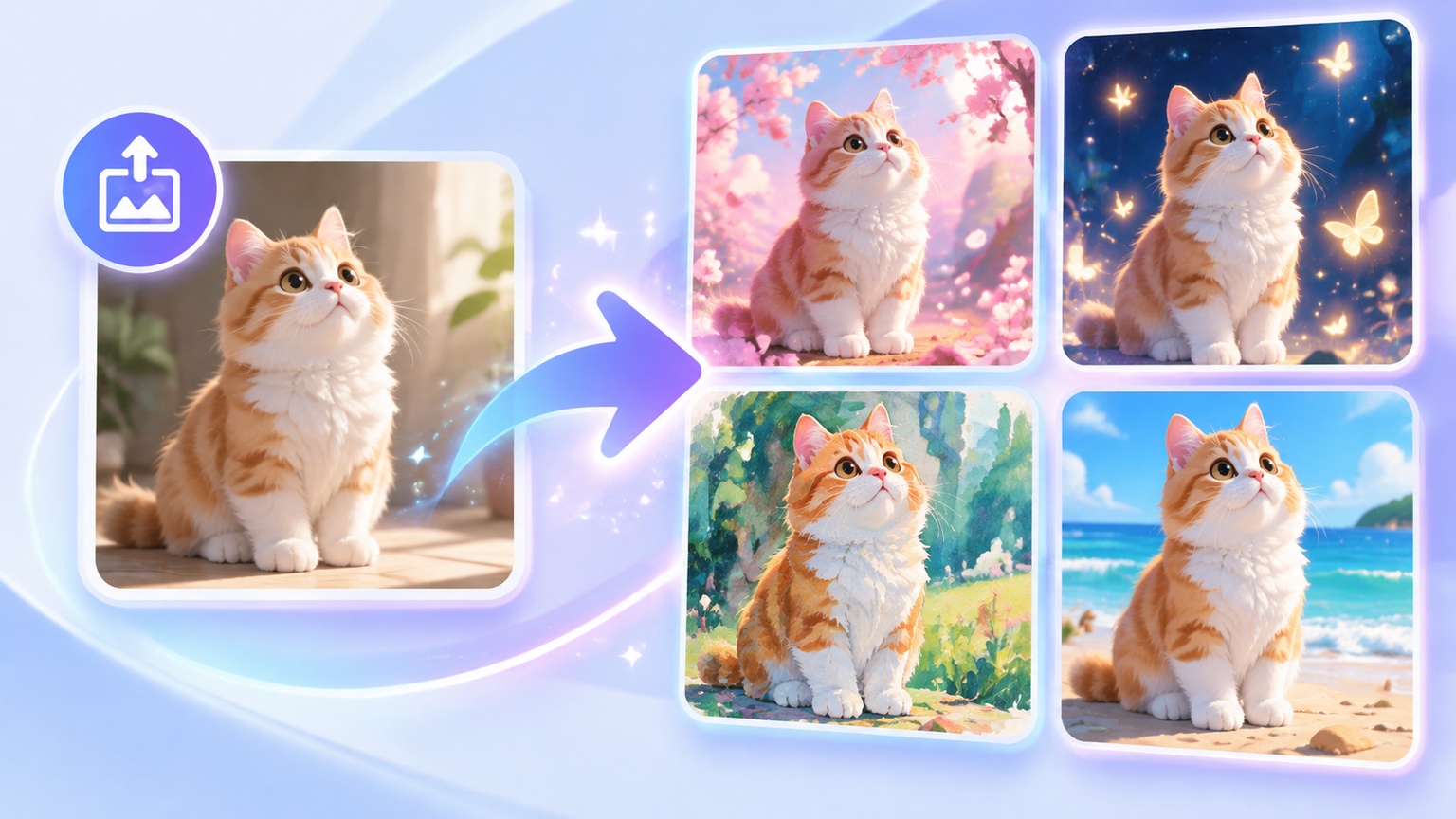
A finished effect can lead to a completely new idea. Explore Guma to create from words or existing media, develop a different visual direction, and move between still images and motion content through a clear workflow.



Explore More AI Photo and Video Effects
Frequently Asked Questions About the AI Fireworks Generator
What Is an AI Fireworks Generator?
An AI fireworks generator adds glowing fireworks and matching light effects to an existing photo. Guma analyzes the subject, composition, and surrounding light before creating the finished image automatically.
How Do I Add Fireworks to a Photo?
Upload a photo, start the generation, and download the finished result. Guma handles the lighting and effect placement automatically, so you do not need to enter a prompt or edit the image manually.
What Kind of Photo Works Best With the AI Fireworks Generator?
A sharp photo with a clearly visible subject usually gives the most balanced result. Images with natural facial details, clear edges, and limited motion blur are easier for Guma to process.
Can I Add Fireworks to an Everyday Photo?
Yes. An ordinary photo can be used even when it was not originally taken in a dark setting. Guma adjusts the image atmosphere and surrounding light as part of the generation process.
Does the Fireworks Photo Effect Work With Portraits?
Yes. Portraits work well when the face and main subject are clear. The generated light is added around the existing composition while keeping the person as the main focus.
Where Will the Fireworks Effect Appear in My Photo?
Guma automatically places the effect according to the subject and composition of the uploaded photo. Manual positioning is not required, and the exact arrangement may vary between images.
Will the Fireworks Effect Change the People in My Photo?
The effect is designed to keep the people recognizable while adding new lighting and visual details around them. Small differences may appear because every image is processed as a new result.
What Should I Do If the Generated Photo Looks Unusual?
Try generating the effect again or upload a clearer version of the photo. Images with sharp subject details and less motion blur usually give Guma a stronger visual reference.