
AI Brick Filter
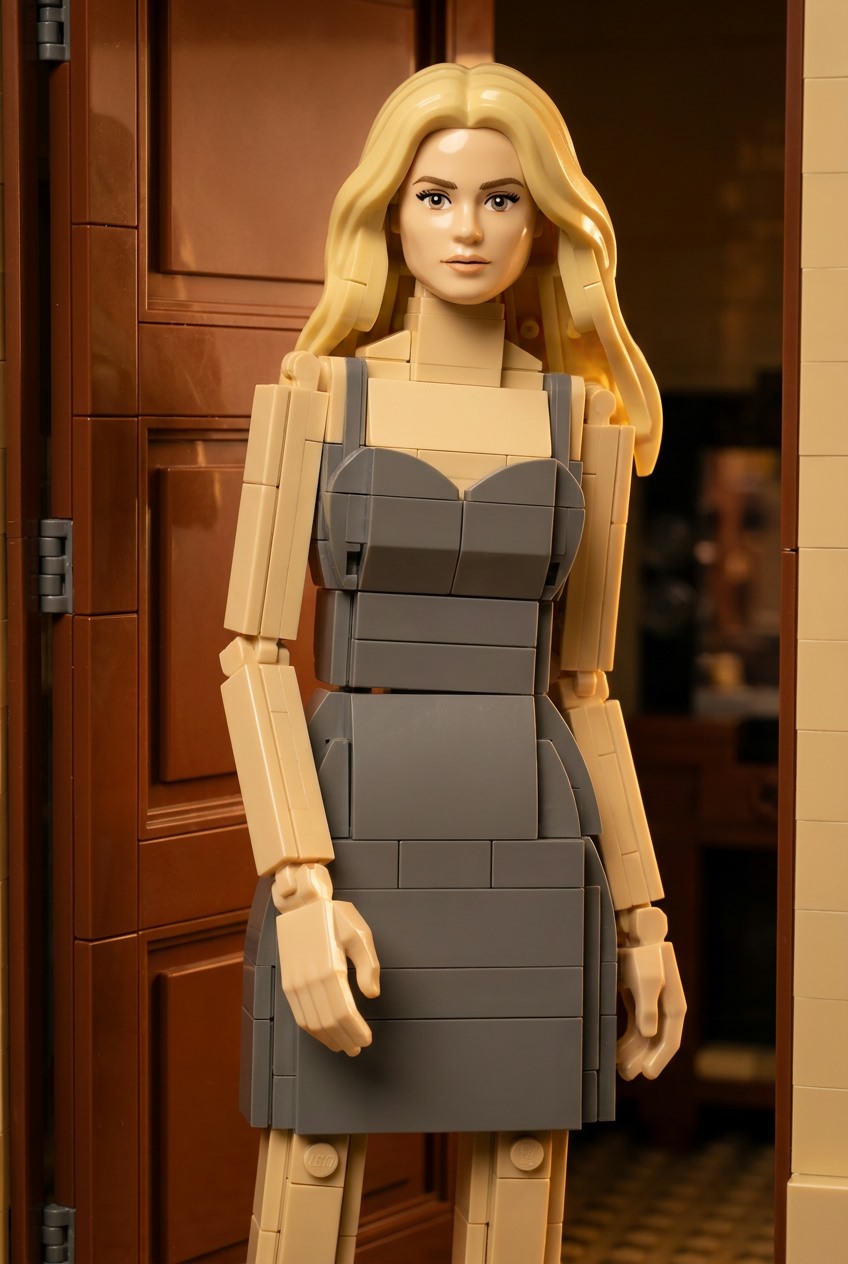
Turn a Favorite Photo Into a Brick World
Upload a photo of a person, pet, object, or place, and Guma AI Brick Filter will recreate it with colorful blocks and playful toy details. The generated image draws from the original subject, pose, colors, and composition, so the result still feels connected to the photo you chose. There is no style selection and no prompt to write.
AI Prompt
{Reference to the original image’s character identity and facial features: 1.8}, {Character consistency: 1.8}, {Clothing styles fully preserved: 2.0}. Strictly use the user-uploaded image as the reference for content, composition, and styling, fully preserving the number of characters, body proportions, poses, clothing styles, background patterns, camera angles, and overall scene layout from the original image. Do not alter the original scene, do not add new characters or objects, and uniformly transform the entire image into a refined brick-building toy style. The entire scene is completely rendered in a brick-toy aesthetic, including characters, masks, clothing, jewelry, objects, and backgrounds. All elements clearly reveal distinct building structures, brick joints, round studs, and plastic components; no real human skin or authentic materials are visible. High-quality brick-toy cinematic style, exquisite stop-motion animation texture, miniature model photography, realistic plastic materials, smooth rounded highlights, rich joining details, strong color contrasts, warm indoor lighting, sharp focus on the main subject with slightly blurred background, close-up wide-angle perspective, lively and humorous, trendy street vibe, commercial toy-advertising quality, ultra-fine 3D rendering, and high-definition vertical-format imagery. {Refer to the original image’s key facial features, gender, hair color, hairstyle, and biological characteristics of the protagonist—these remain unchanged}, {Realism: 1.6}.
Create Your Brick Style Image in Three Steps
Upload a Clear Photo
Choose an image with a visible subject, natural lighting, and minimal obstruction. Portraits, pets, objects, and buildings with clear outlines give Guma more visual detail to work with.
Let AI Rebuild the Scene
Start the generation and let Guma transform the people, objects, and surroundings into a fixed brick style. You do not need to select another look or describe the result in a prompt.
Review and Download Your Image
Check faces, hands, clothing, pet features, and important background details. Once the image looks right, download your finished brick style creation.
Why Create With Guma?
Guma makes AI creation easier to approach. Start with the result you want, add the material you already have, and follow a clear path to generation. There is no need to study complicated settings or learn professional design software before you begin.
Find the Right Starting Point
Each creative task has a clear entry point. Whether you are working with an existing photo or developing a new visual idea, you can begin with the tool that matches your goal.
Create Without a Complicated Setup
You do not need to build a technical workflow before making something. Add your content, follow the page guidance, and let Guma handle the generation process.
Review the Result Before Downloading
Take a moment to look at the subject, composition, and small visual details. You decide whether the result works for your project before downloading it.
Take One Idea in a New Direction
The same idea can begin with words, an image, or a piece of video. After finishing one creation, you can explore another approach for social posts, profile images, personal projects, and visual storytelling.
Discover More Ways to Create With AI
Every project starts differently. You might have an idea in mind, a photo ready to use, or a short clip you want to develop. Guma brings a range of AI creation tools into one approachable space, making it easier to find a creative path that fits your starting point and desired result.
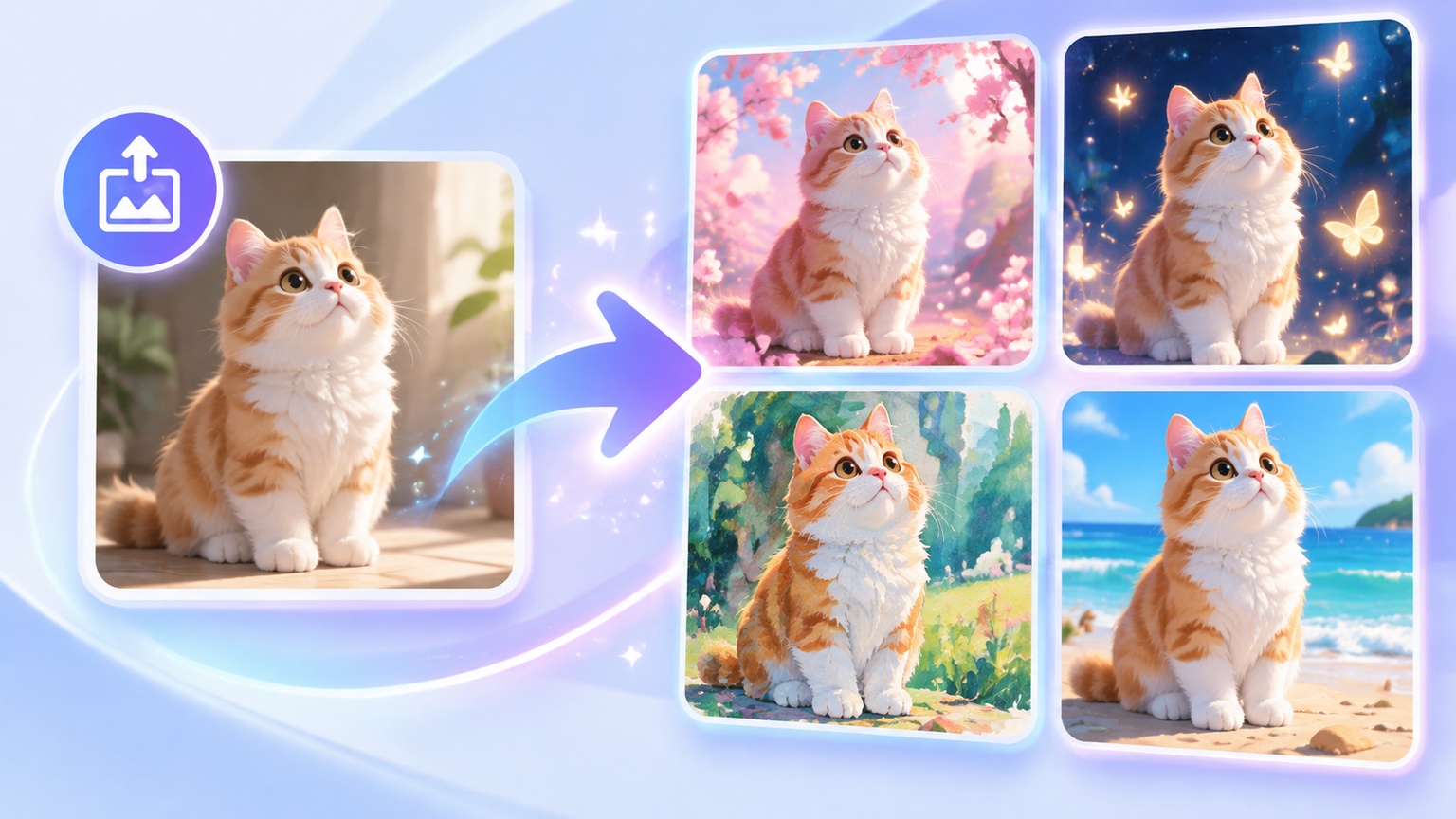


Explore More AI Image Ideas
Frequently Asked Questions About the AI Brick Filter
What Is an AI Brick Filter?
An AI Brick Filter turns an ordinary photo into a newly generated image with block shapes, brick structures, and playful toy details. A portrait may become a brick character, while a pet, object, building, or landscape may appear as part of a complete brick world.
Do I Need to Choose a Style or Write a Prompt?
No. Guma uses a fixed brick effect on this page. Upload your photo and start the generation without choosing another style, adjusting settings, or writing a text prompt.
What Photos Work Best With the AI Brick Filter?
Clear photos with natural lighting and a visible subject usually work best. Front facing portraits, half body photos, pets with visible facial features, and objects with defined outlines give the AI more useful visual information.
Can I Make an AI Brick Avatar From a Portrait?
Yes. Upload a clear portrait to create a brick character that can work as a profile image or social media visual. Photos with a visible face, hairstyle, and upper body usually provide the strongest reference.
Can I Turn Pets, Vehicles, and Buildings Into Brick Art?
Yes. Guma can work with cats, dogs, vehicles, buildings, food, and everyday objects. Depending on the source photo, the result may look like a brick model, a toy inspired character, or a larger block based scene.
Can I Use a Group Photo?
Yes, but group photos contain more faces, hands, and overlapping details. A photo with fewer people and clearly visible faces is easier to recreate. Review each person carefully before downloading the result.
Will the Generated Image Still Look Like the Original Photo?
Guma uses the original pose, hairstyle, clothing colors, subject placement, and overall composition as visual references. Faces, hands, jewelry, text, and detailed patterns may change because the image is generated again rather than copied exactly. Repeating the generation may also produce a different arrangement of brick details.
Is Guma AI Brick Filter Connected to a Toy Brand?
No. Guma creates independent brick style, block art, and toy inspired images. Guma AI Brick Filter is not connected with, sponsored by, or associated with any toy brand.