
Finger Heart AI Video Generator
Turn Two Different Photos into a Romantic Animated Heart Gesture Video
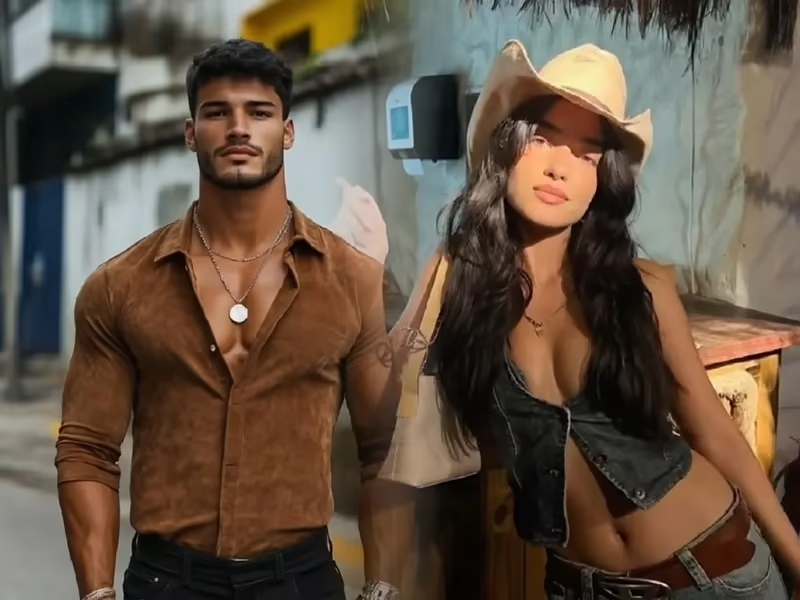
Turn two different static photos into an irresistibly sweet animated video. Simply upload two photos taken against different backgrounds or in different locations, and Guma AI will automatically extract the people from both photos, smoothly guide their hands together, and form a complete, visually appealing heart gesture. Combined with a gentle camera push-in effect, the video keeps facial features natural and clear while ensuring that the moment the hands meet is smooth and seamless, without awkward extra arms or distorted fingers. Effortlessly overcome the limits of time and distance and capture a romantic interaction that belongs exclusively to the two of you.
AI Prompt
There are two people in the picture, standing close and smiling as they look towards the camera. Each person extends one hand (one person's left hand and another person's right hand), intersects in the middle, and elegantly forms a heart-shaped gesture. Only one complete heart-shaped gesture is allowed in the video, and no additional heart-shaped gestures are allowed. The camera slowly zooms in, keeping the two people and the only heart-shaped gesture fully visible, while the background is clear and natural, creating a warm and peaceful atmosphere
Turn Two Photos into a Romantic Heart Gesture Video in Three Simple Steps
Upload Two Clear Photos Separately
Upload two photos separately, making sure that the person in each photo is facing the camera directly.
Start Dynamic Blending and a Subtle Camera Push-In with One Click
After you click Generate, Guma AI will automatically blend the people and backgrounds from the two photos, match the movement paths of their hands, and add a camera push-in effect.
Preview the Result and Save the HD Video File
After confirming the perfect heart gesture and natural lighting in the preview, directly download the video in HD MP4 format to save it or share it with friends at any time.
Why Do More People Prefer Creating Interactive Videos with Guma AI?
Even without a photo taken together, you can easily create a natural-looking animated video featuring two people. With Guma AI, all the technical details of cross-photo blending and motion synthesis are carefully packaged behind a simple, user-friendly interface. You do not need to learn complicated professional editing techniques or repeatedly revise cumbersome prompts. Simply upload two photos you like, and you can get an animated result with a well-blended background, clear visuals, and natural body movements.
Natural and Seamless Cross-Photo Composition
Deeply optimized for extracting people from two separate photos and creating an overlapping hand gesture, effectively reducing hand distortion, duplicated fingers, and inaccurate background blending.
Simple to Use with No Learning Curve
Say goodbye to complicated timeline keyframing and parameter adjustments. Simply upload two photos separately to generate your video and see a satisfying animated result within seconds.
Preserves the Authentic Look of the Original Photos
While creating the heart gesture and blending the new background, the system preserves the original facial details, skin texture, lighting, and shadows of the people in both photos to the greatest extent possible.
Easy Publishing Across Multiple Platforms
The exported HD video offers excellent compatibility and crisp, detailed visuals, allowing it to be uploaded seamlessly to popular short-video platforms or shared on social media.
Unlock Endless Creative Inspiration and Let Your Photos and Ideas Grow Freely
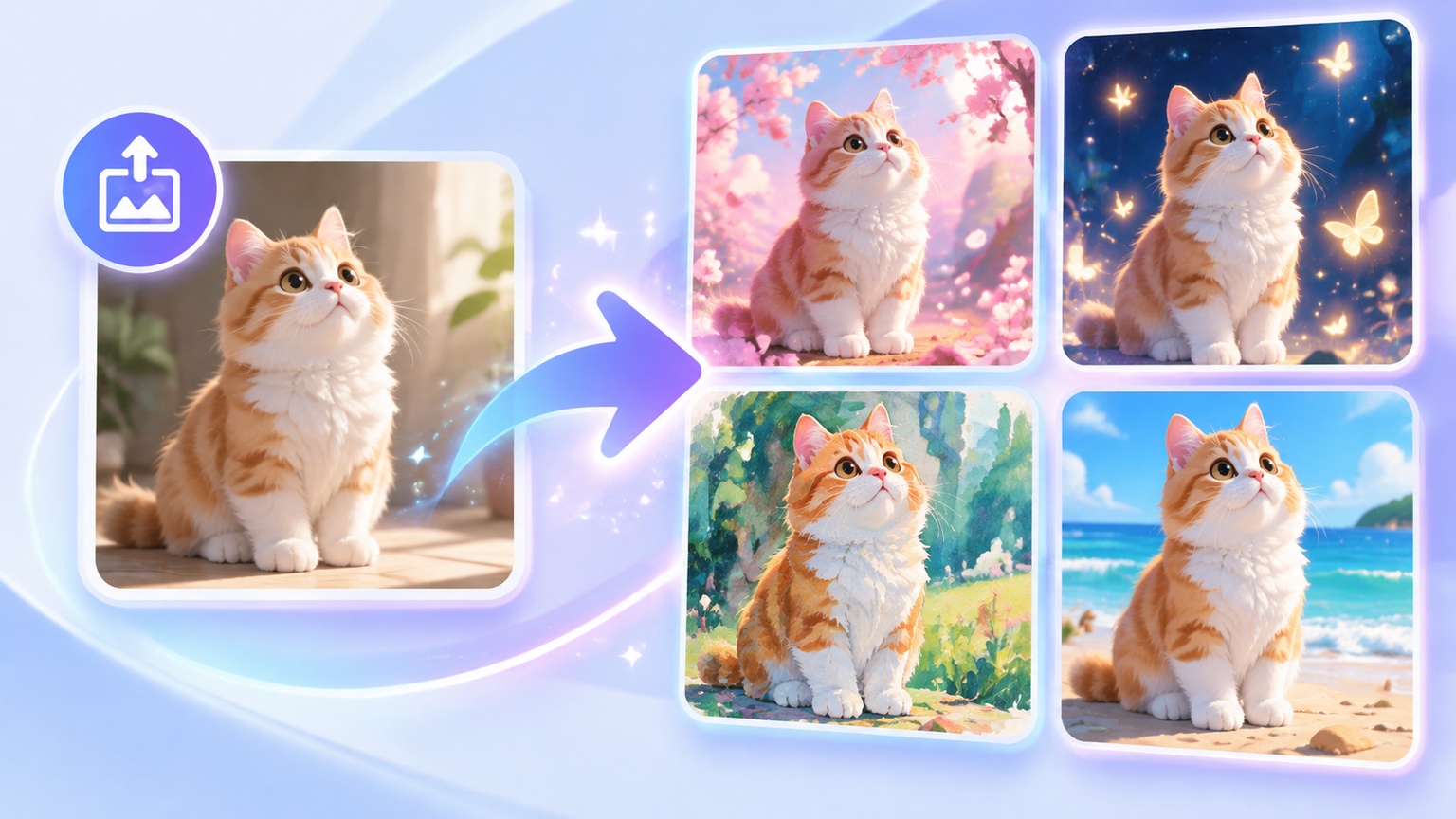
Beyond heart gestures, an endlessly expansive space for visual creation awaits you here. From turning ideas described in text directly into stunning visuals to transforming one or multiple photos into emotionally engaging animated videos, a rich variety of creative modes can fulfill all your visual storytelling ideas. Whether you want to capture heartwarming moments from everyday life or create eye-catching short-form video content for social media, you can find the generation method that best suits your needs and effortlessly turn inspiration into visuals that tell a story.


Explore More Fun Dynamic Generation Options
Finger Heart AI Video Generator FAQs
What kinds of photos are suitable for creating a two-person heart gesture video?
You can upload two different photos separately. We recommend choosing photos in which each person is facing the camera directly, their upper body and hands are unobstructed, and their outline is clearly visible. This helps the system extract the people more accurately and create a natural heart gesture.
Can photos of two people taken in different locations be combined into a heart gesture video?
Yes. You can upload two photos taken in different locations and against different backgrounds. The system will automatically recognize and extract the people from the photos and blend them into an animated video in which they appear in the same scene, joining hands to form a heart gesture.
Will an extra hand appear or will the heart gesture become distorted in the generated video?
No. The system follows a strict single-heart-gesture generation rule. Throughout the entire process, only one complete heart shape formed by a single pair of hands is allowed to appear, effectively preventing unwanted limbs or incorrect gestures.
Do I need to draw motion paths myself or enter complicated English prompts?
Not at all. This is a fully automated, dedicated composition effect. After uploading the two photos, simply click Generate, and the system will automatically complete the image blending, camera push-in, and heart gesture motion path.
Why does the generated heart gesture effect include a slow camera push-in?
The slow camera push-in naturally shifts the visual focus from the people’s faces to the heart gesture in the center. This not only adds dynamic depth to the video but also creates a warmer and more romantic emotional atmosphere.
What format is the generated video? Can it play smoothly on a mobile phone?
Videos are exported in the widely supported HD MP4 format at 1080P resolution. They are fully compatible with mobile phones and computers, making it easy to send them directly to friends or publish them on social media platforms.
Can photos of people standing sideways or facing away from the camera be used to generate a heart gesture video?
We recommend using photos in which the person is facing the camera directly. Side-profile or back-facing photos make it more difficult for the system to accurately capture facial expressions and the relative positions of the hand joints. Clear, front-facing photos provide the best blending and motion reproduction results.
How long does it usually take to generate a personalized heart gesture video?
Thanks to the efficient cloud-based intelligent rendering engine, the entire generation process usually takes only a few seconds. You can view the progress in real time on the preview screen and download the completed video with one click.
Can the generated video be uploaded directly to platforms such as Douyin or Xiaohongshu?
Yes. The exported HD MP4 video uses widely supported dimensions and mainstream encoding formats, making it perfectly compatible with the upload and playback requirements of major short-video platforms and easy to share.